Ecommerce Launch Checklist I Wish Someone Had Given Me (10 Steps, No Fluff)
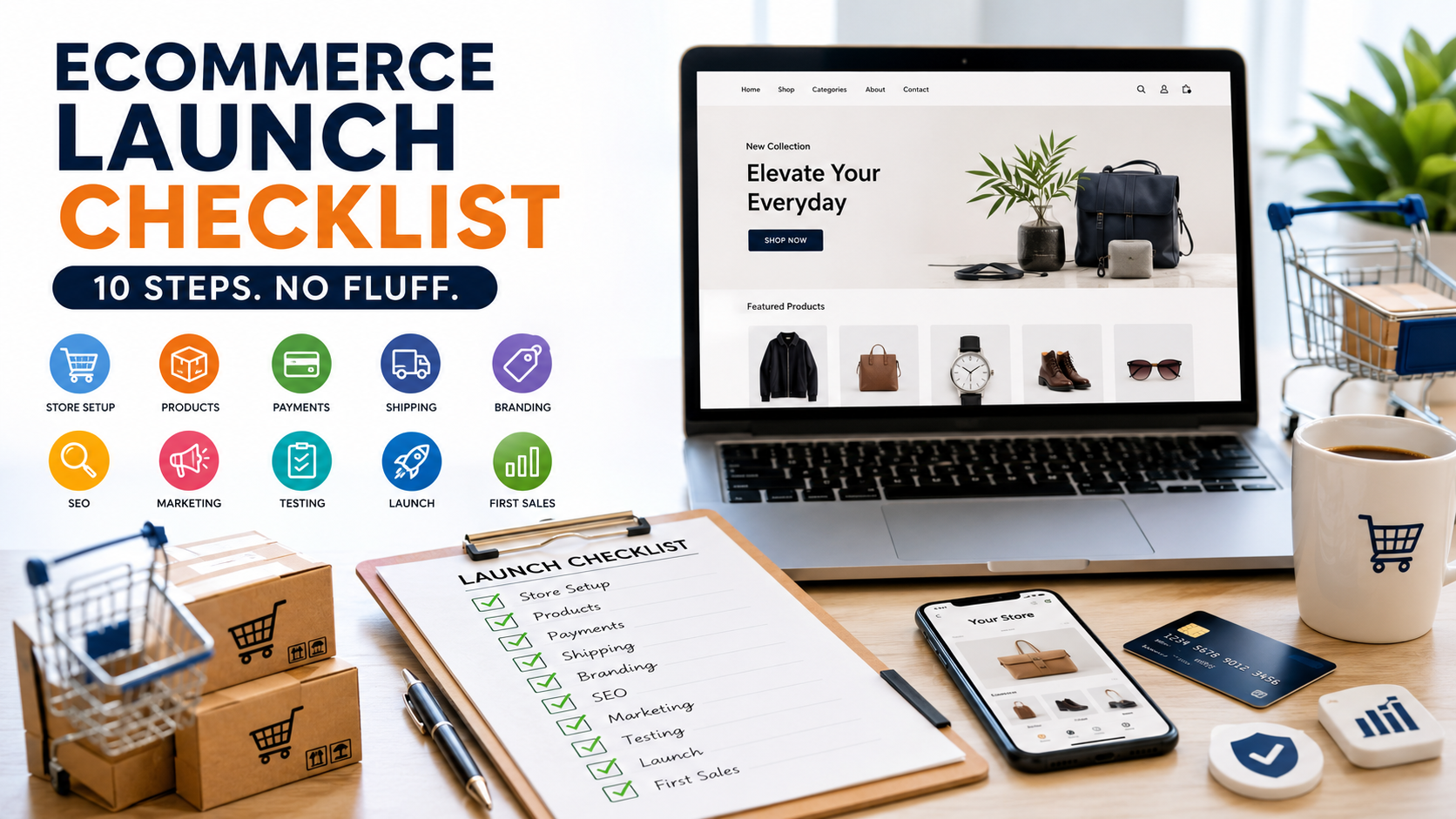
When I set up my first online store, I thought the hard part was picking a nice theme and adding products. I was wrong. The hard part is everything you don’t think about until it’s already gone wrong — a payment gateway that gets flagged, a missing refund policy that scares off a buyer at checkout, an SEO setup that means nobody finds you for the first six months.
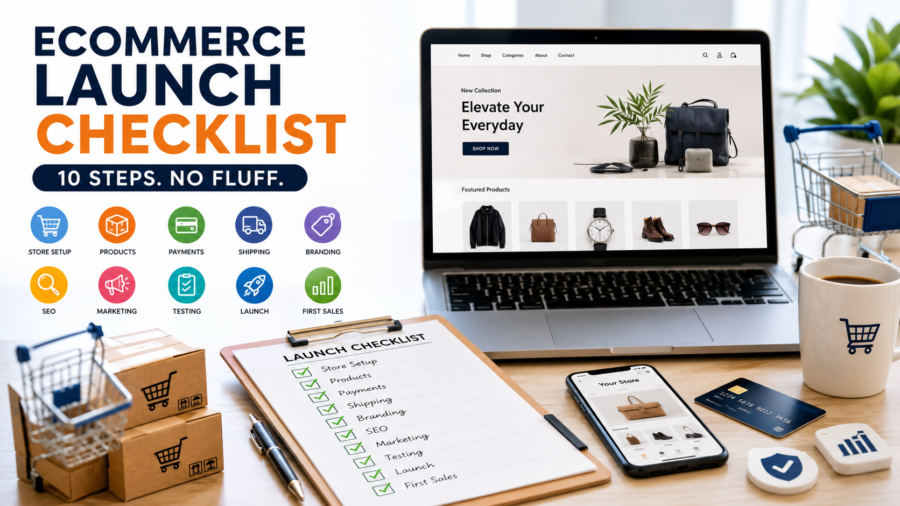
After running through this process myself, and helping clients do the same through UZORA, I put together the checklist I actually use now. It’s ten steps, and I’ve added two that most “ultimate checklists” skip entirely, because they’re the ones that decide whether you make money or just burn ad spend.
Number - 1:
Pick a platform that fits your business
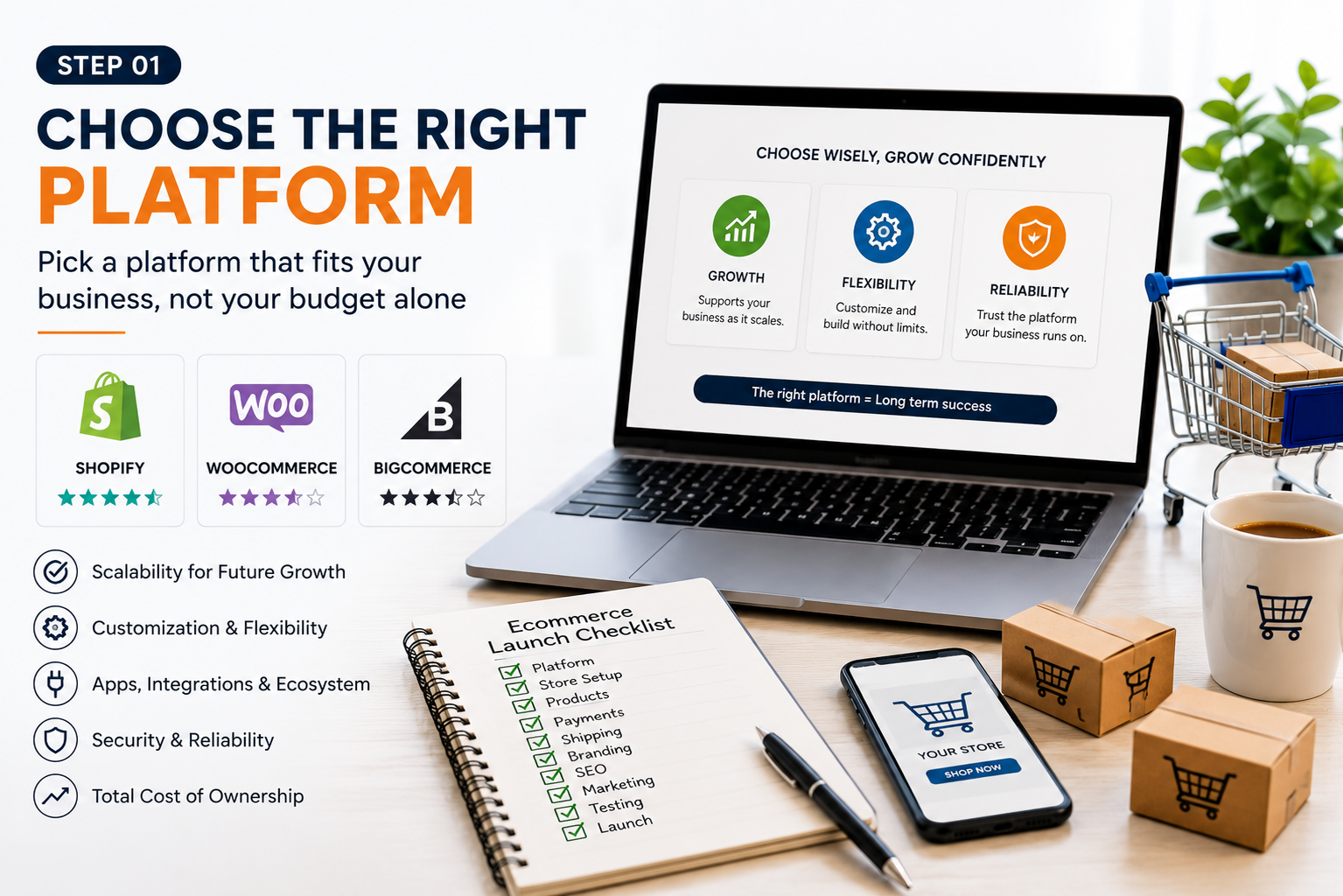
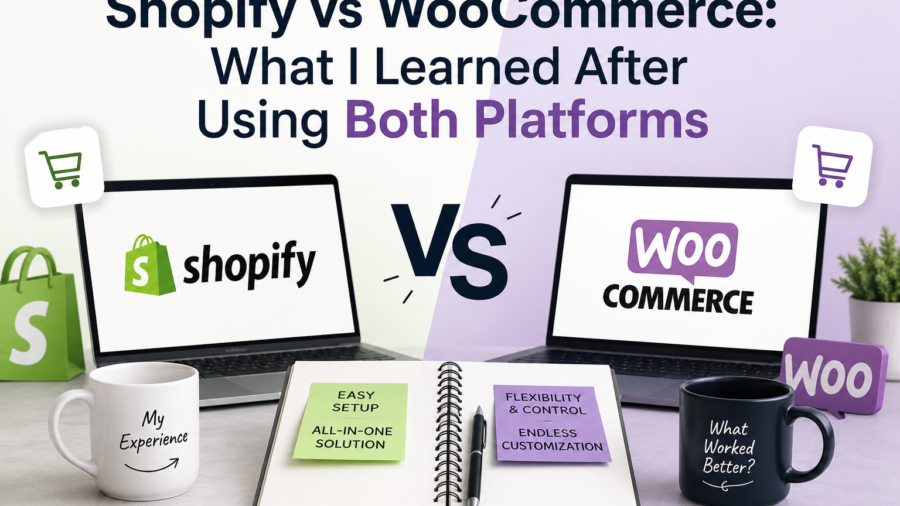
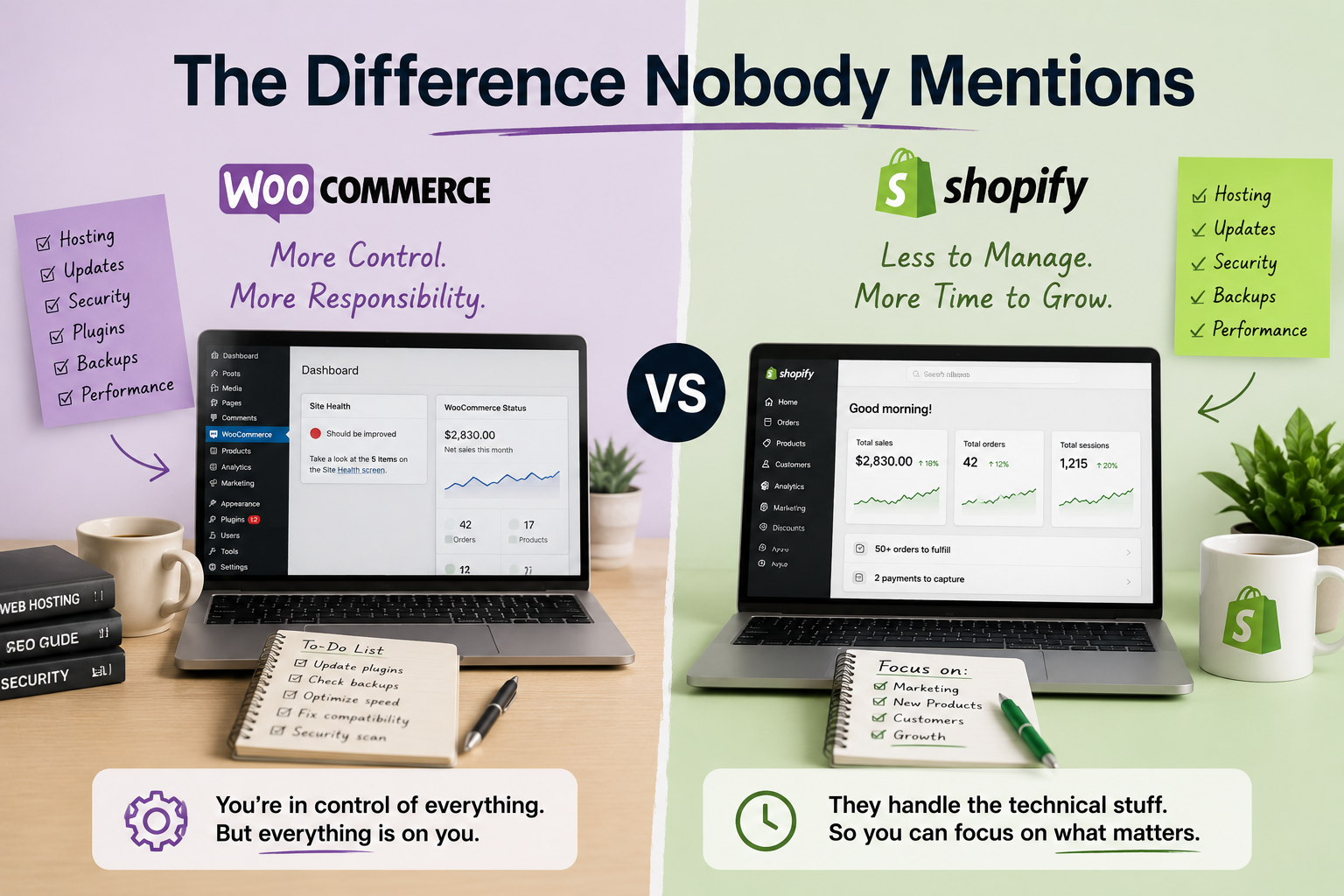
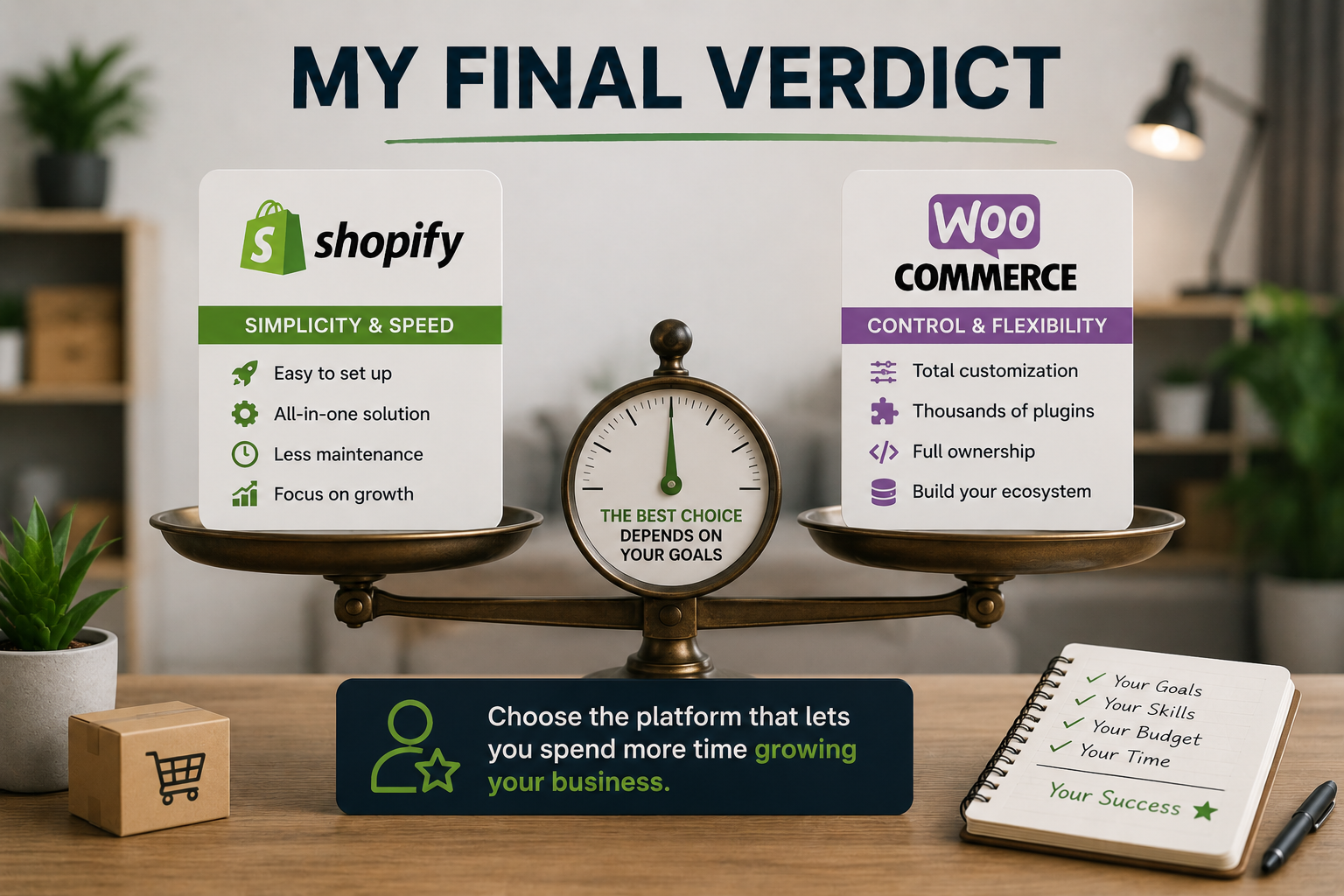
Everyone asks me “Shopify or WooCommerce?” first, and I get why — it feels like the biggest decision. It’s not, but it does set the ceiling on what you can do later.
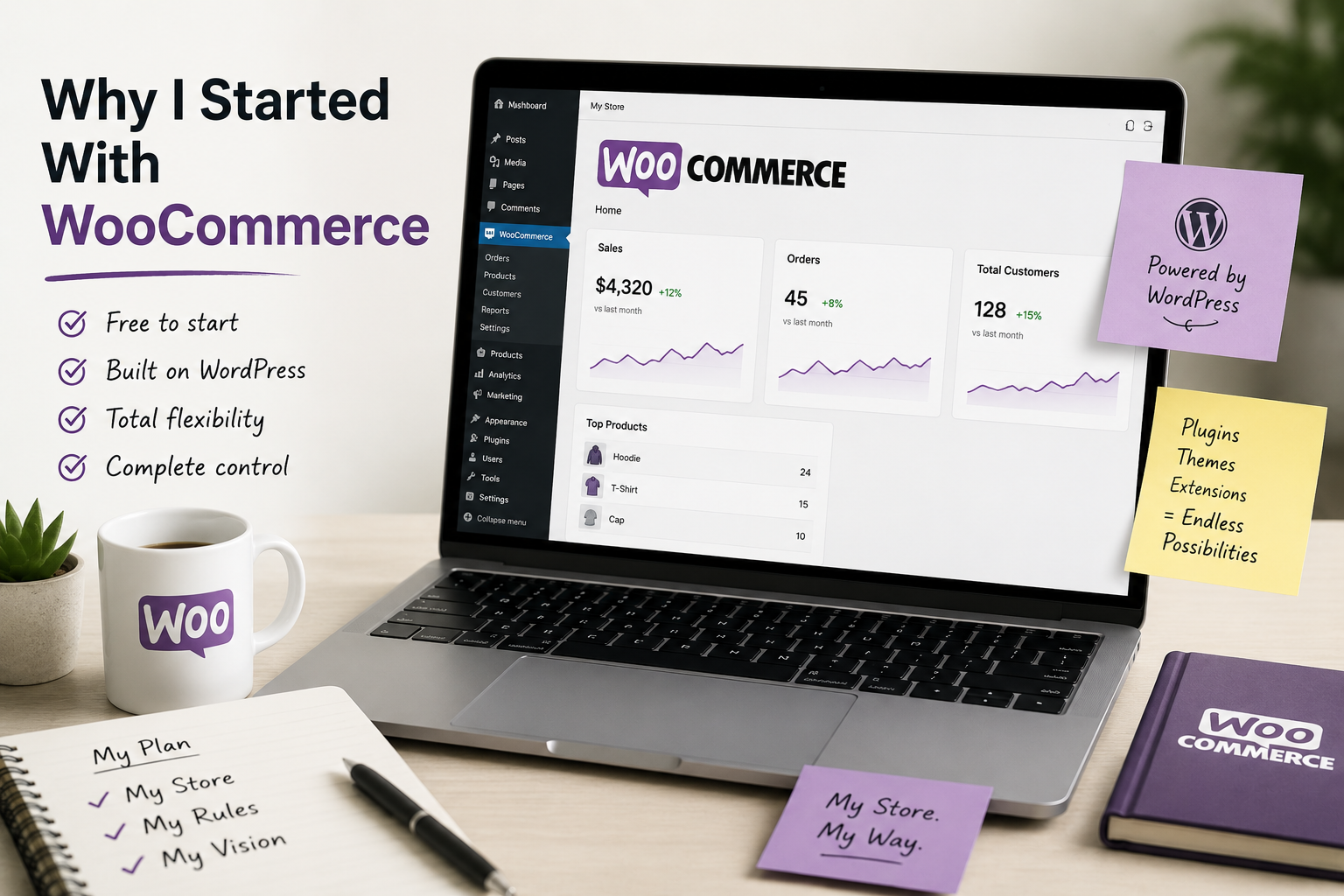
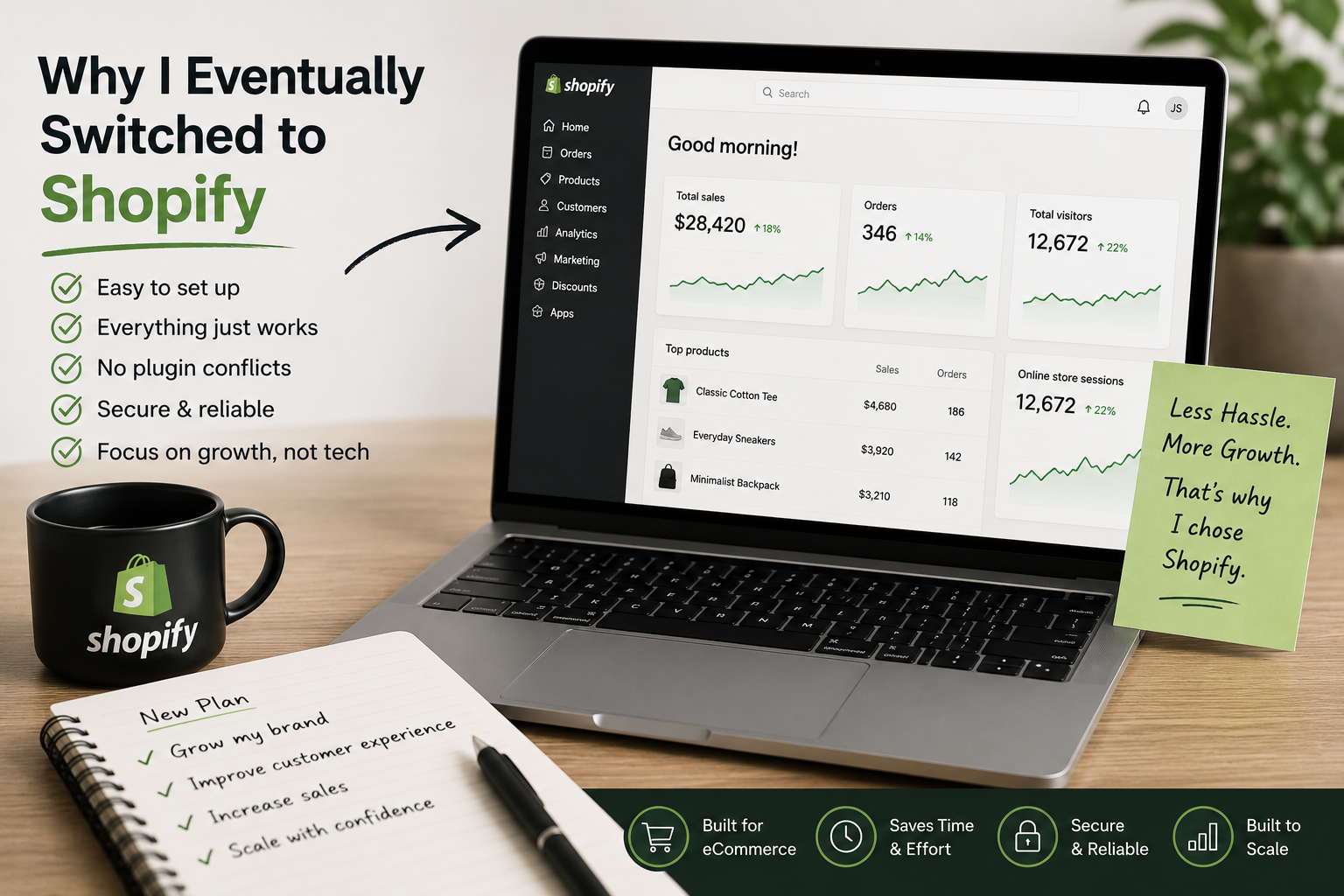
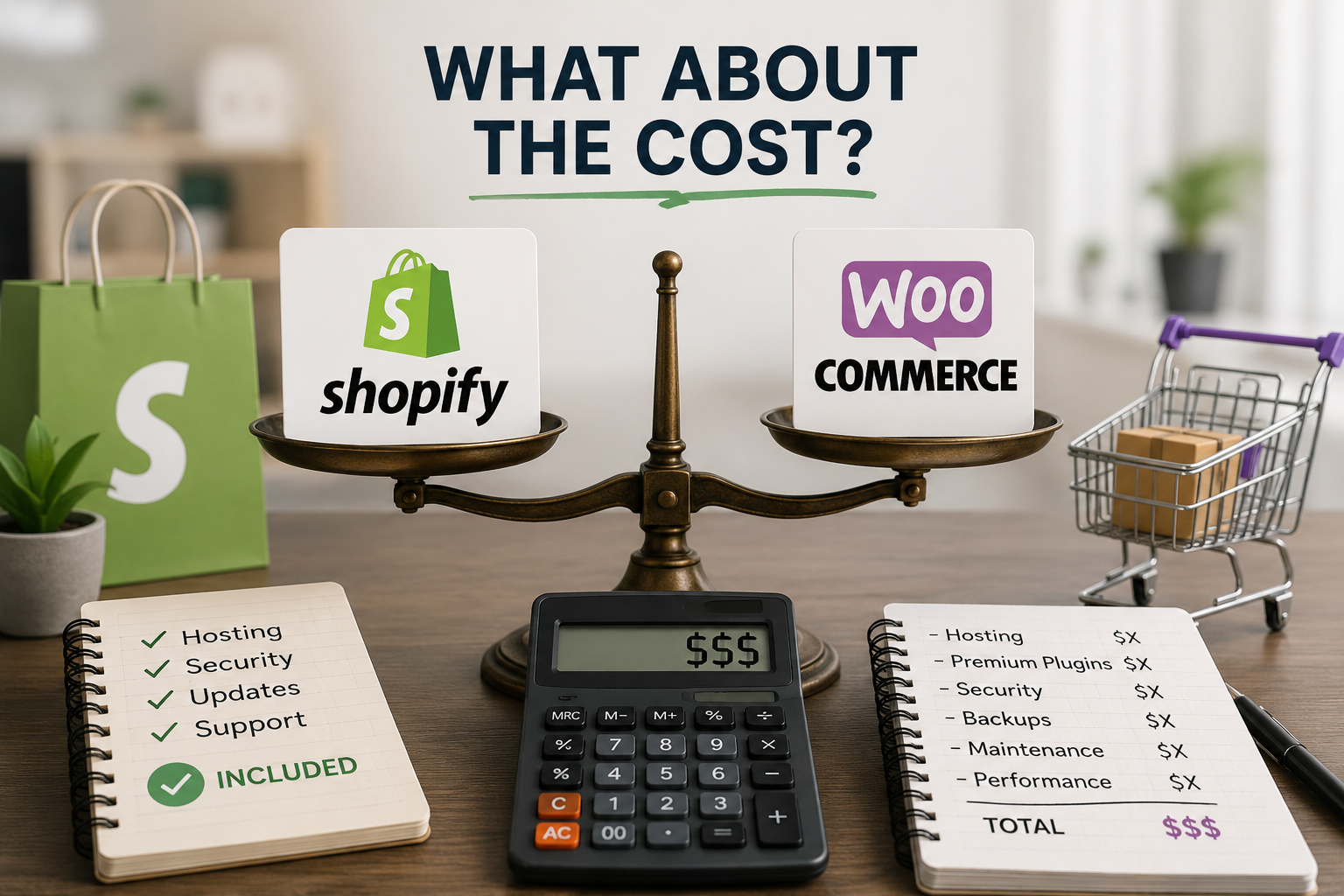
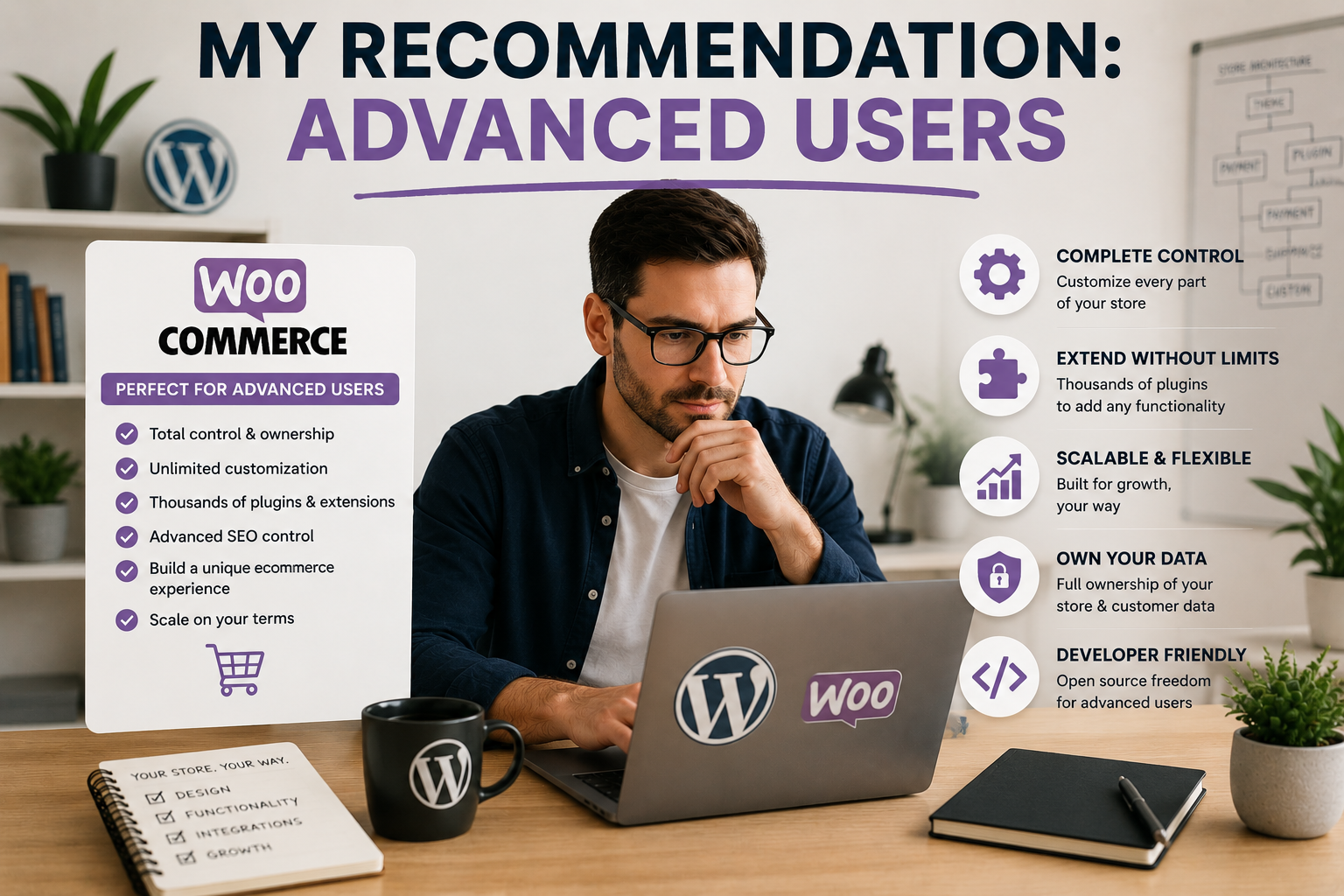
Shopify is the easiest to launch fast and scale without touching code. WooCommerce gives you more control if you’re already comfortable in WordPress and want lower long-term costs. Magento is for when you’ve outgrown both and need serious customization — most first-time store owners don’t need it yet.
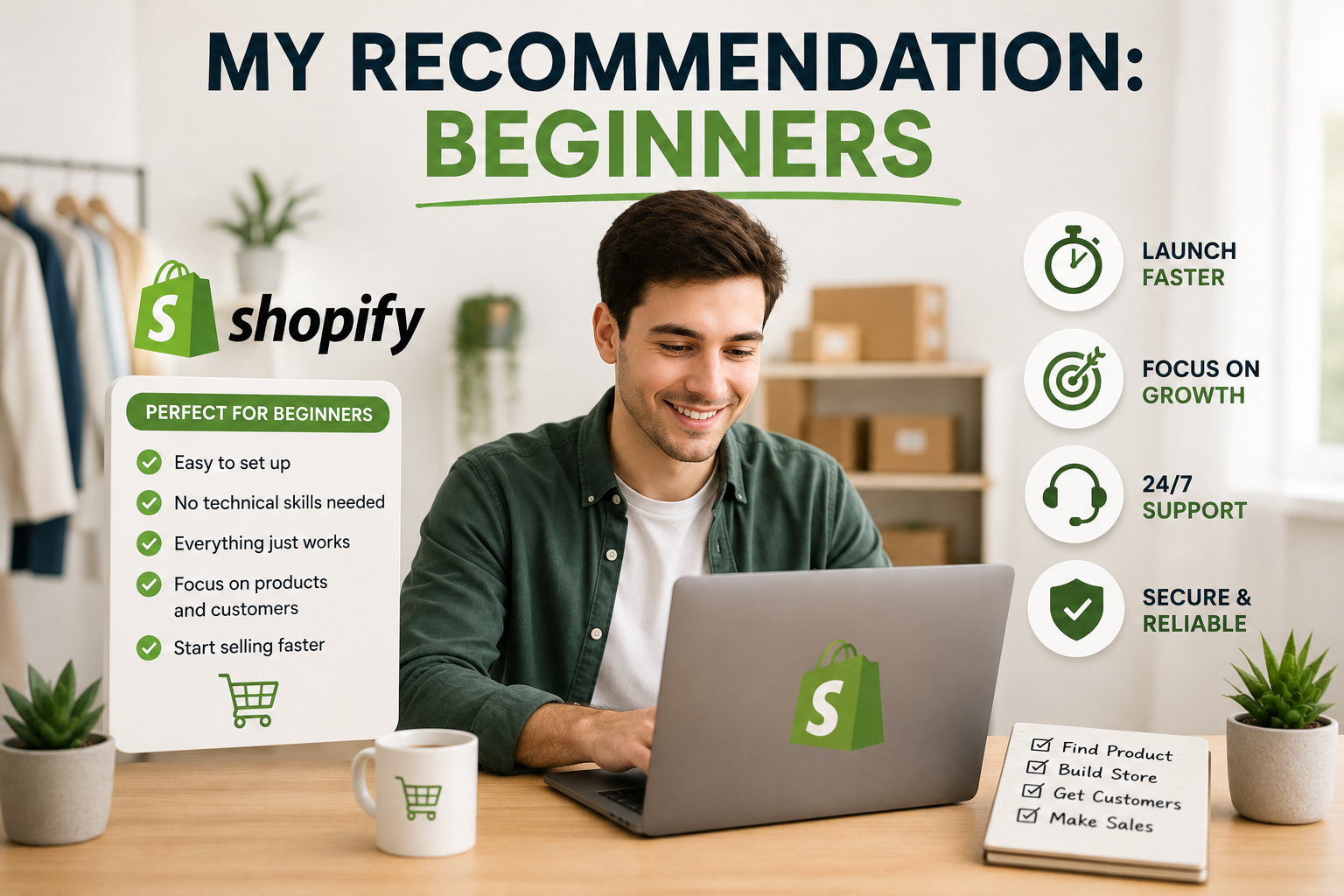
My rule of thumb: if you want to be selling within a week, go Shopify. If you’re building a content-and-store hybrid (which I usually recommend for dropshipping brands), WooCommerce on WordPress gives you better blog SEO out of the box.
Number - 2:
Get a custom domain
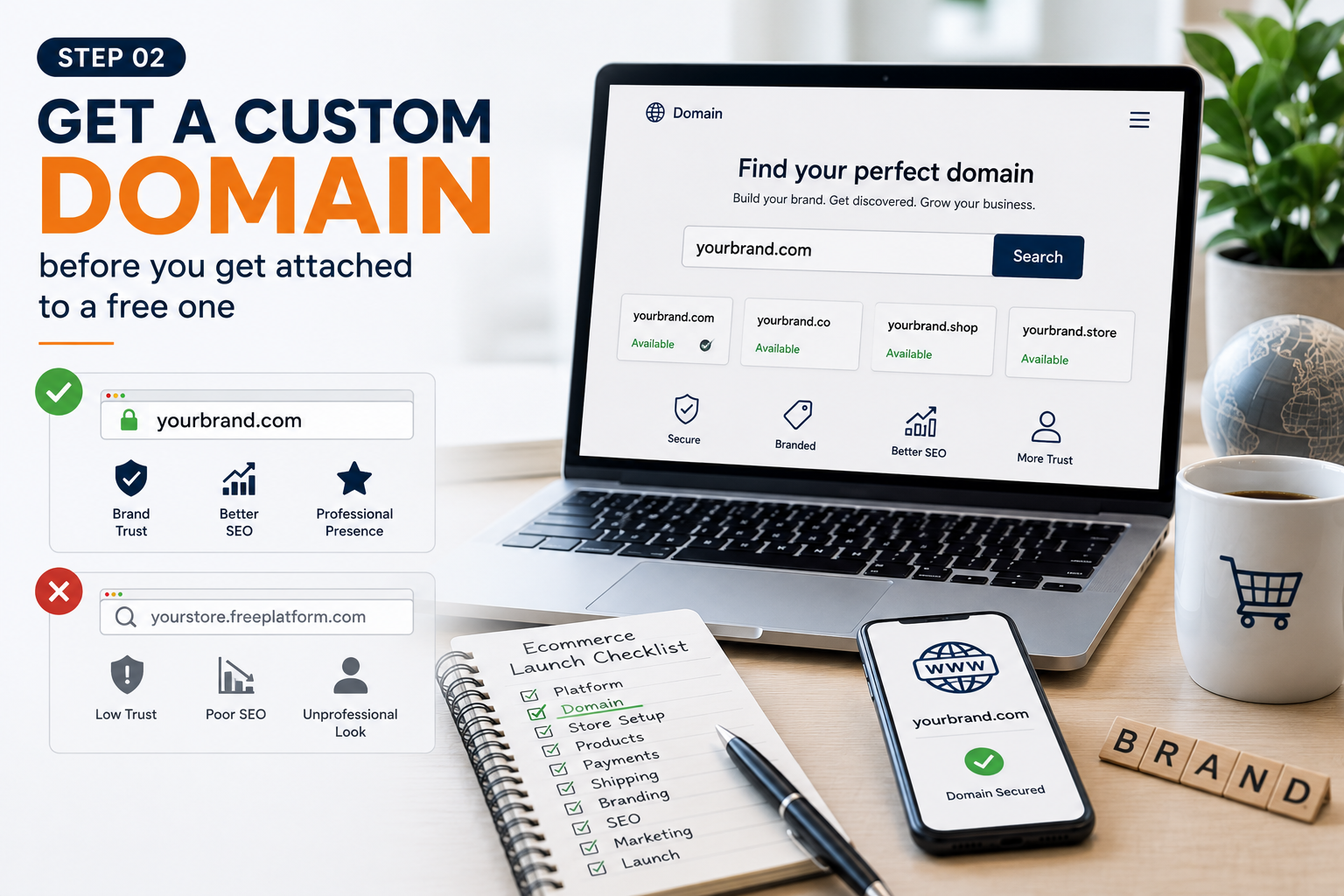
A free subdomain (yourstore.myshopify.com) makes a store look unfinished, and it hurts trust at the exact moment a stranger is deciding whether to hand you their card details. A custom domain costs less than a coffee subscription and instantly makes you look like a real business.
Keep it short, easy to say out loud, and if you can fit a keyword related to your niche in there without forcing it, that’s a small SEO bonus. Don’t overthink it beyond that.
Number - 3:
Know exactly who you're selling to before you design anything
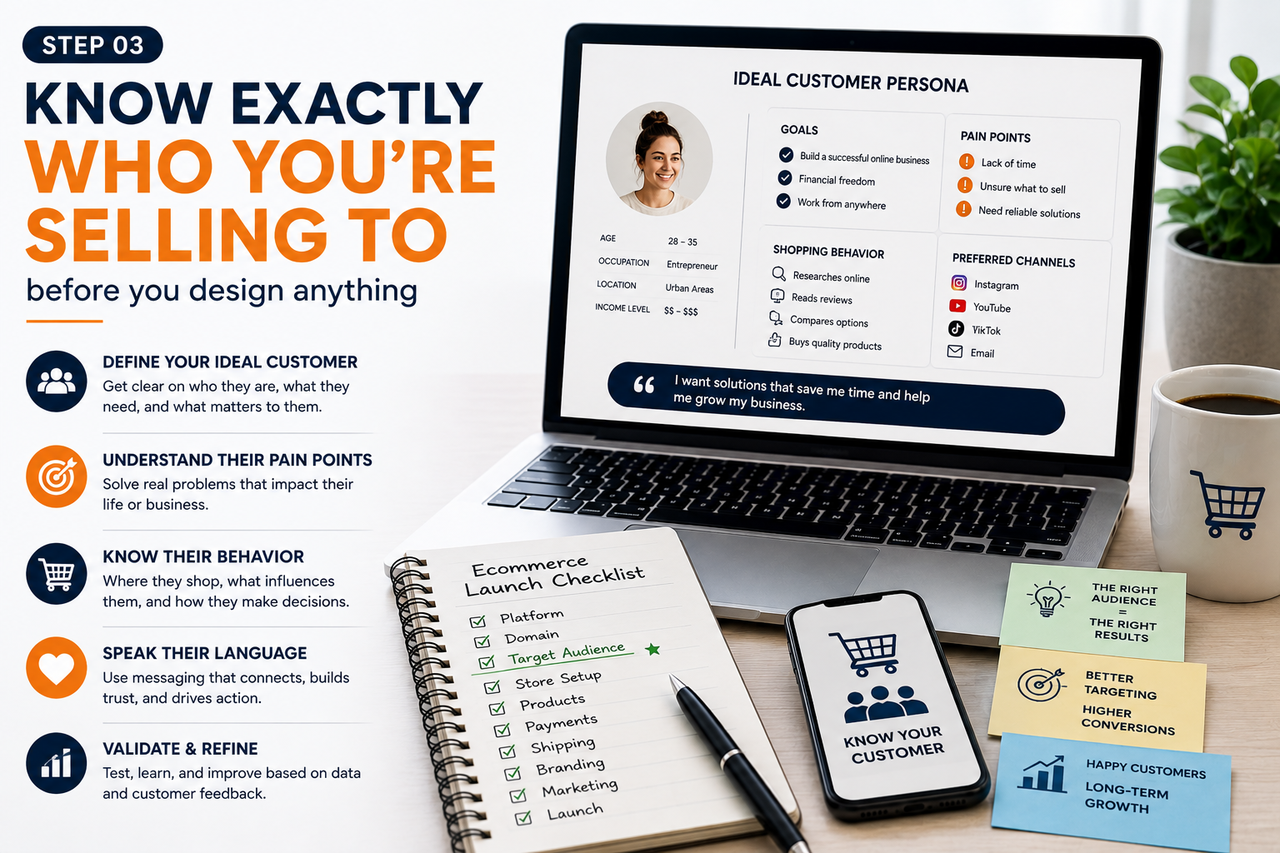
I used to skip this step and jump straight to building. Big mistake. Your target audience decides your product selection, your homepage copy, your color palette, even which social platform you should be spending time on.
Spend a few hours actually researching: who has the problem your product solves, where do they already hang out online, and what convinces them to buy. Everything else in this checklist gets easier once you know this.
Number - 4:
Design for trust, not just for looks
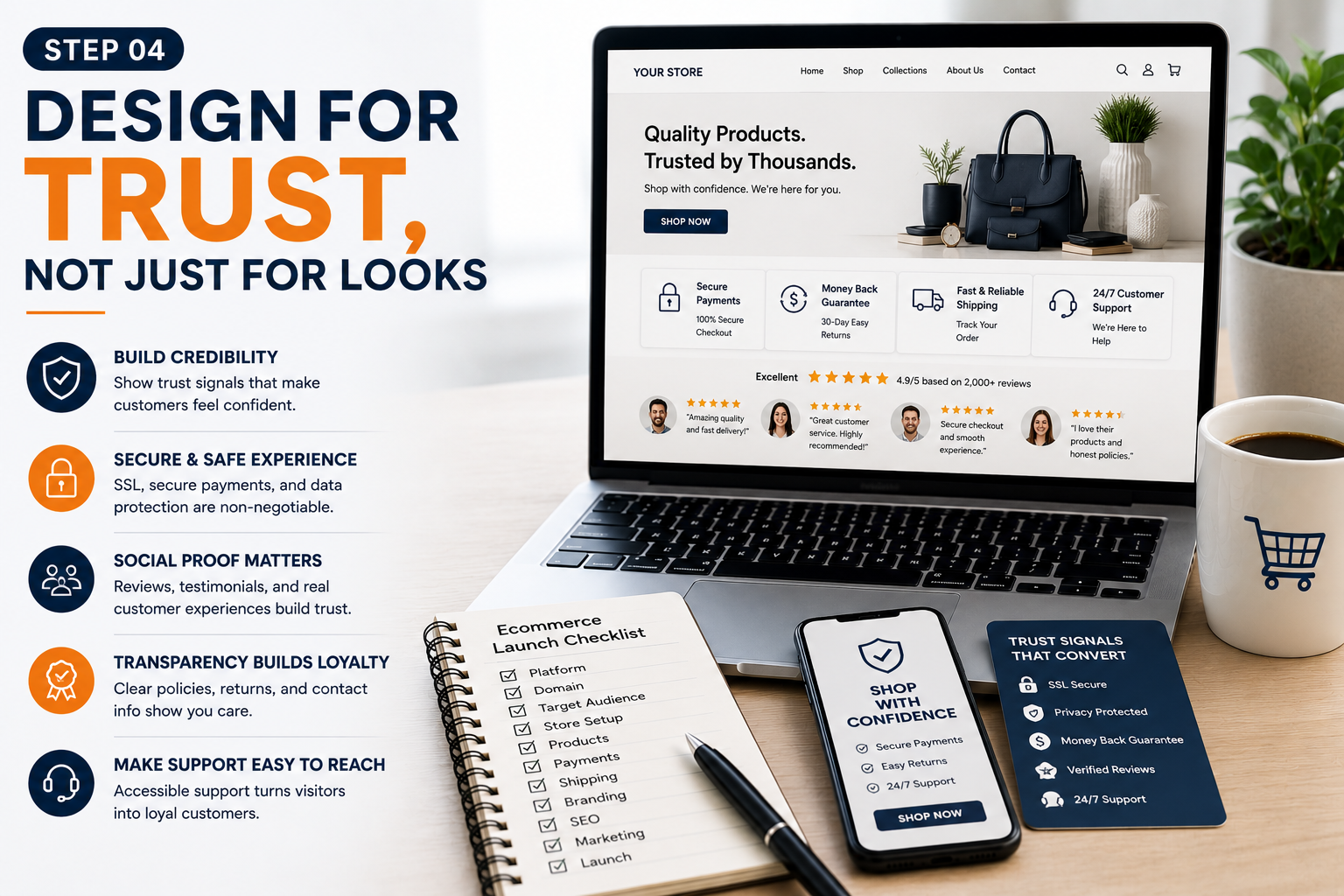
Your website design should make a stranger feel safe buying from a brand they’ve never heard of. That means clean layout, fast load times, consistent branding, and product photos that don’t look stretched or stolen.
One thing worth knowing right now: mobile isn’t a “nice to have” anymore. Mobile devices now generate <cite index=”6-1″>75-77% of all ecommerce website traffic</cite>, and during peak shopping periods that share climbs even higher. If your store looks great on desktop but clunky on a phone, you’re losing the majority of your visitors before they even see your products. Test your store on your own phone before you launch — not just in a desktop browser window resized smaller.
Number - 5:
Set up a secure payment system
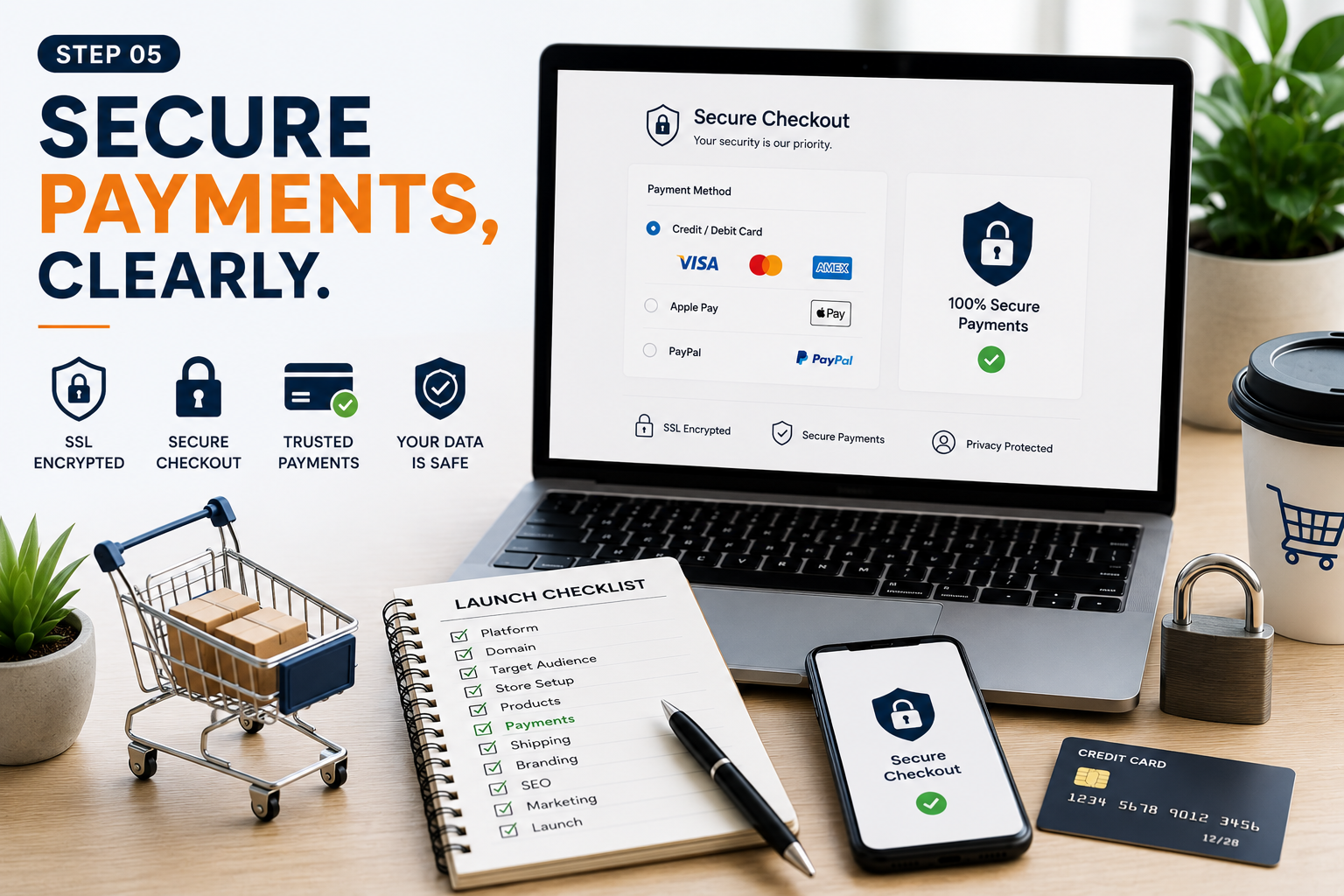
Customers won’t buy if they’re not sure their card details are safe. Use PCI-compliant providers like PayPal or Stripe, and put your accepted payment methods, refund policy, and any extra fees somewhere visible — not buried three clicks deep.
This matters more than people think. <cite index=”9-1″>Mobile cart abandonment sits at around 80%, with unexpected costs at checkout being the top reason shoppers walk away</cite>. If your fees or policies are a surprise at the last step, you’ve already lost the sale.
Number - 6:
Make yourself easy to reach
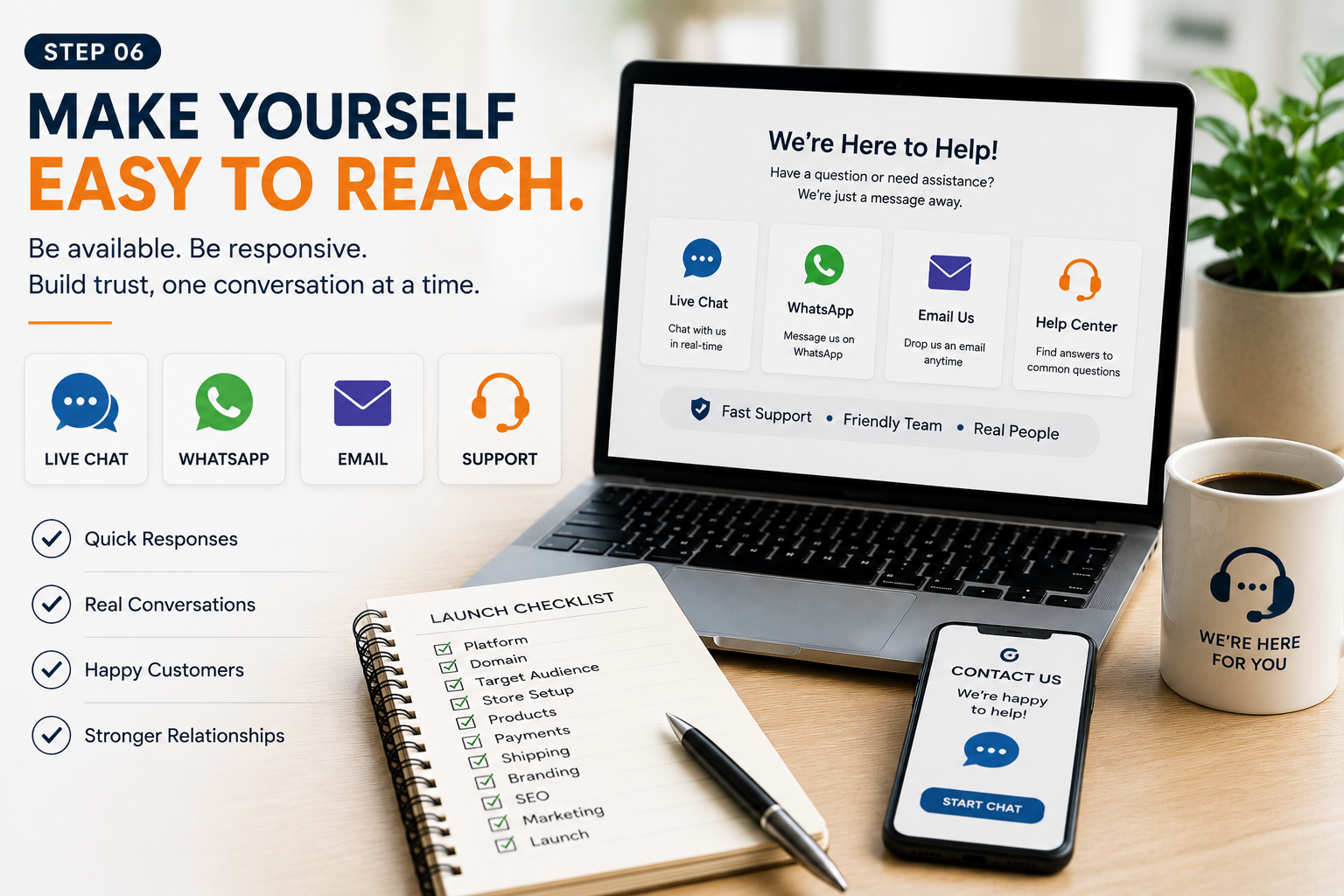
Email, live chat, a real phone number if you can manage it — give people more than one way to contact you, and put that information somewhere obvious, like your header or footer. A help desk tool becomes worth it once support messages start piling up, so it’s fine to start simple and upgrade later.
Number - 7:
Don't skip the legal stuff — it's not optional
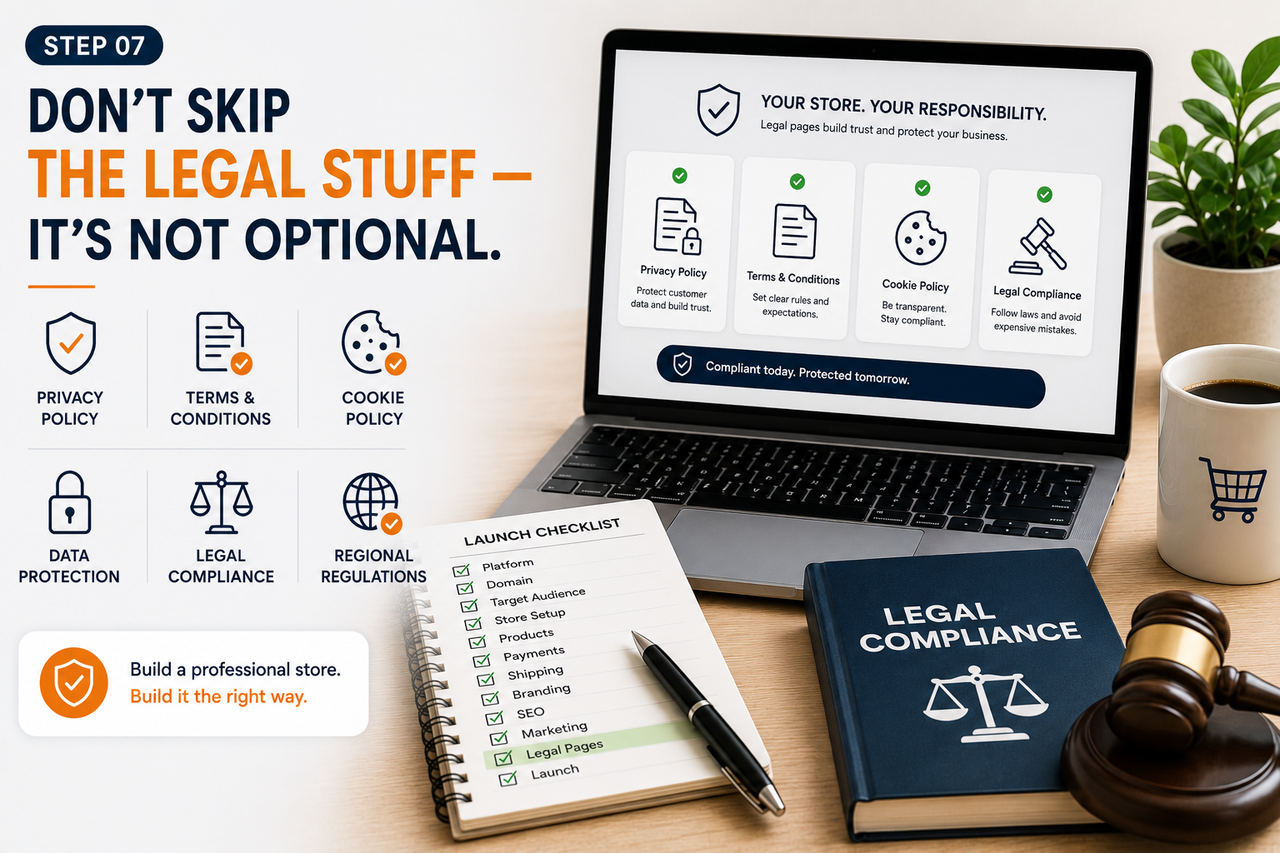
This is the step people rush through, and it’s the one that can actually shut your store down. You need clear Terms and Conditions, a privacy policy, and a transparent refund and cancellation policy, especially if you’re shipping internationally or handling customer data through ad pixels and analytics tools. Getting this wrong isn’t just a legal risk — it’s a trust signal customers notice, even if they don’t consciously realize why a store feels “off.”
Number - 8:
Install analytics before you need it, not after
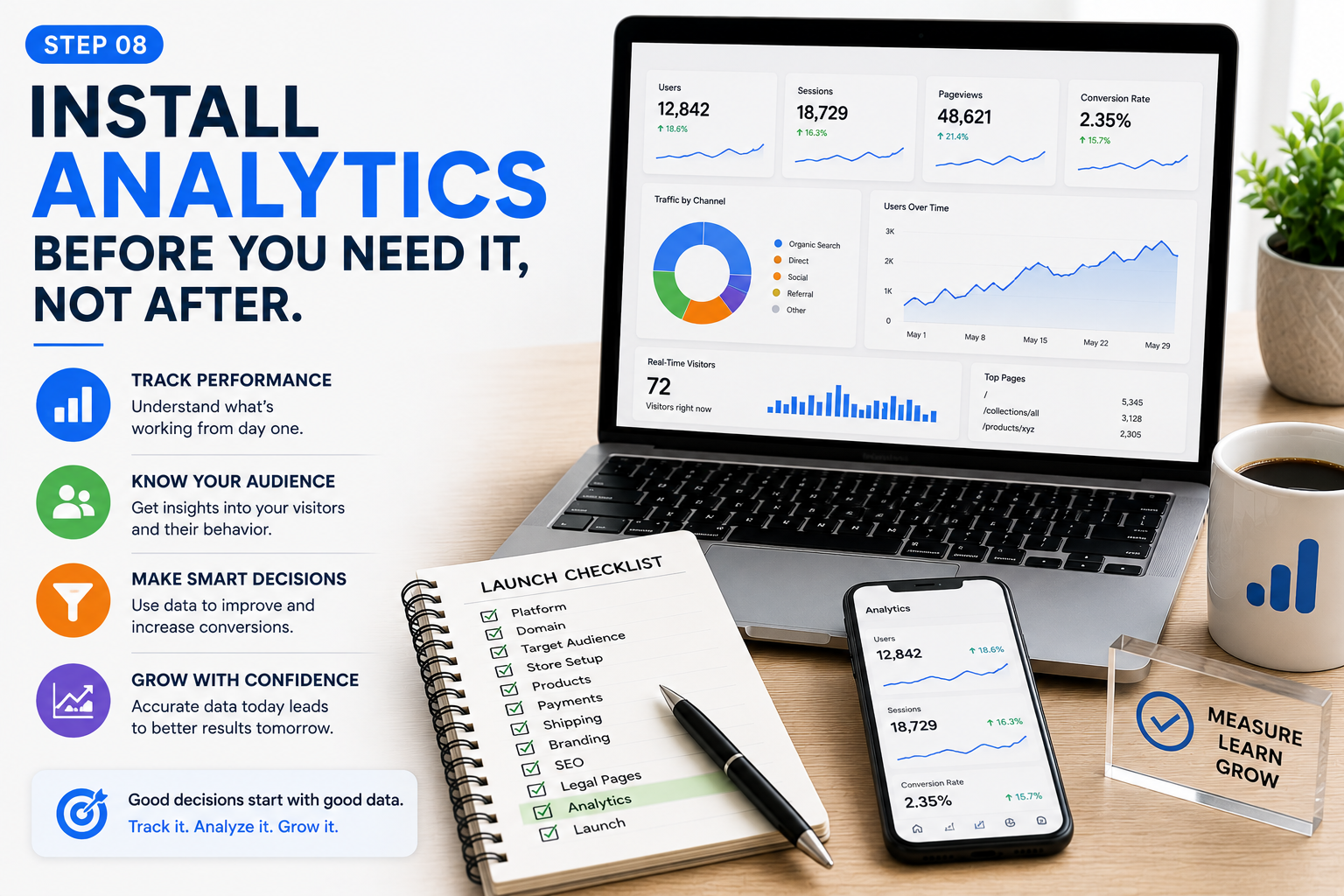
Google Analytics should be running from day one, not added after you’re confused about why sales aren’t coming in. You want to see where your traffic comes from, where people drop off, and which products people actually look at versus buy. Without this data, every decision you make is a guess.
Number - 9:
Build your SEO foundation early
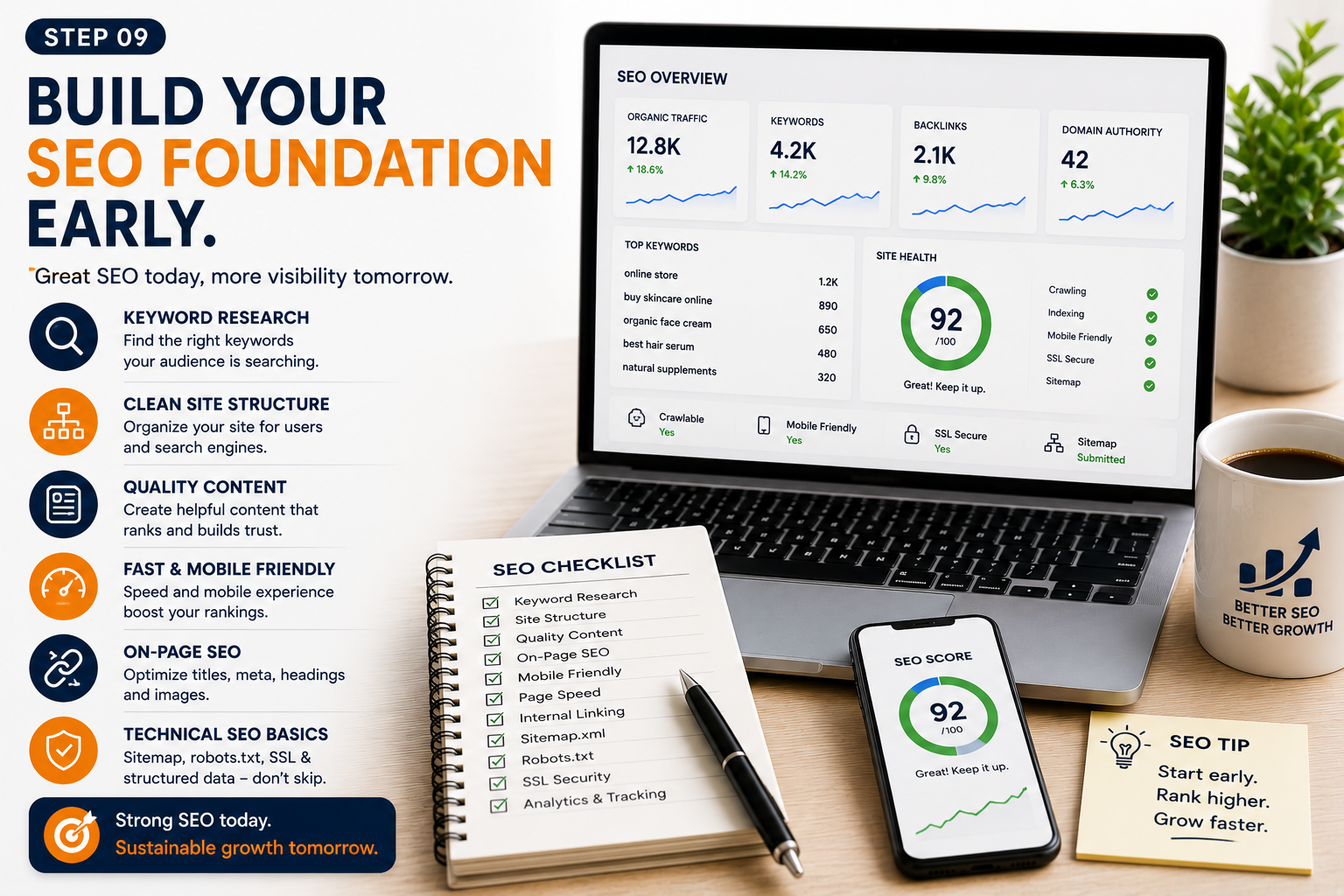
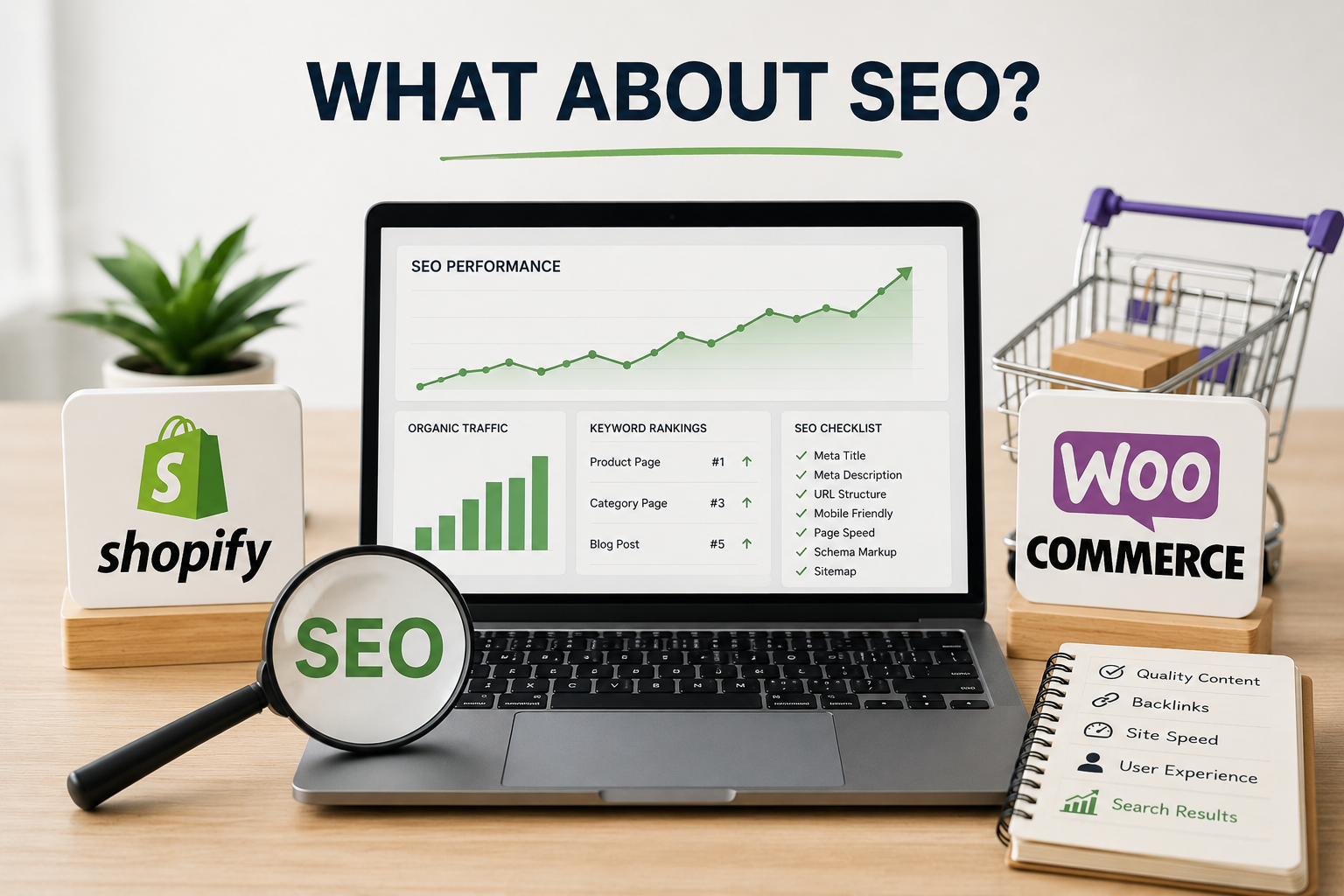
Ecommerce SEO isn’t just blog posts — it’s your product titles, category pages, image alt text, and site structure all working together. Start with keyword research using Google’s Keyword Planner or Moz’s Keyword Explorer, then look for terms with decent search volume and low competition — those are the ones you can realistically rank for as a new store.
Weave those keywords naturally into product descriptions and category pages. This is slower than paid ads, but it’s the traffic that keeps showing up for free, month after month, once it kicks in.
Number - 10:
Optimize checkout like your revenue depends on it
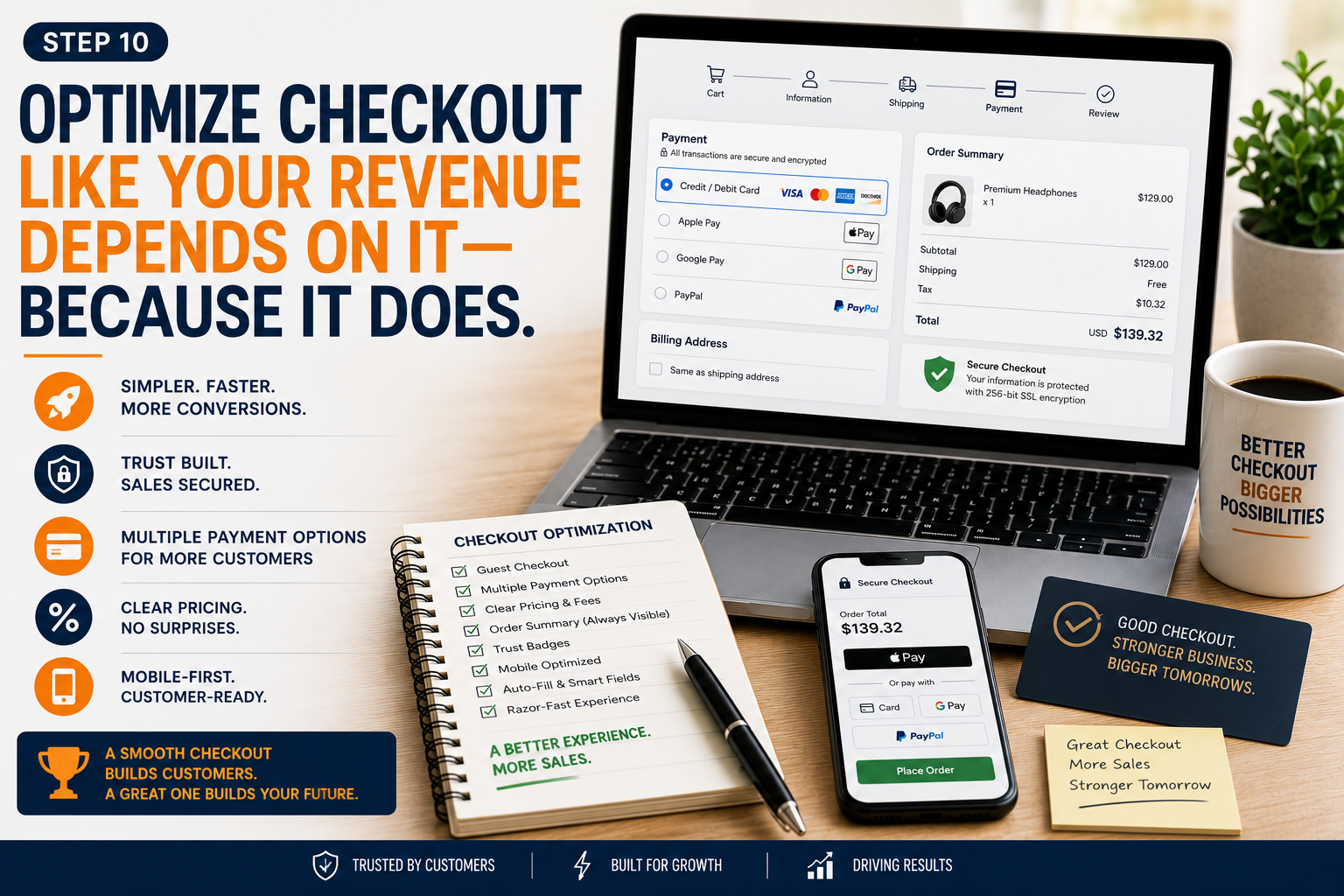
This is the step I’d add to every “ultimate checklist” out there, because it’s rarely covered and it quietly kills more sales than bad design ever will. The average cart abandonment rate across ecommerce sits at roughly <cite index=”2-1″>70%</cite>, and on mobile specifically it’s closer to <cite index=”9-1″>80%</cite>. A big chunk of that is fixable: offer one-click or digital wallet payments, show shipping costs earlier instead of at the final step, and cut your checkout down to as few fields as possible.
Number - 11:
Pick your marketing channels
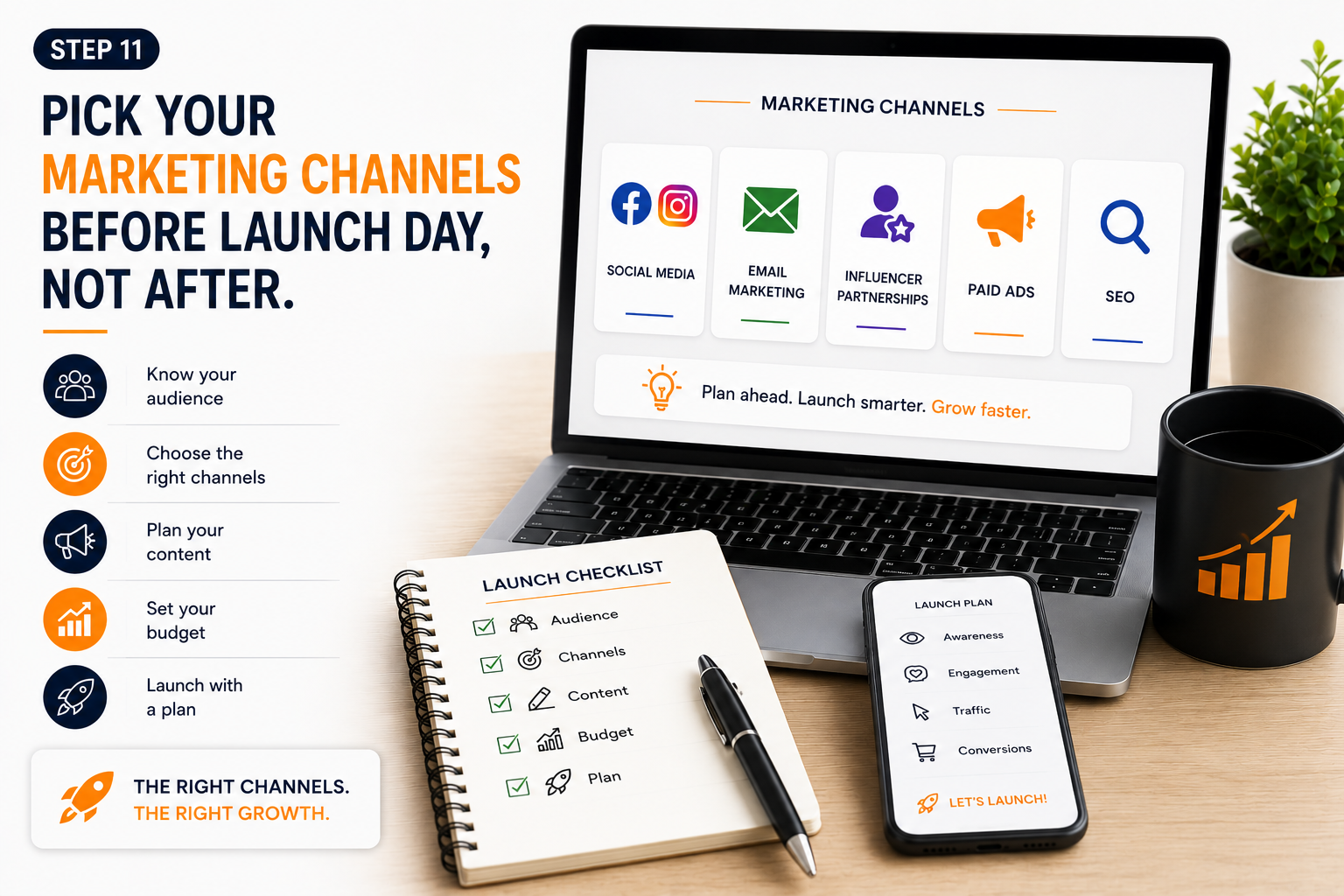
Don’t try to be everywhere at once. Figure out where your audience already spends time — social media, email, paid ads — and go deep on one or two channels rather than spreading yourself thin across five. Retargeting is worth setting up early too, since most first-time visitors won’t buy on their first visit regardless of how good your store is.
The honest truth about launching

None of these ten (well, eleven) steps are hard on their own. What trips people up is trying to do them all at once, or skipping the unglamorous ones — legal pages, analytics, checkout optimization — because they’re less exciting than picking a logo color.
Do them in order, don’t rush the platform decision, and don’t launch without knowing your numbers are being tracked. That’s really it.
If you’re setting up a dropshipping or ecommerce store and want a second pair of eyes on your setup before launch, that’s exactly the kind of thing I help with at UZORA — feel free to reach out.