Digital Dropshipping in 2026

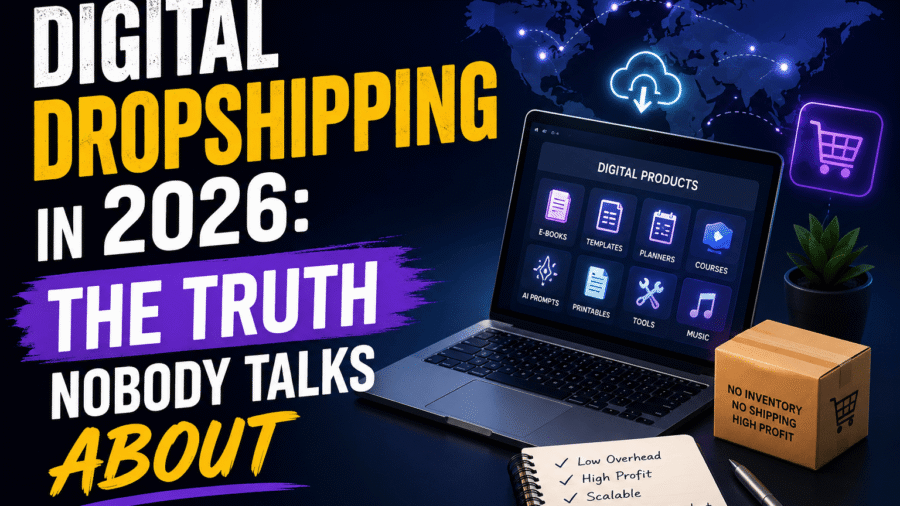
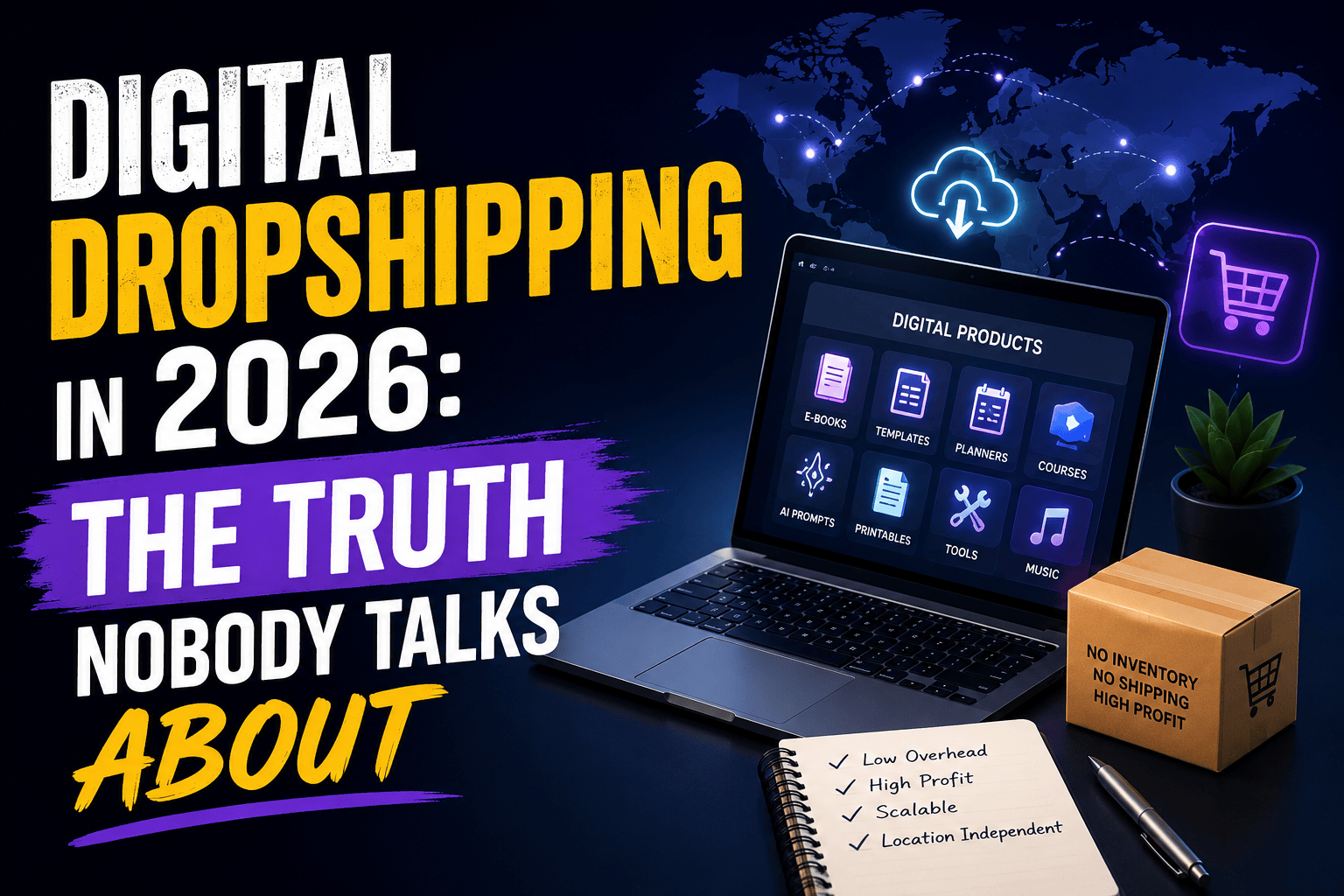
Digital Dropshipping in 2026: The Truth Nobody Talks About

Digital Dropshipping in 2026: The Truth Nobody Talks About

When I first heard people talking about digital dropshipping in 2026, I was skeptical.

For years, dropshipping meant physical products  gadgets, home decor, fitness accessories, trending TikTok finds. But suddenly everyone seemed to be selling digital planners, AI prompt packs, templates, ebooks, and downloadable resources.

At first, I assumed it was another online trend that would fade in a few months.

I was wrong.

After spending months researching, testing products, building stores, and studying competitors, I realized digital dropshipping is not replacing traditional dropshipping. It is becoming a profitable addition to it.

In this article, I am sharing what I learned, the mistakes I made, and the opportunities I think most people are still ignoring.


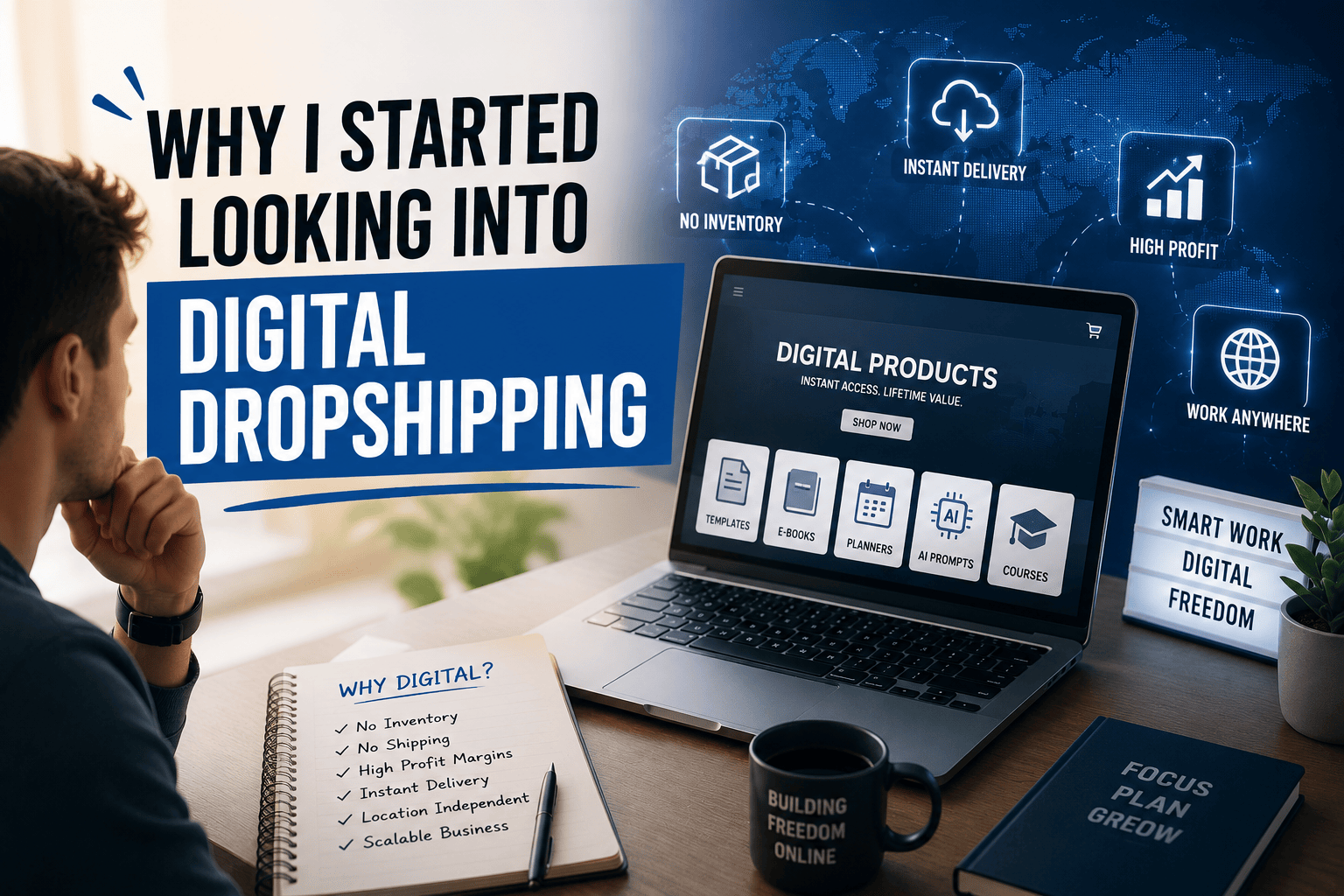
Why I Started Looking Into Digital Dropshipping

My biggest frustration with traditional dropshipping was never finding products. It was dealing with shipping delays, supplier issues, refund requests, and customer complaints.

Every successful product came with operational headaches attached.

Digital products caught my attention immediately because they removed most of that.

There is no inventory. No shipping. No customs issues. No damaged products. No “where is my order” emails clogging up my inbox.

Once a digital product exists, it can be sold over and over without extra cost. That sounded almost too good to be true.

It turns out the math behind it is real. On Shopify alone, digital products commonly run close to 90 percent profit margins after fees, since there is no physical cost per sale  just the work that went into creating the product once. On Etsy, sellers told me the comparison is just as stark: a $15 physical item might net $3 after materials and shipping, while an $8 digital file can net $6.50 after fees. Digital wins on margin almost every time.

The Biggest Mistake New Sellers Make

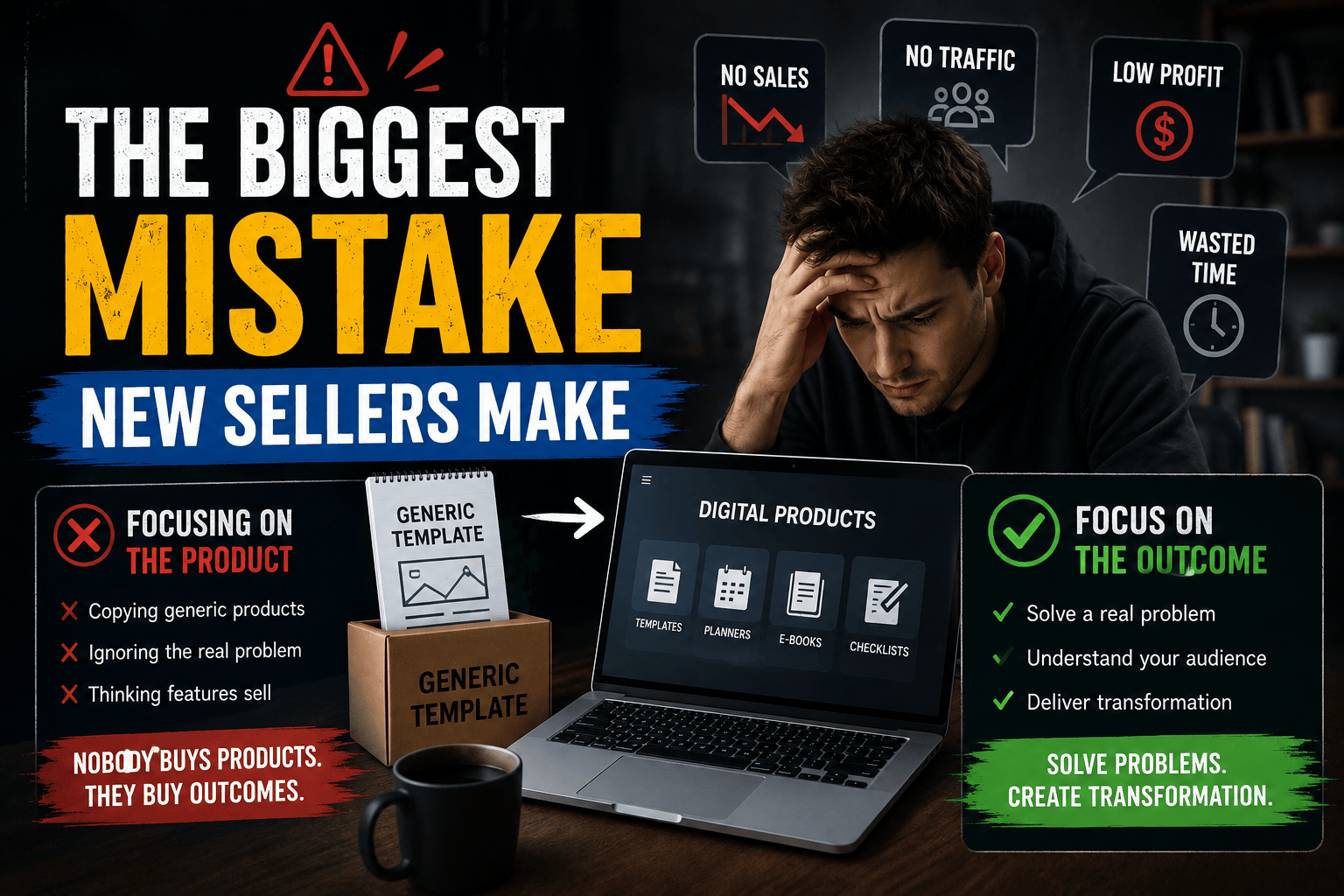
Most beginners think the product itself is the business. It is not.

The real business is solving a problem.

I noticed a lot of people trying to sell generic Canva templates, generic AI prompts, and generic ebooks. Most of them quietly fail.

Why? Because customers do not buy templates. They buy outcomes.

Nobody wants “Instagram Templates.” They want “Instagram Templates That Help Real Estate Agents Generate More Leads.”

The niche matters more than the product itself.


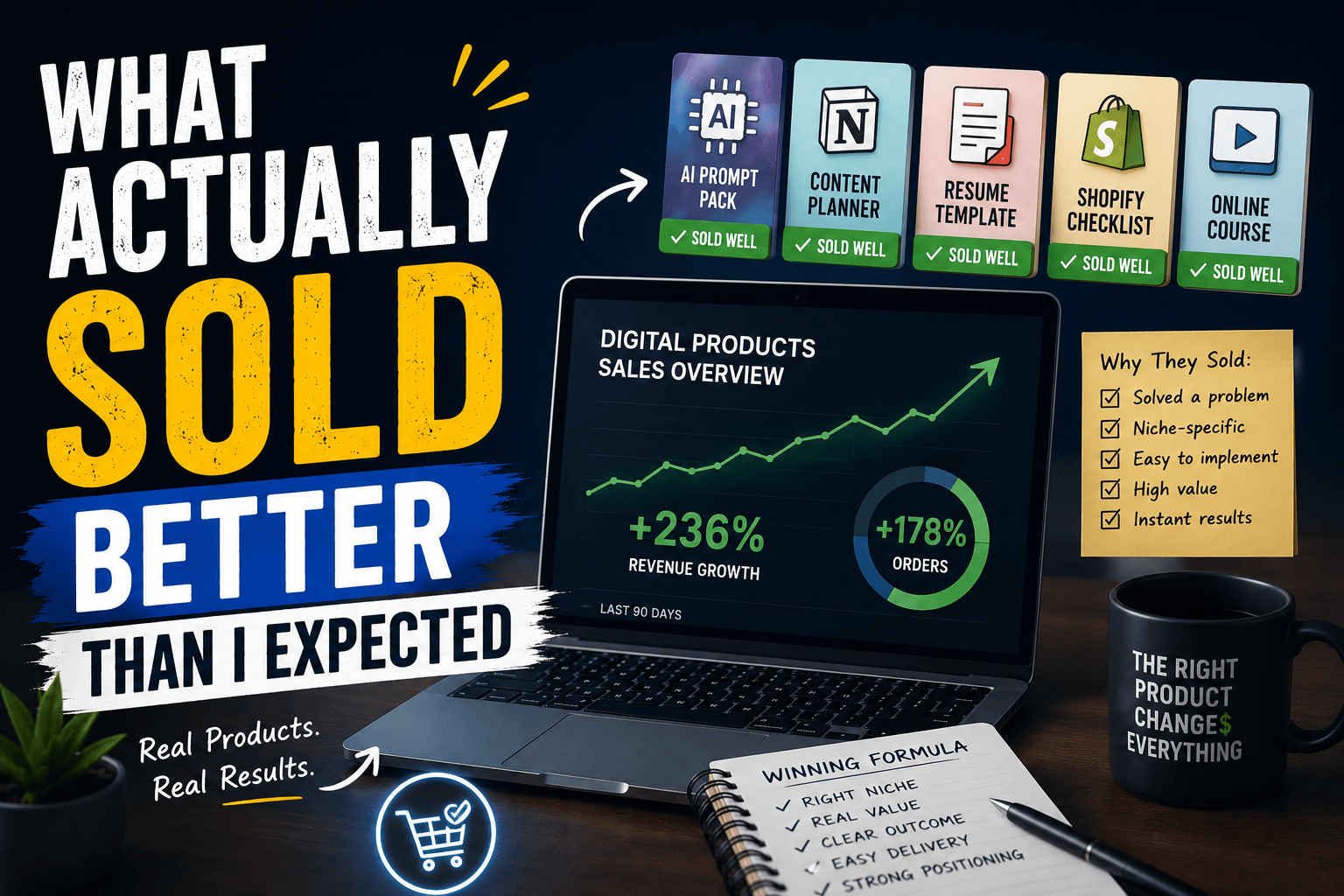
What Actually Sold Better Than I Expected

The biggest surprise for me was how well niche-specific products performed compared to generic ones.

General products faced brutal competition. Specialized products stood out almost immediately.

A few examples that performed well:

  1. AI prompts built specifically for ecommerce store owners
  2. Content calendars made for local businesses
  3. Resume templates tailored to tech professionals
  4. Client onboarding kits for freelancers
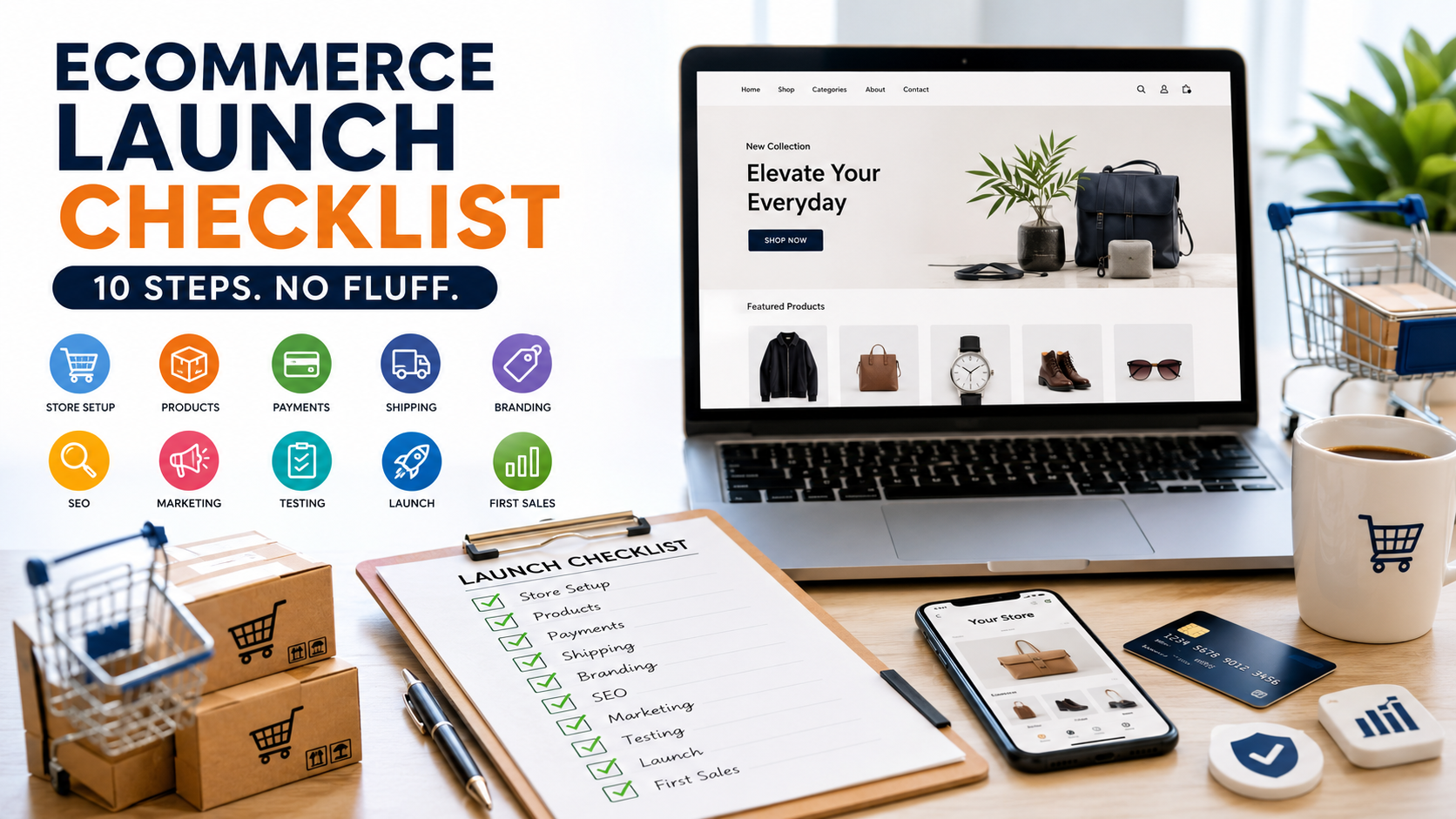
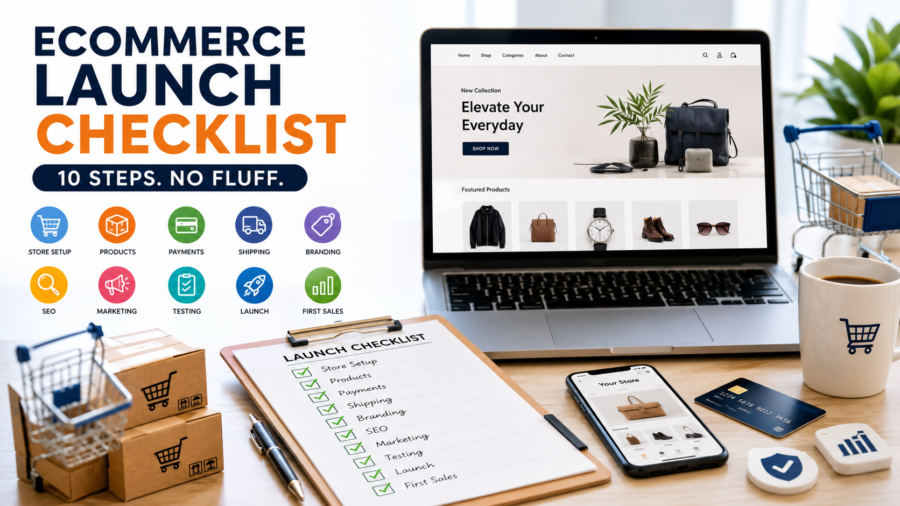
  5. Shopify store launch checklists

The more specific the audience became, the easier the marketing became. A product built for “freelancers” is harder to sell than one built for “freelance graphic designers who struggle with client onboarding.”

This pattern holds up across the bigger marketplaces too. On Etsy, the digital products that consistently perform are not flashy  PNG and SVG design files, planner printables, and template bundles outsell most other categories simply because buyers can use them immediately. Shops that build a real catalog in one of these categories, rather than scattering across niches, are the ones reporting steady monthly income. On Shopify, the same logic shows up in the numbers: printables convert at the highest rate but carry the thinnest margins around 68 percent because the space is so crowded, while more specialized formats like Notion systems or niche AI prompt packs hold pricing power precisely because fewer people are making them well.


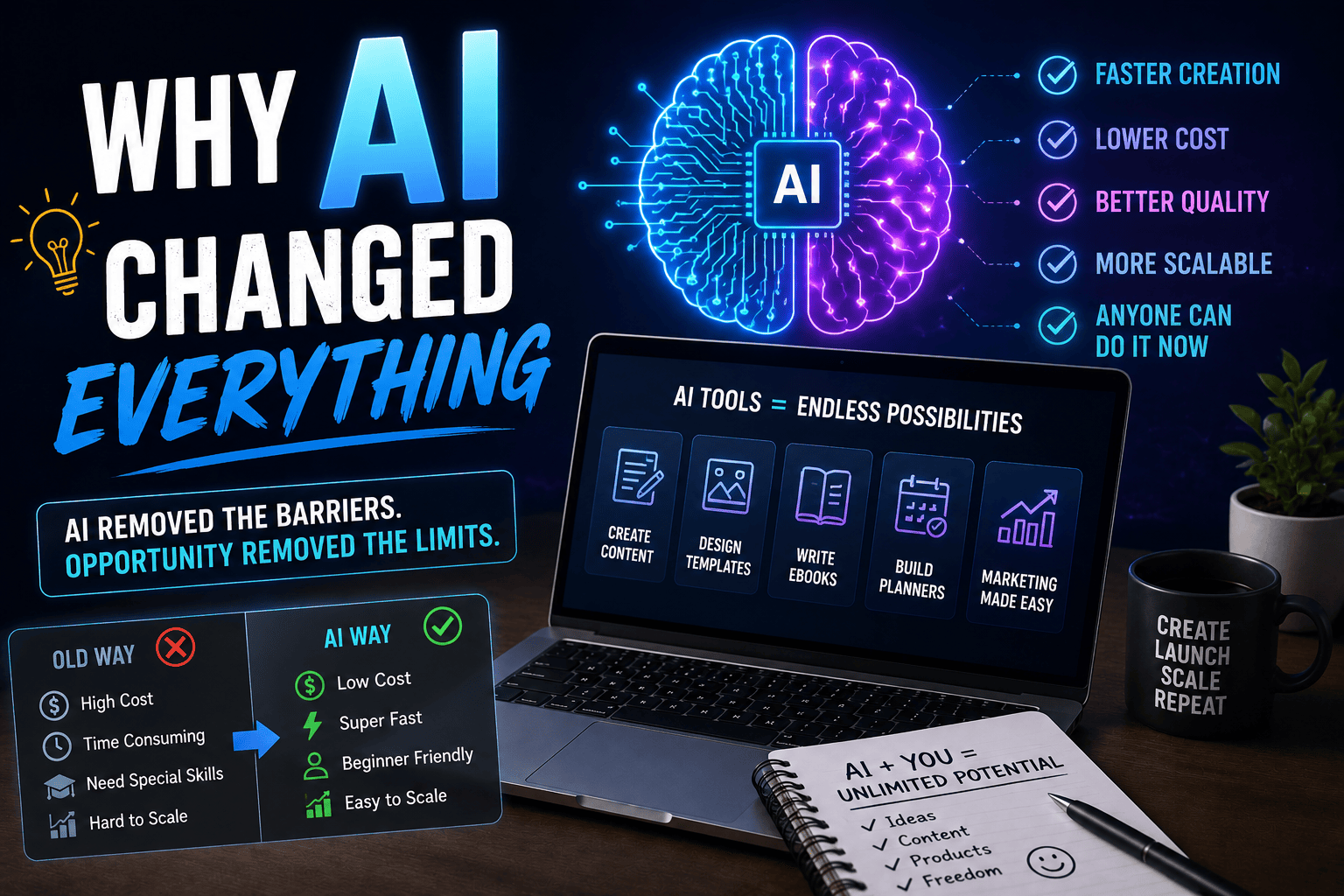
Why AI Changed Everything

In previous years, creating digital products required design skills, writing skills, or technical knowledge most people did not have.

In 2026, AI dramatically lowered that barrier.

Today, someone can use AI to create ebooks, design templates, generate marketing content, build planners, and put together training materials  often in a single day instead of weeks.

But this convenience created a new problem. The internet is now flooded with low-quality, AI-generated products that all look and sound the same.

This means quality and positioning matter more than ever.

The winners are not simply the people using AI. The winners are the people using AI better than everyone else  adding real insight, real polish, and a real understanding of who they are selling to


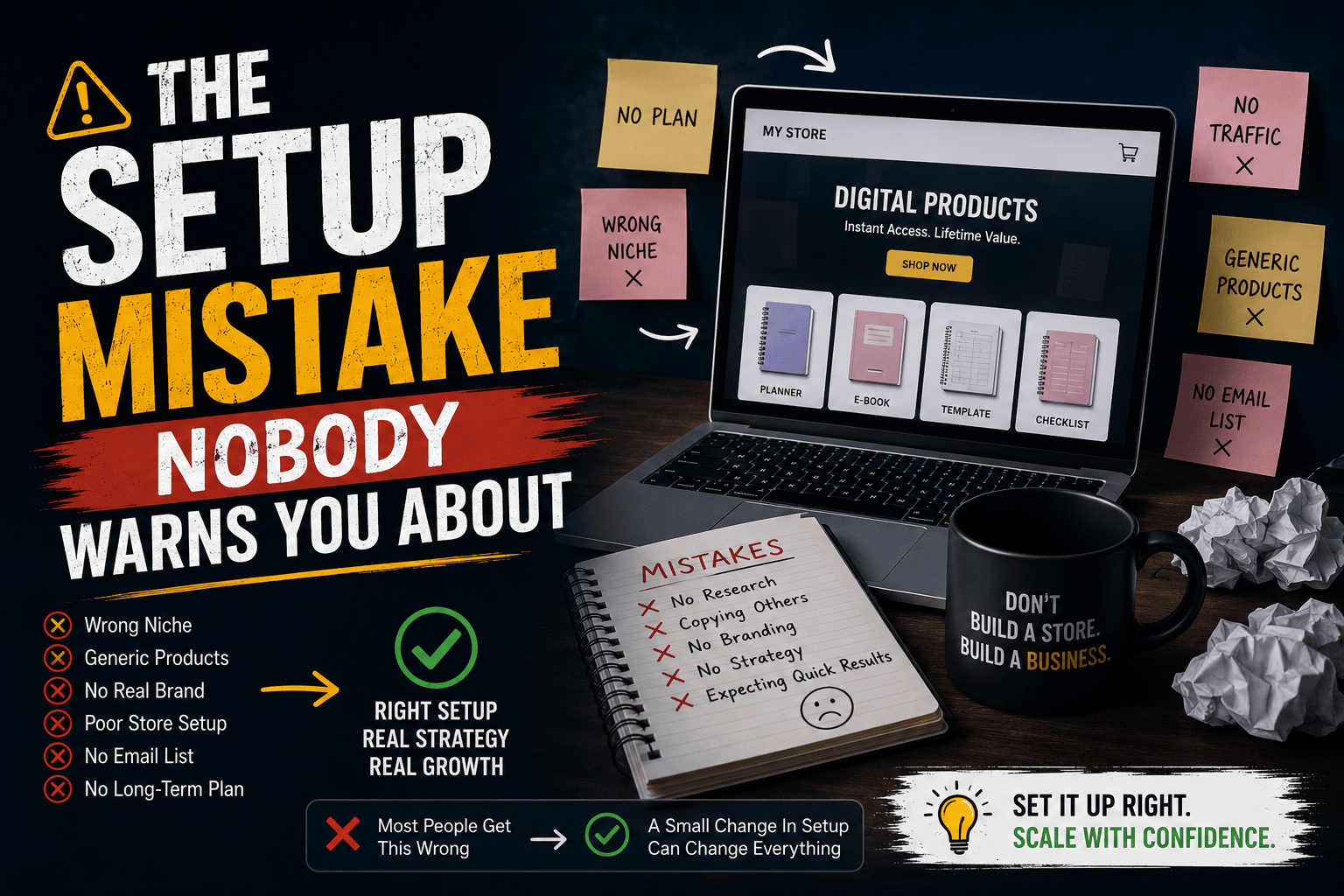
The Setup Mistake Nobody Warns You About

Here is something I learned the hard way, and most beginner guides barely mention it.

Shopify, by default, treats every product as physical. If you upload a digital file without changing this, the platform still tries to calculate shipping at checkout. That alone creates confused customers, abandoned carts, and support messages you do not want to deal with.

The fix is simple once you know it: uncheck “this is a physical product,” and use a dedicated delivery app rather than relying on Shopify’s native upload. I started with a free tool and only upgraded once order volume justified it. The point is, delivery is not something to figure out after launch  it is part of the setup, and getting it wrong in week one creates problems that follow you for months.

If you are selling on Etsy instead, this is less of an issue since Etsy was built for digital downloads from the start. But if Shopify is your platform, treat the delivery app as a requirement, not an optional extra.

My Favorite Business Model in 2026

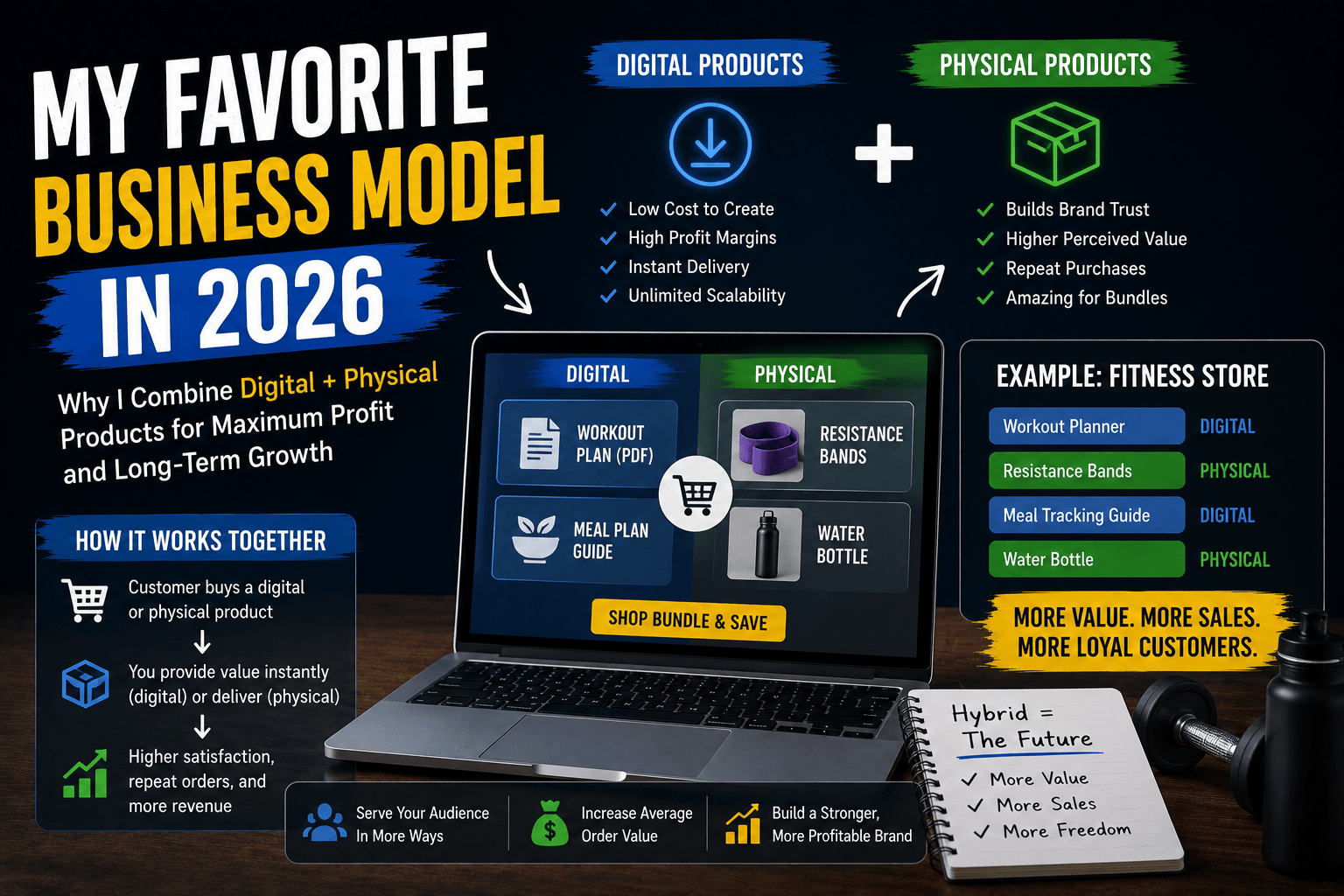
Instead of choosing between physical and digital products, I prefer combining both.

For example, a fitness store could sell:

  1. A workout planner (digital)
  2. Resistance bands (physical)
  3. A meal tracking guide (digital)
  4. Water bottles (physical)

This hybrid approach increases average order value while creating multiple income streams from the same audience. Physical products bring in consistent traffic and trust. Digital products add high-margin income with zero fulfillment cost sitting on top of that.

I believe hybrid ecommerce stores  mixing both physical and digital  will become far more common over the next few years.

Traffic Sources That Worked Best

Many people immediately think about paid advertising. I tested that approach. It worked.

But it was not my favorite.

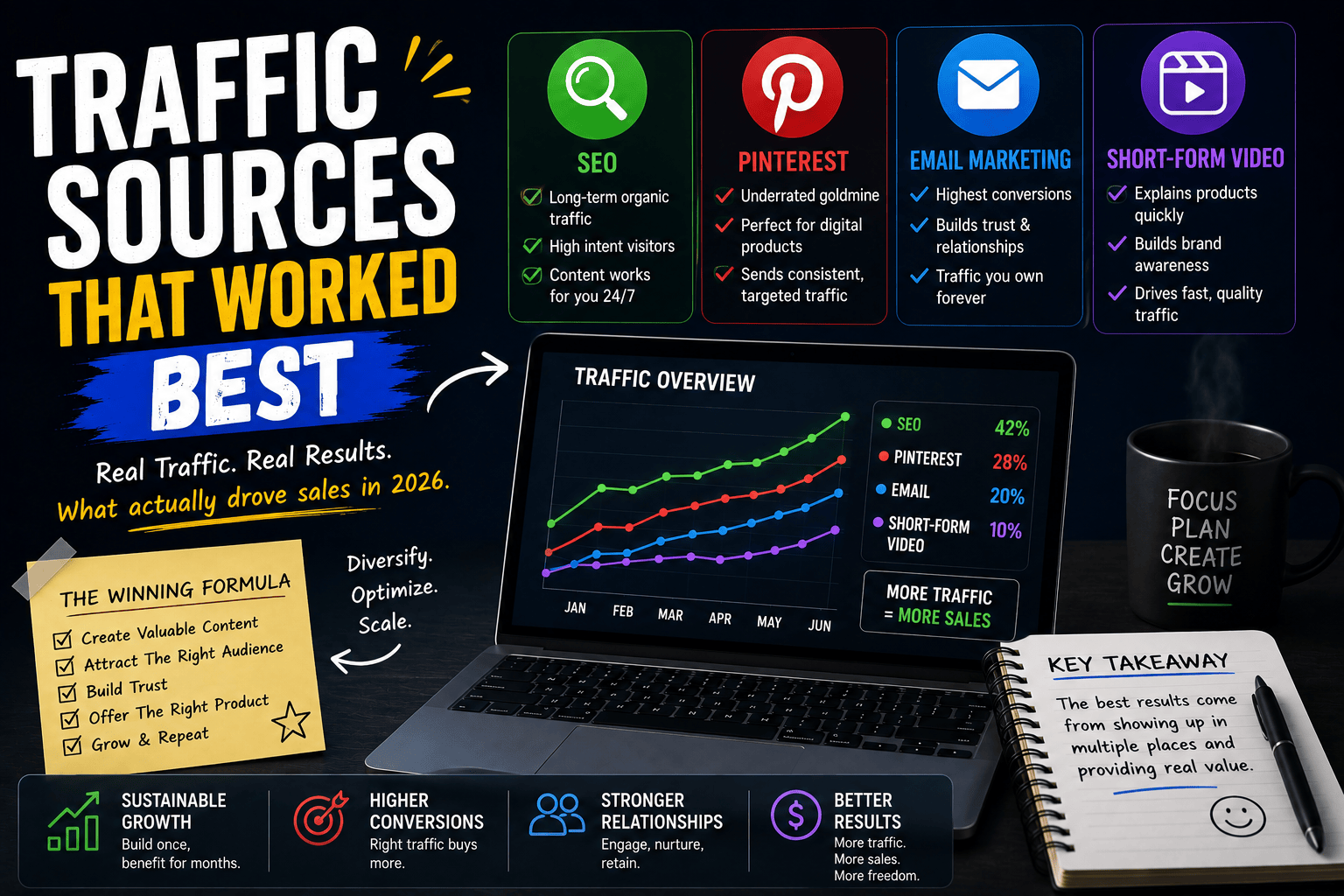
The most sustainable traffic sources for me were:

  1. SEO — A single well-written article can bring visitors for months or years without any extra spend.
  2. Pinterest — Still underrated for digital products. It functions more like a visual search engine than a typical social platform, which makes it a natural fit for templates, planners, and printables.
  3. Email Marketing — Out of everything I tested, email consistently produced the highest conversion rates.
  4. Short-Form Video — TikTok, Instagram Reels, and YouTube Shorts helped explain products quickly and built trust faster than static images ever could.
 

What I Would Do If I Were Starting Again Today

If I had to start from zero in 2026, I would not try to create dozens of products at once.

Here is what I would do instead:

  1. Choose one niche.
  2. Solve one specific problem.
  3. Create one genuinely great product.
  4. Build content around that problem consistently.
  5. Start growing an email list from day one.

Most people try to scale too quickly. The successful sellers I studied all had one thing in common  they focused on becoming known for one thing first, before expanding into anything else.

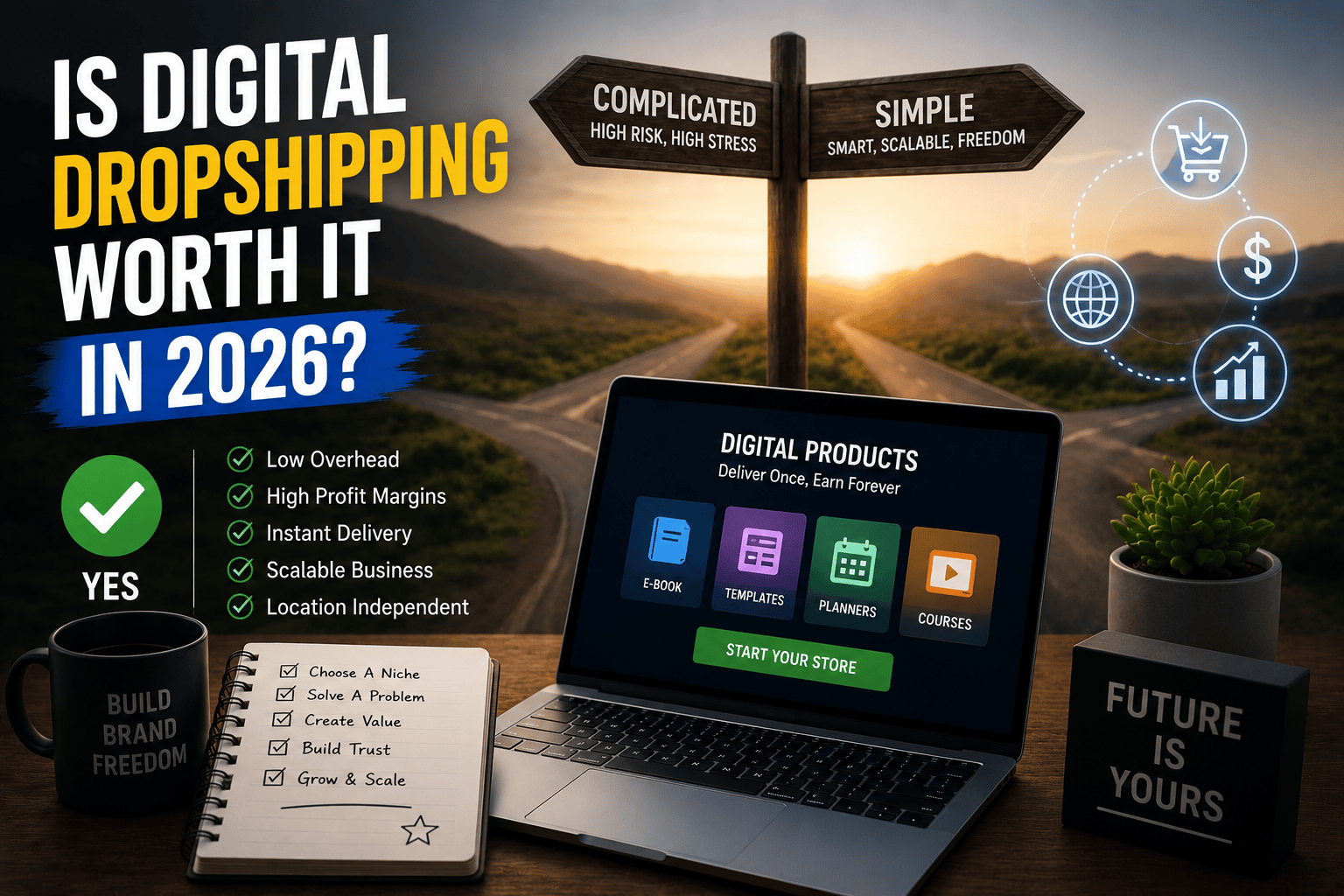
Is Digital Dropshipping Worth It in 2026?

After researching and testing this model for months, my answer is yes.

But not for the reasons most people assume.

Digital dropshipping is attractive because of low overhead and high margins. That part is true. But the real advantage is simplicity. There are fewer moving parts, fewer operational problems, and more room to create something genuinely unique.

The future belongs to sellers who build brands, not just sellers who list products.

If you are entering ecommerce in 2026, digital dropshipping deserves serious consideration  not as a shortcut to success, but as a scalable business model with real long-term potential.


Frequently Asked Questions

Is digital dropshipping profitable in 2026?

Yes, when the product solves a specific problem for a specific audience. Generic templates and ebooks struggle, while niche-specific products with clear outcomes tend to perform well. Sellers with well-optimized catalogs of 300 or more listings in proven categories regularly report several thousand dollars a month in revenue, though results vary heavily by niche and execution

What digital products sell best in 2026?

Notion templates, AI prompt packs, niche-specific planners, resume templates, PNG and SVG design files, and onboarding kits for freelancers and small businesses are currently performing strongly across Etsy and Shopify alike

Do I need design or writing skills to start?

Not anymore. AI tools have lowered the barrier significantly. What matters now is positioning the product correctly and understanding your audience's specific problem.

Do I need a special app to sell digital products on Shopify?

Yes, in practice. Shopify is built for physical products by default, so most sellers use a dedicated digital delivery app to handle file access, download limits, and instant delivery properly.

Can I combine digital and physical dropshipping?

Yes, and many successful stores are already doing this. Physical products drive consistent traffic while digital products add high-margin revenue without extra fulfillment costs.

What is the best way to get traffic for digital products?

SEO, Pinterest, and email marketing tend to be the most sustainable long-term sources, while short-form video helps build trust quickly.

This article reflects personal research and testing carried out across 2026. Results will vary depending on niche, product quality, and execution.

ChatGPT Image Jun 17, 2026, 07_22_46 PM

Shopify vs WooCommerce: What I Learned After Using Both Platforms

Shopify vs WooCommerce: What I Learned After Using Both Platforms

A real-world comparison from someone who has built, broken, and scaled stores on both.

When I launched my first ecommerce store, I genuinely thought choosing a platform would take me an afternoon. I’d compare a few features, look at the pricing, maybe watch a couple of YouTube videos, and make a decision. Simple.

I was completely wrong about that.

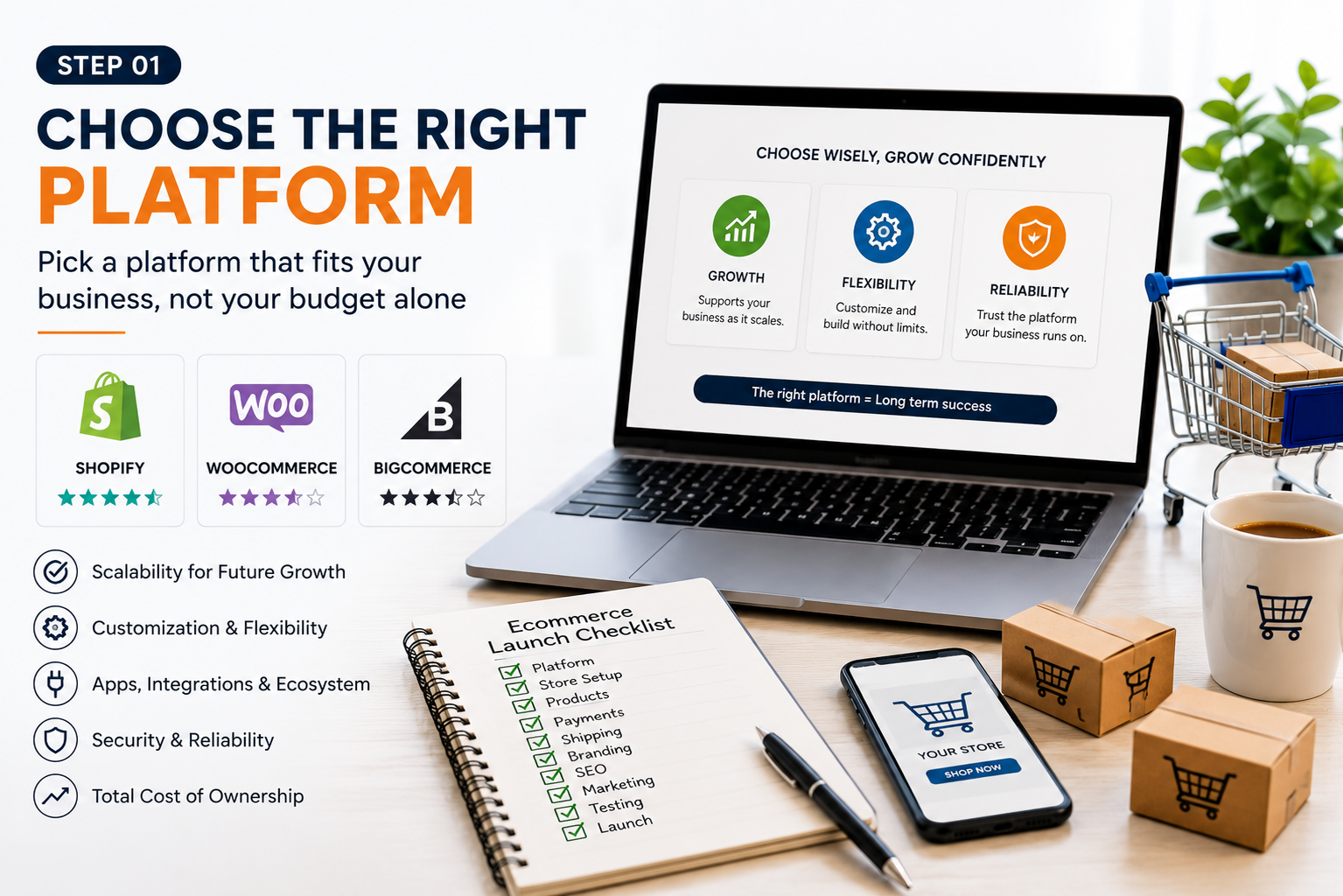
What I discovered is that the Shopify vs WooCommerce debate isn’t really about features at all. Both platforms can handle product listings, process payments, manage inventory, and support thousands of orders without blinking. The features aren’t the issue.

The real question I wish someone had asked me earlier is: how much of your time do you want to spend managing the technology behind your store, versus actually running the business itself?

After spending years on both platforms  building stores from scratch, troubleshooting real problems at the worst possible moments, and helping clients grow their ecommerce businesses  I’ve arrived at a conclusion that feels simple but took a long time to reach

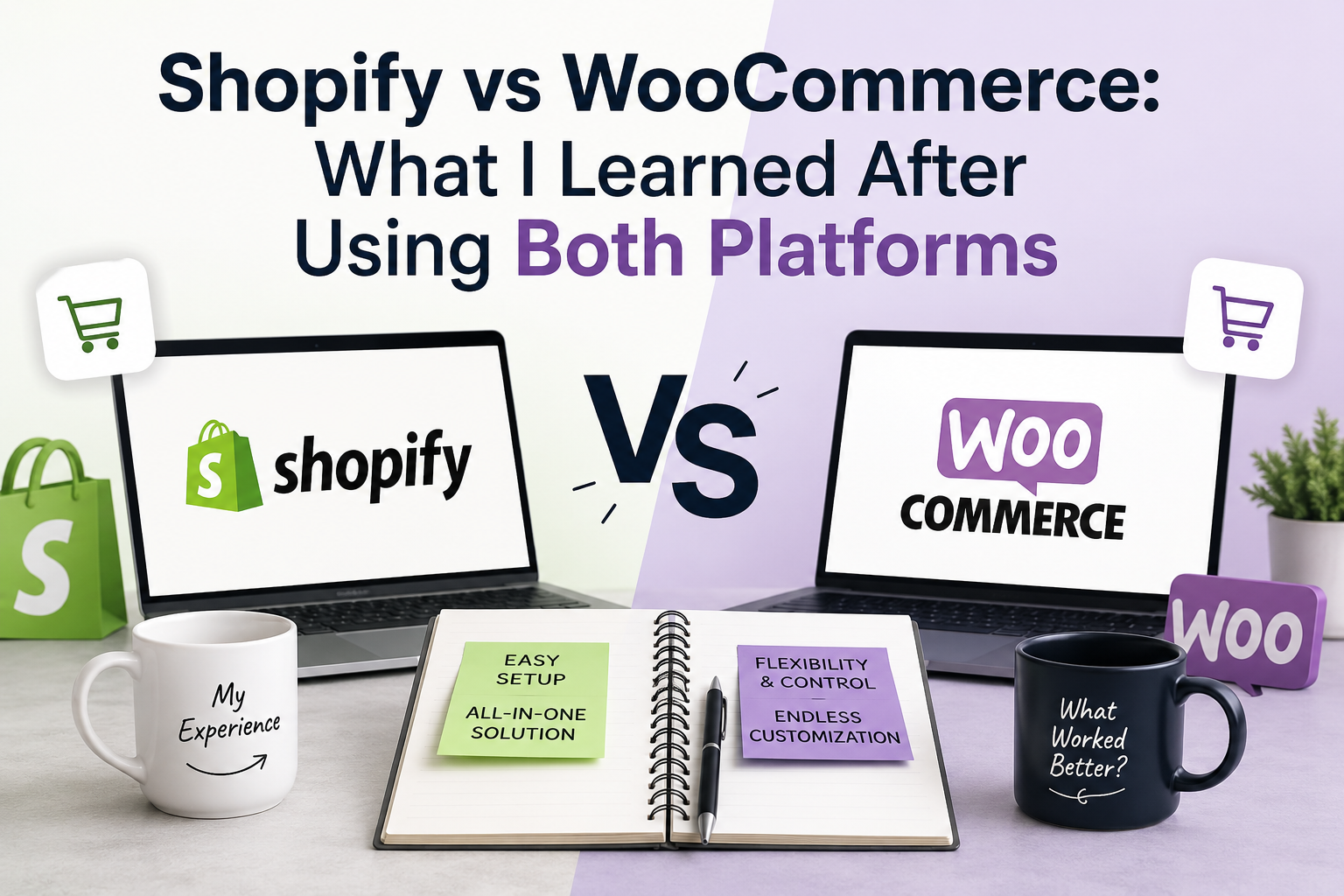
Shopify is easier to run. WooCommerce gives you more control. The platform that’s right for you depends entirely on which one of those things matters more right now.


Number - 1:

Why I Started With WooCommerce

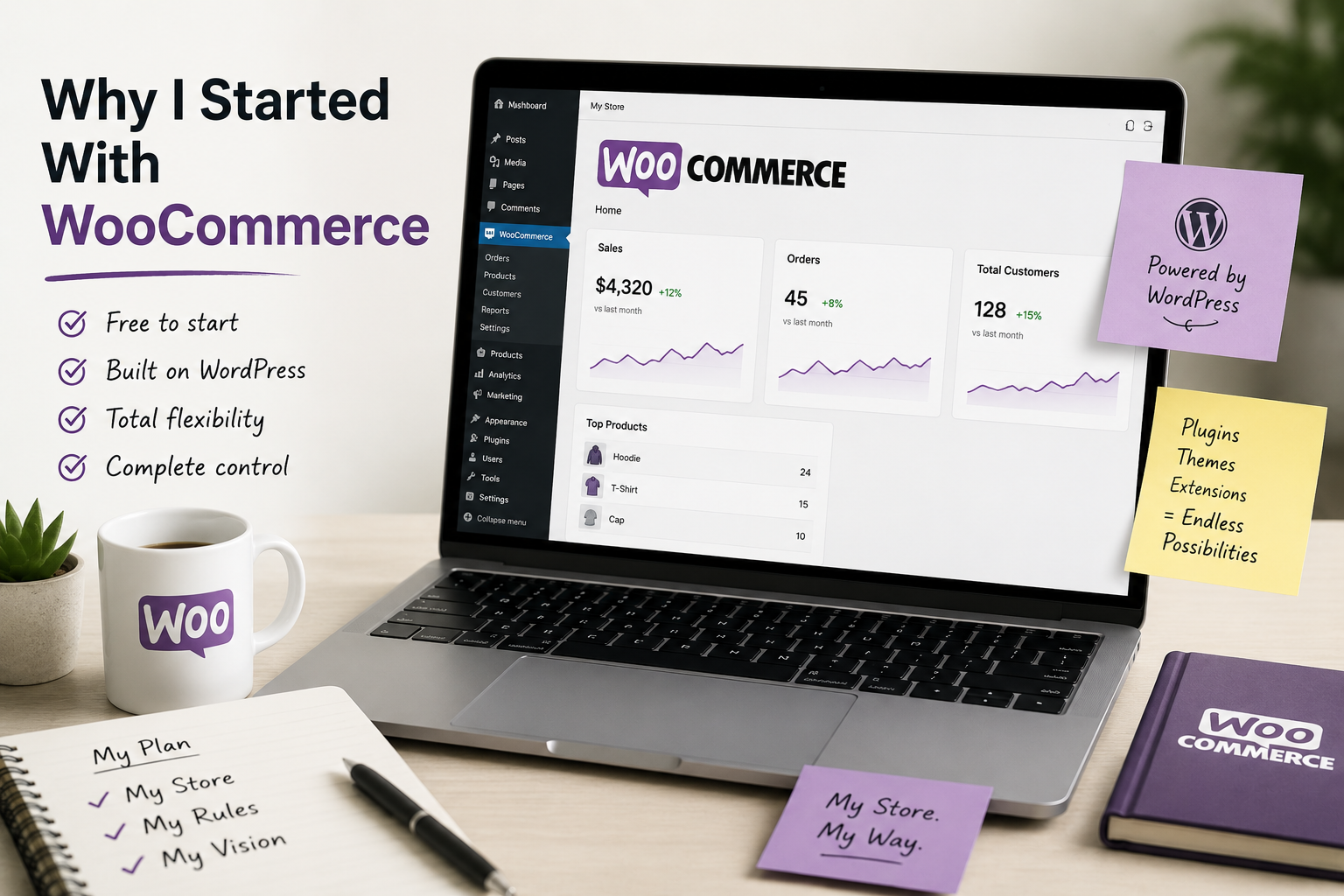
My first store was built on WordPress, so WooCommerce felt like the obvious move. It was free to install, it lived inside a platform I already understood, and I liked the idea of owning everything  my hosting, my database, my code. Nobody could change the rules on me or increase my subscription and leave me with no choice but to pay.

In the beginning, that felt great. I could customize almost any part of the store. Product pages looked exactly the way I imagined them. I found plugins for abandoned cart recovery, shipping rate calculators, invoice generation, and more. The control was genuinely exciting.

But then the problems started arriving, and they never really stopped.

A payment plugin update broke my checkout page with zero warning  customers couldn’t complete purchases and I didn’t find out until someone messaged me. A theme update quietly reshuffled my product layout. During a flash sale campaign, my shared hosting plan slowed to a crawl right when traffic was highest. Each of these issues was fixable. But each one also cost me hours — hours I should have been spending on marketing, on products, on customers.

That’s the lesson WooCommerce taught me: when you choose it, you’re not just choosing an ecommerce platform. You’re signing up to manage a small web infrastructure business on the side, whether you intended to or not.


Number - 2:

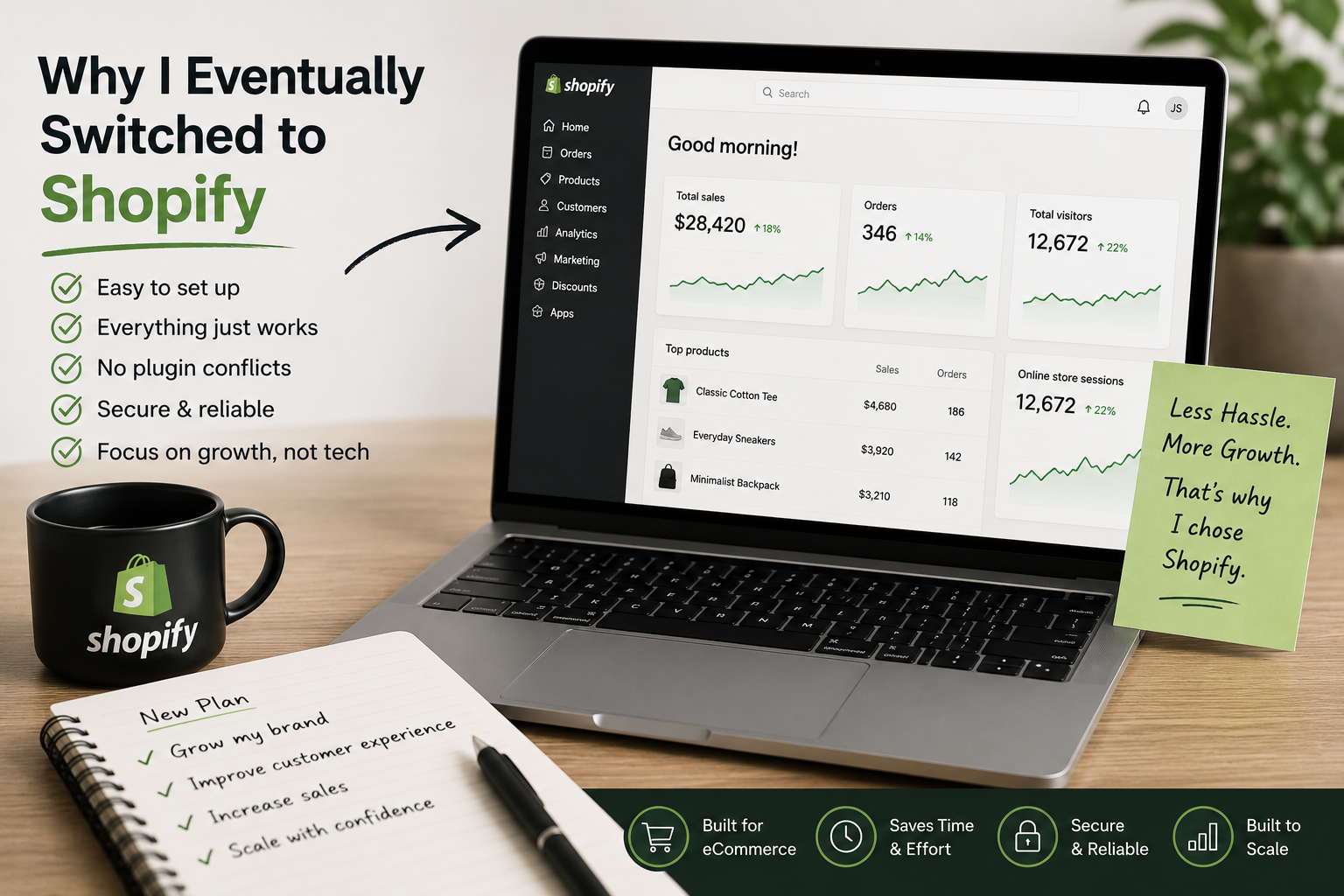
Why I Eventually Switched to Shopify

A few years later, I launched another store. This time on Shopify. I went in slightly skeptical  I’d heard it was “easier” and I half expected that to mean it was watered down or limited.

The experience genuinely surprised me. Within one day, I had products uploaded, a payment processor connected, and the store ready to take orders. I didn’t configure a single hosting setting. I didn’t install a security plugin. I didn’t set up backups or worry about server performance during traffic spikes.

Everything was just handled.

What I didn’t expect was how much that would change the way I spent my time. With WooCommerce, I’d end evenings troubleshooting something that broke. With Shopify, I was using that same time to write better product descriptions, test different ad creatives, and actually talk to customers. That shift in focus had a direct impact on results.

Yes, Shopify is less flexible than WooCommerce in certain areas. That’s a real and fair point. But for most store owners, the freedom they actually need most is time — and Shopify gives you significantly more of it


Number - 3:

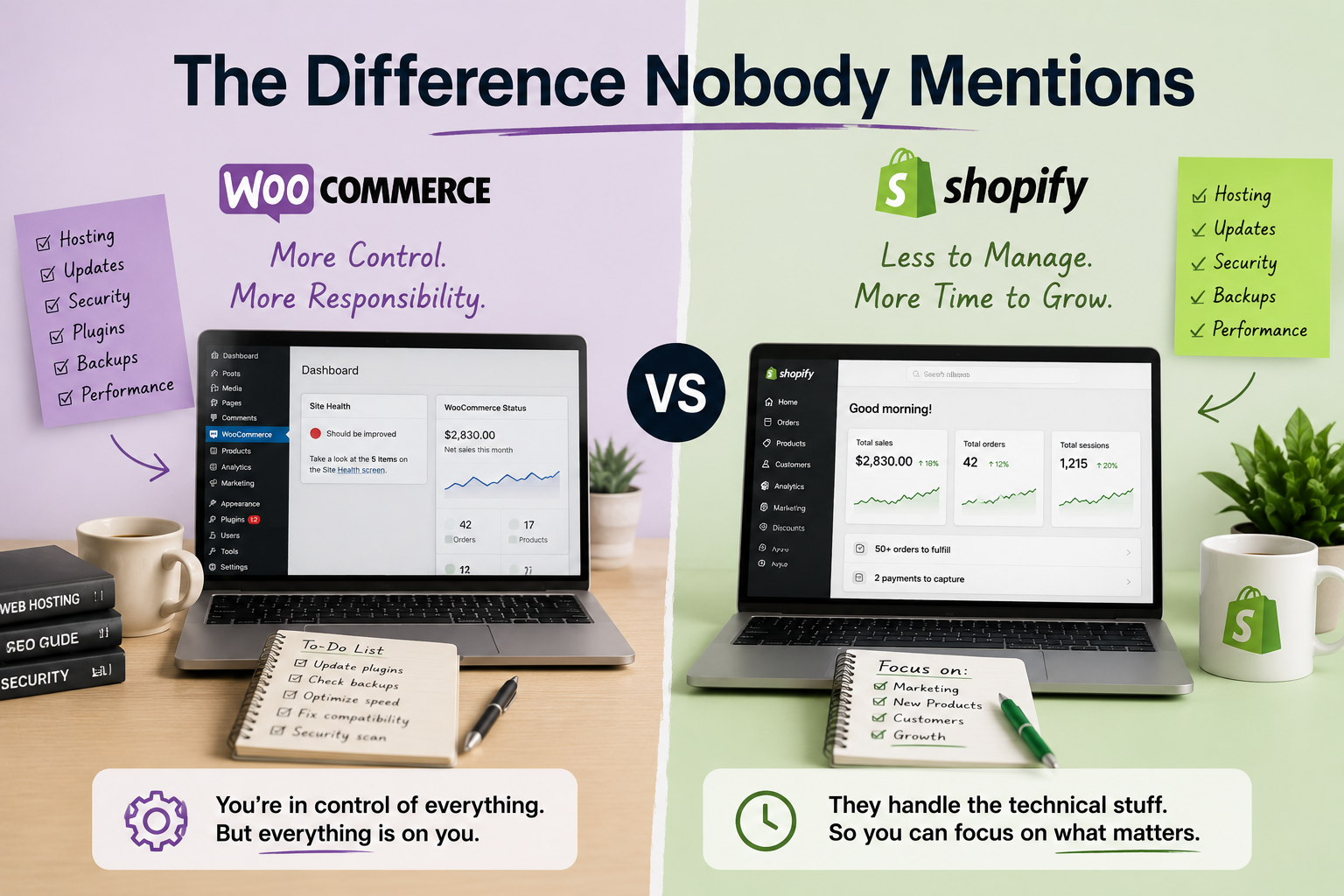
The Difference Nobody Mentions

Almost every comparison article focuses on pricing. I understand why it’s easy to put in a table. But in my experience, it’s the wrong thing to focus on, especially early on.

The real difference between these two platforms is how much of your attention they consume.

WooCommerce is a high-maintenance platform. It rewards you with control, but it asks for constant attention in return  plugin updates, hosting renewals, security patches, compatibility checks every time WordPress releases a core update. If you enjoy that kind of technical work, it can feel empowering. If you don’t, it will slowly drain you.

Shopify is a low-maintenance platform. It handles the infrastructure so quietly that you almost forget it’s there. Updates happen automatically. Security is managed at the platform level. You show up to run your business, not your server.

Over time, that difference in daily attention compounds. It either builds up into a pile of distraction or frees you up to compound your focus on growth. That, more than any pricing comparison, is what I wish I had understood from the start.


Number - 4:

What About the Cost?

Let me be honest about the numbers, because I’ve seen this comparison done dishonestly a lot.

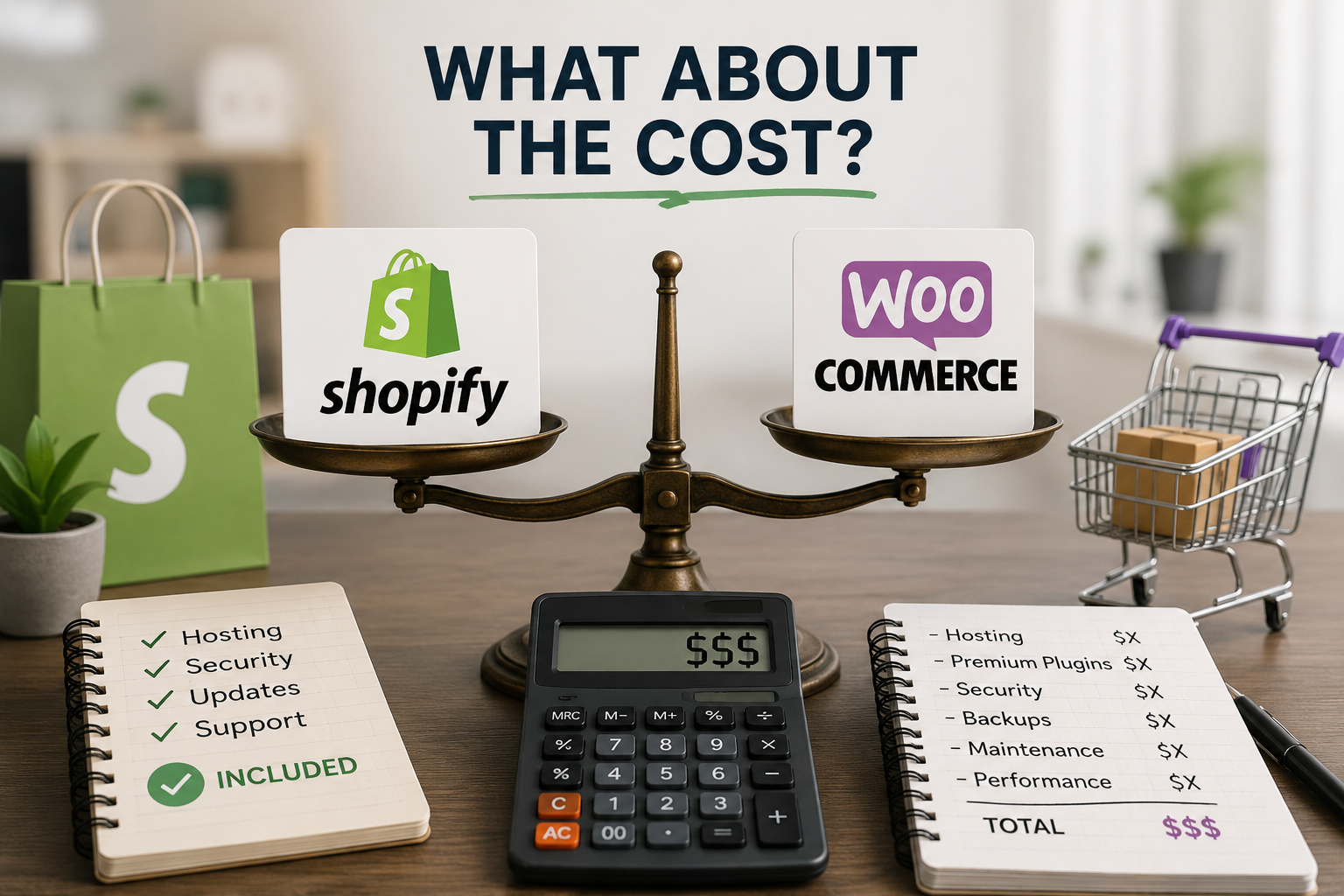
WooCommerce software is free. That part is true. But a real, functioning store on WooCommerce needs more than just the free plugin. Here’s what I’ve actually spent money on across different WooCommerce builds:


  1. Managed WordPress hosting: $15 to $50 per month for reliable performance
  2. Premium plugins: easily $200 to $1,000 per year for things like subscriptions, shipping, and security
  3. Domain and SSL: another $50 to $150 per year
  4. Developer help: if you’re not technical, expect to pay someone for setup and ongoing fixes


Shopify works on a subscription model  plans start at around $29 to $39 per month and include hosting, security, SSL, and automatic updates. You pay more upfront per month, but you’re not assembling those pieces separately and hoping they all work together.

My honest take: if you’re technically skilled and enjoy managing your own setup, WooCommerce can absolutely cost less over time. If you’re not, the “free” platform often ends up costing more — either in money spent on developers or in time spent fixing things yourself.


Number - 5:

What About SEO?

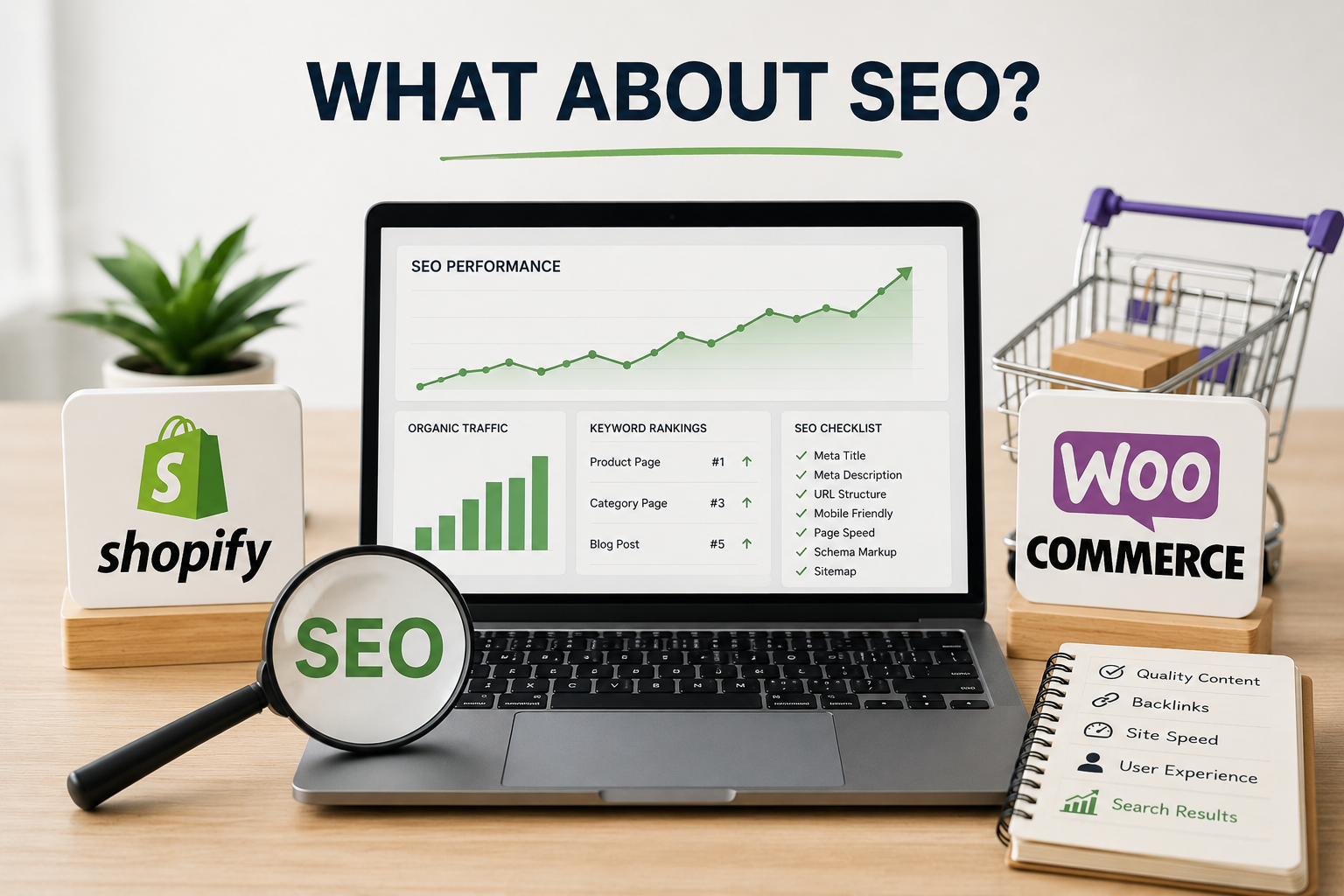
I’ve ranked product pages on both platforms and I’ll say this plainly: neither platform automatically wins at SEO. I’ve seen WooCommerce stores dominate search results and Shopify stores doing the same thing.

What actually drives rankings is content quality, page speed, keyword strategy, and the authority your domain builds over time. WooCommerce gives you slightly more direct control over technical SEO settings if you know what you’re doing. Shopify simplifies most of that and handles the basics automatically.

For the vast majority of store owners, SEO success comes down to strategy and consistency — not platform choice. If you’re writing genuinely useful product pages and building real links, either platform will support you just fine.


Number - 6:

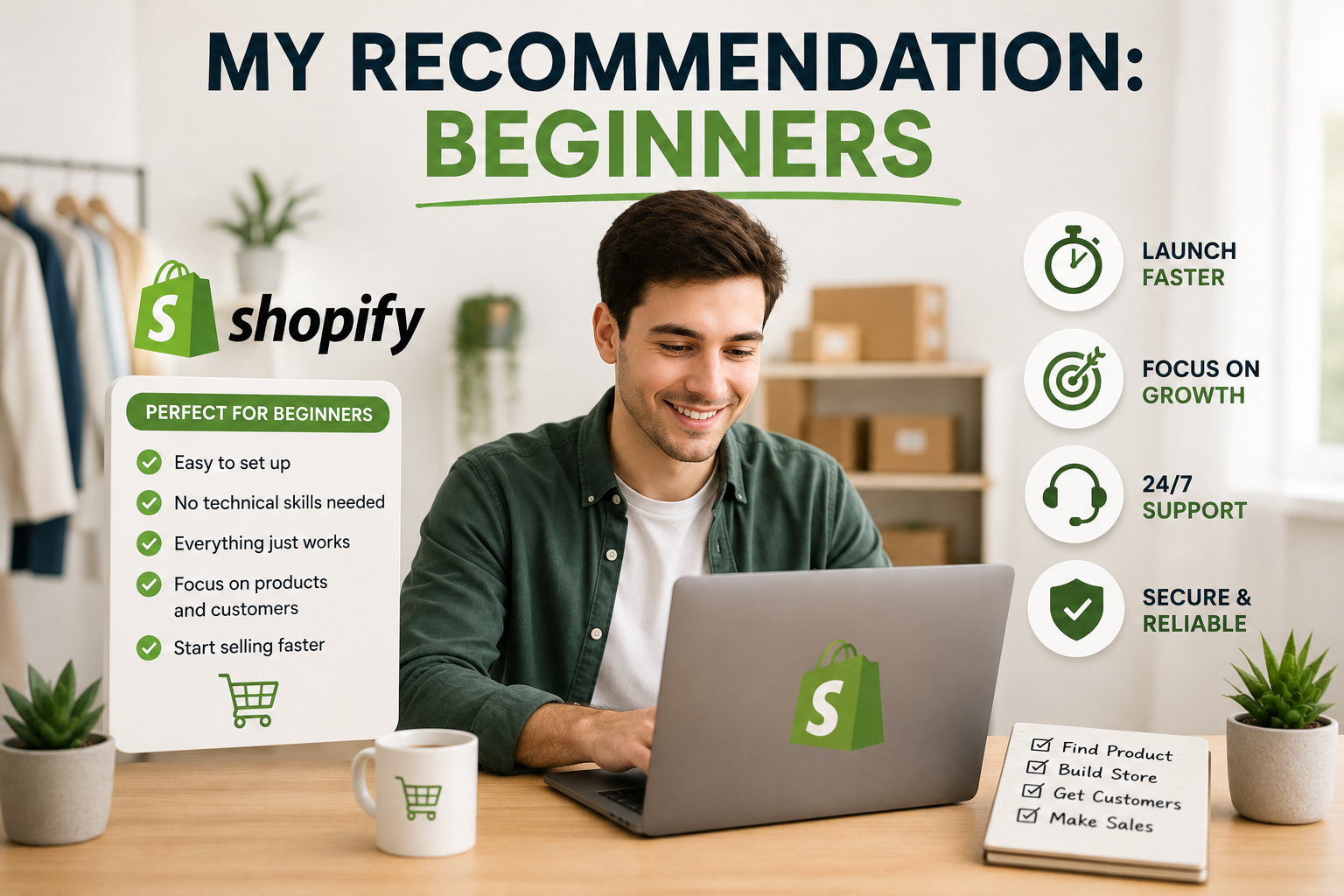
My Recommendation: Beginners

If I’m talking to someone launching their first ecommerce store, my answer is always Shopify.

Not because it’s flawless  it isn’t. But because the fastest path to learning ecommerce is to actually sell things, get real feedback, and adjust. Shopify gets you to that point faster than any other platform I’ve used.

Most new stores don’t fail because they picked the wrong platform. They fail because they never found enough customers, never validated their product, or burned out before things clicked. Shopify keeps the technical distractions out of the way so you can focus entirely on solving those problems  which are the ones that actually matter.


Number - 7:

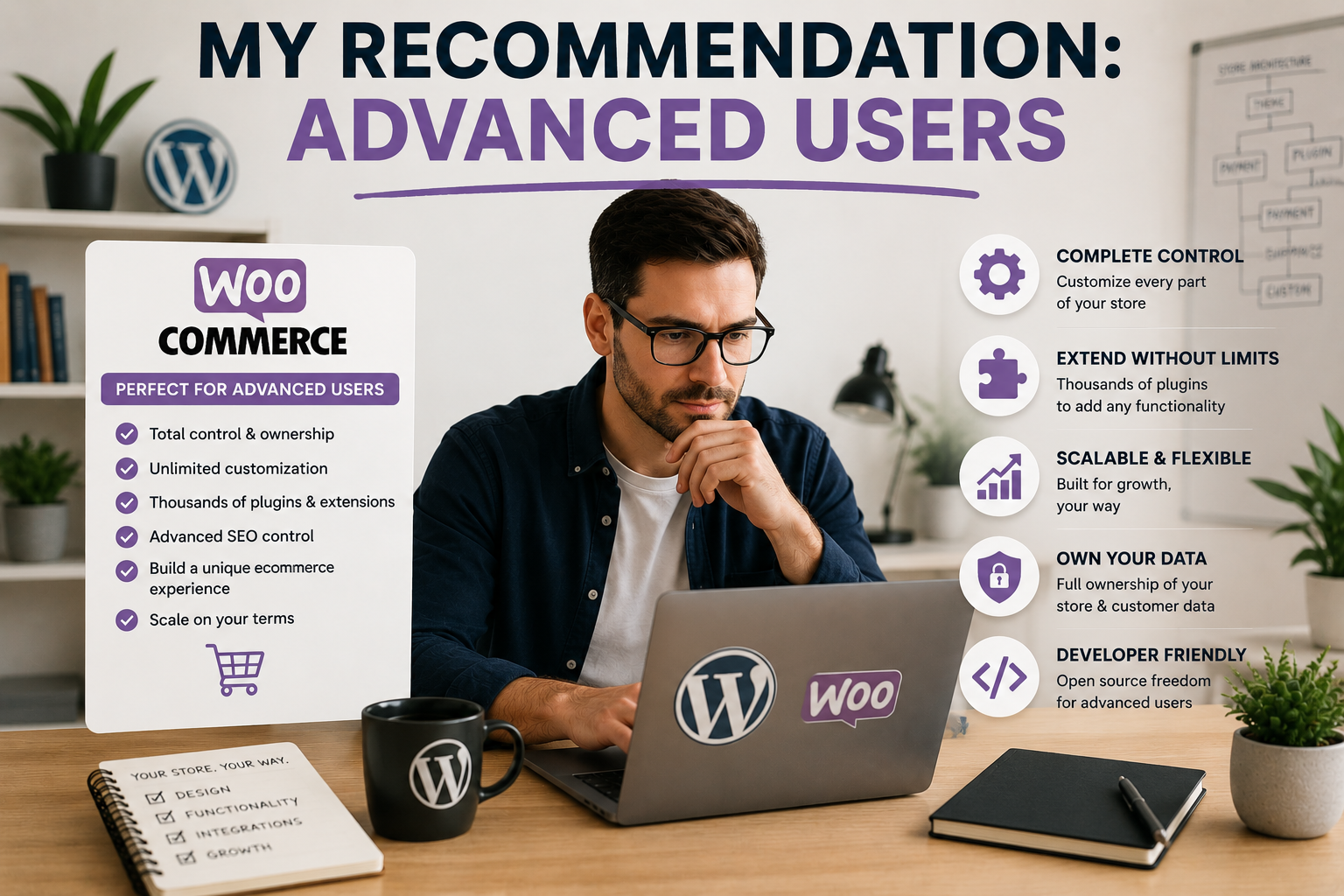
My Recommendation: Advanced Users

If I’m talking to someone who already lives in WordPress, needs deep customization, or is building for a client with very specific technical requirements  I recommend WooCommerce without hesitation.

The level of control it offers is genuinely hard to match. You own your database, you can modify anything in the codebase, and you’re never locked into one company’s ecosystem. For the right person in the right situation, that freedom is worth every bit of extra work it requires.

Just go in knowing what you’re signing up for. The freedom is real  and so is the responsibility that comes with it.


My Final Verdict

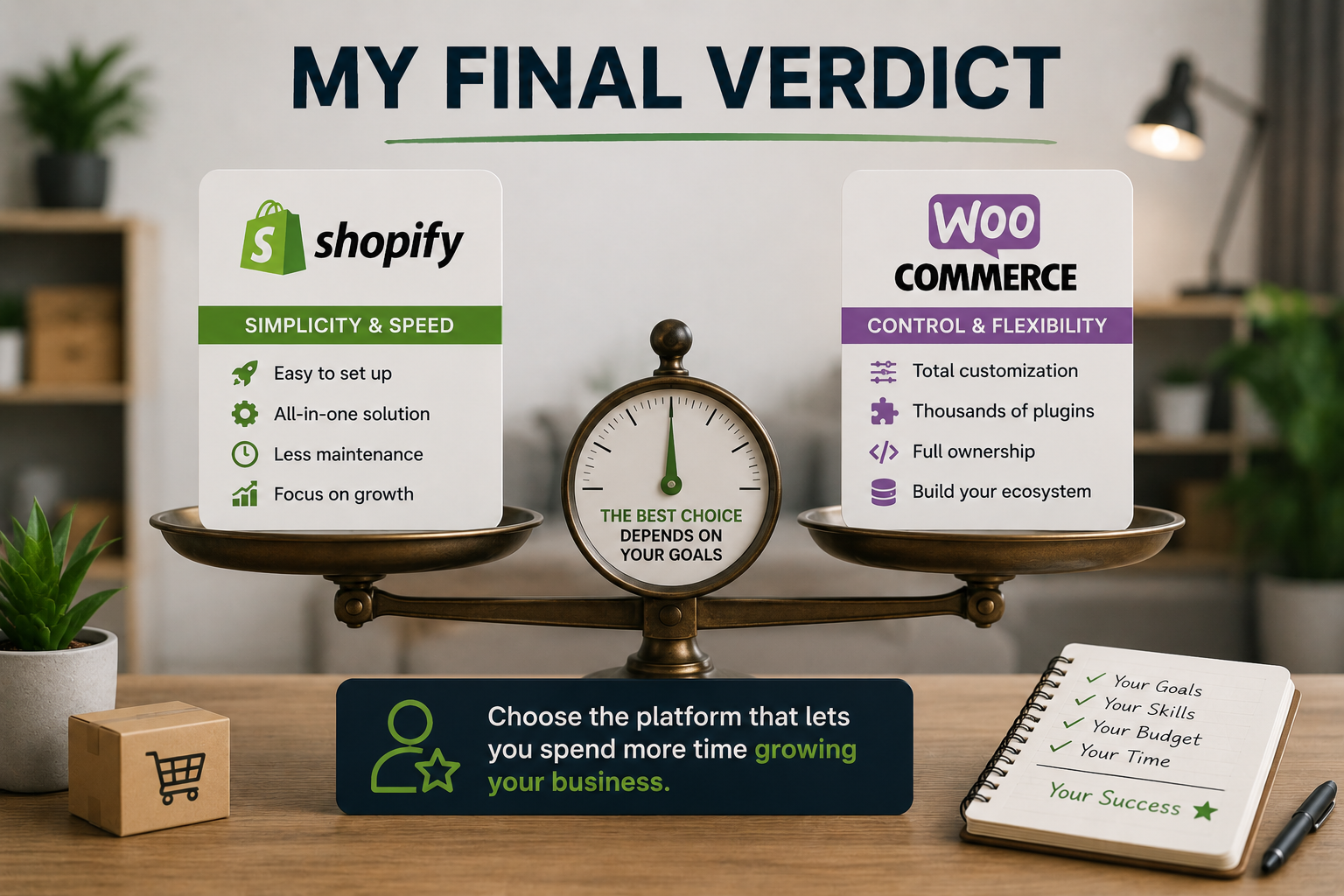
After all this time using both platforms, I’ve stopped looking for a universal winner. There isn’t one  and anyone who tells you otherwise is either selling something or hasn’t used both properly.

I choose Shopify when I want to launch fast, keep maintenance low, and stay focused on growing the business. I choose WooCommerce when a project demands a level of customization that Shopify simply can’t deliver, and when the person running it is prepared for what that entails.

The best platform for you isn’t the one with the most features or the cheapest price tag. It’s the one that fits how you actually work, matches where you are in your business journey right now, and ultimately gets out of your way so you can focus on the thing that matters most  building something people genuinely want to buy from.

Whatever you choose, commit to it fully. The platform isn’t going to make or break you. Your effort will


Have you built a store on Shopify or WooCommerce? I’d love to hear what your experience was like  drop it in the comments below.

Using AI for Dropshipping in 2026: My Results, Wins, and Mistakes

Using AI for Dropshipping in 2026: My Results, Wins, and Mistakes

Introduction

When I first started dropshipping, everything felt slow and overwhelming.

Product research took hours. Writing listings felt like a chore. Running ads was mostly guesswork. I was putting in a lot of effort and seeing very average results.

Then I started using AI tools and my entire workflow changed.

Not because AI did everything for me. But because it removed the slow, repetitive parts so I could focus on decisions that actually mattered.

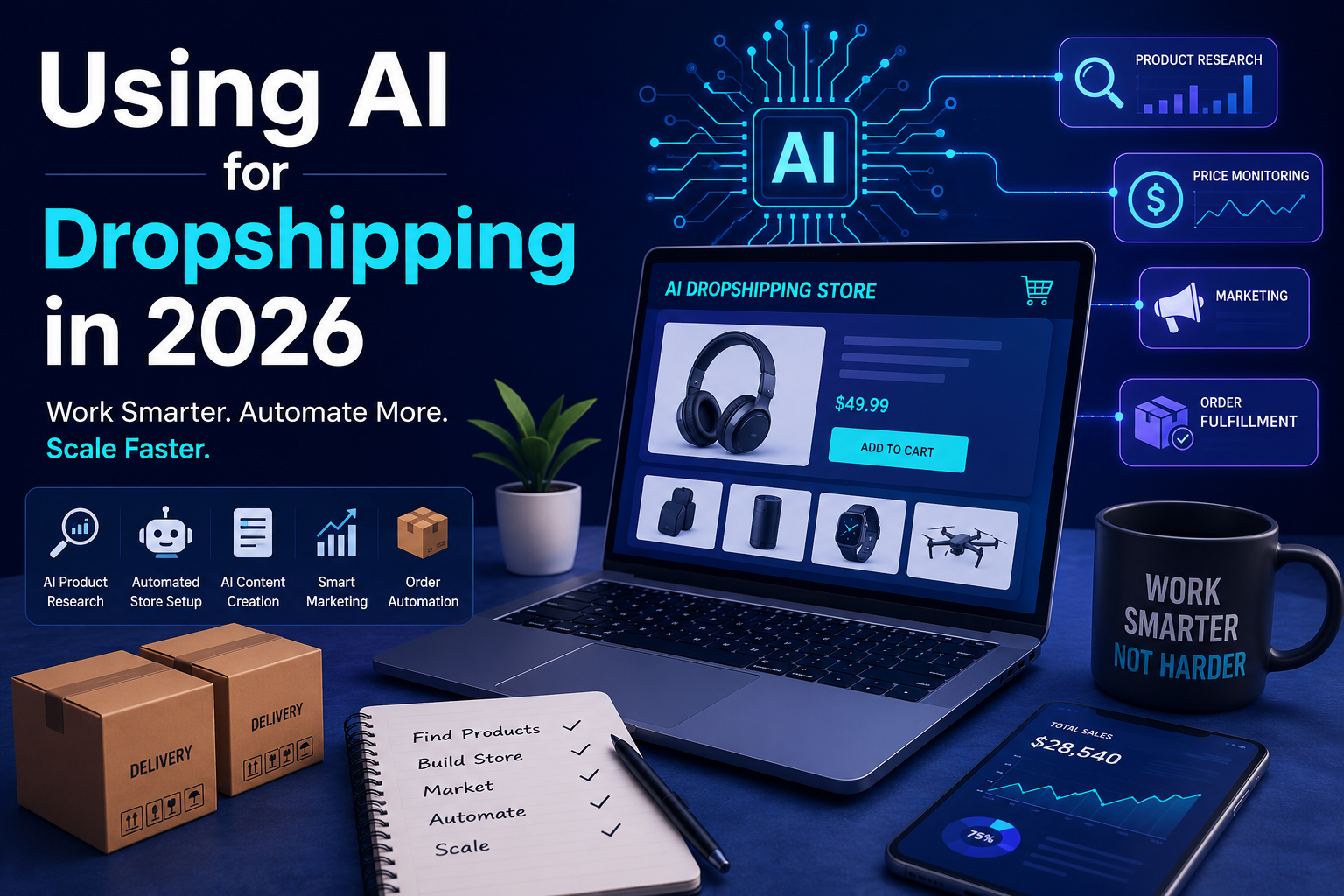
In 2026, AI is not a bonus feature for dropshippers. It is part of how serious stores are built and managed. Here is my honest experience using it  what helped, what did not, and what I still handle myself.

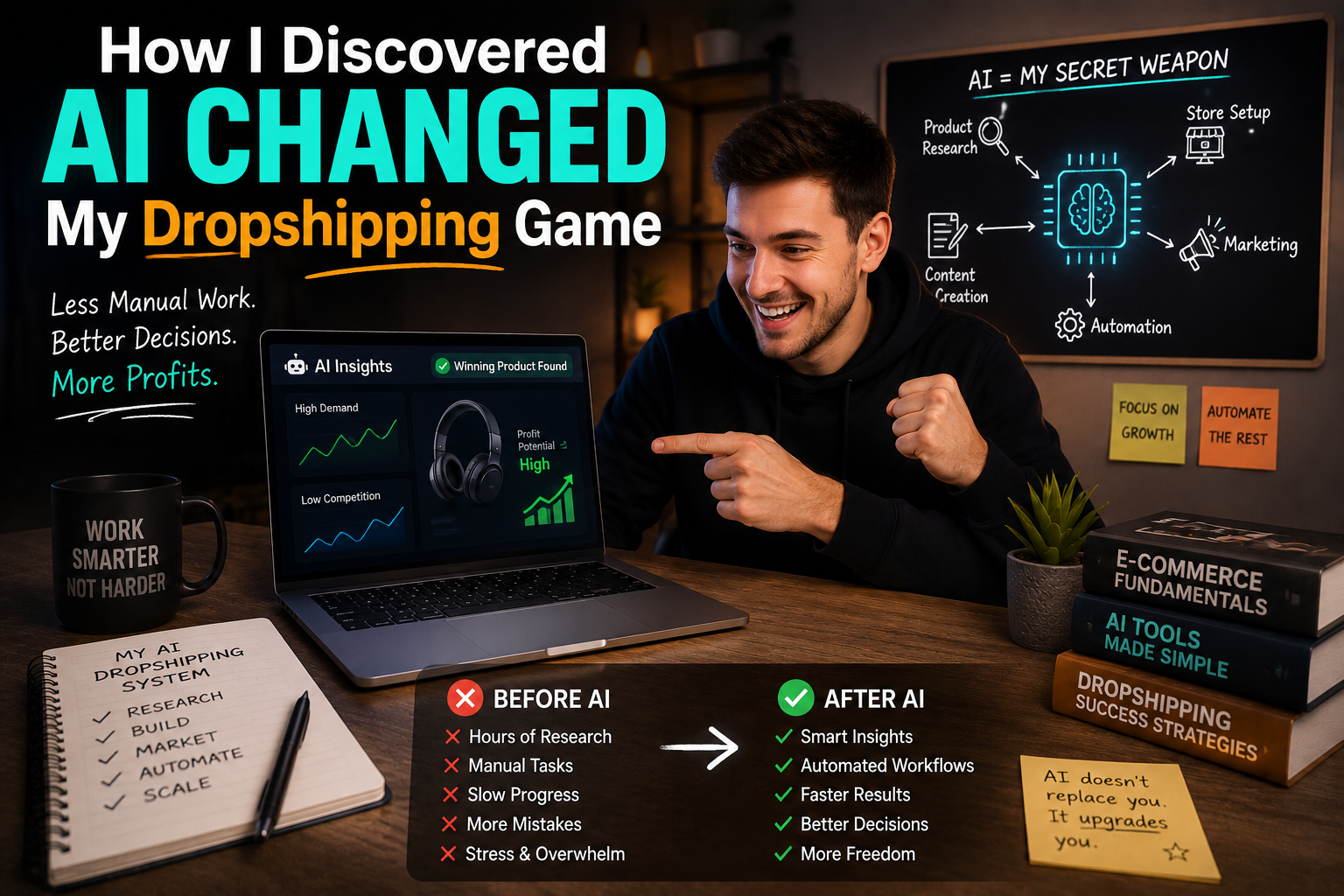
How I Discovered AI Changed My Dropshipping Game

I was suspicious at first. Most AI technologies appeared to be clever shortcuts that generated general outputs.

However, when I tested one for product research, something clicked immediately. Rather of spending hours scrolling through AliExpress or random Facebook advertising, AI extracted meaningful trend signals, demand patterns, and competition pricing data in minutes.

I was saving hours every day.

That was when I stopped treating AI as an experiment and began designing my workflow around it.


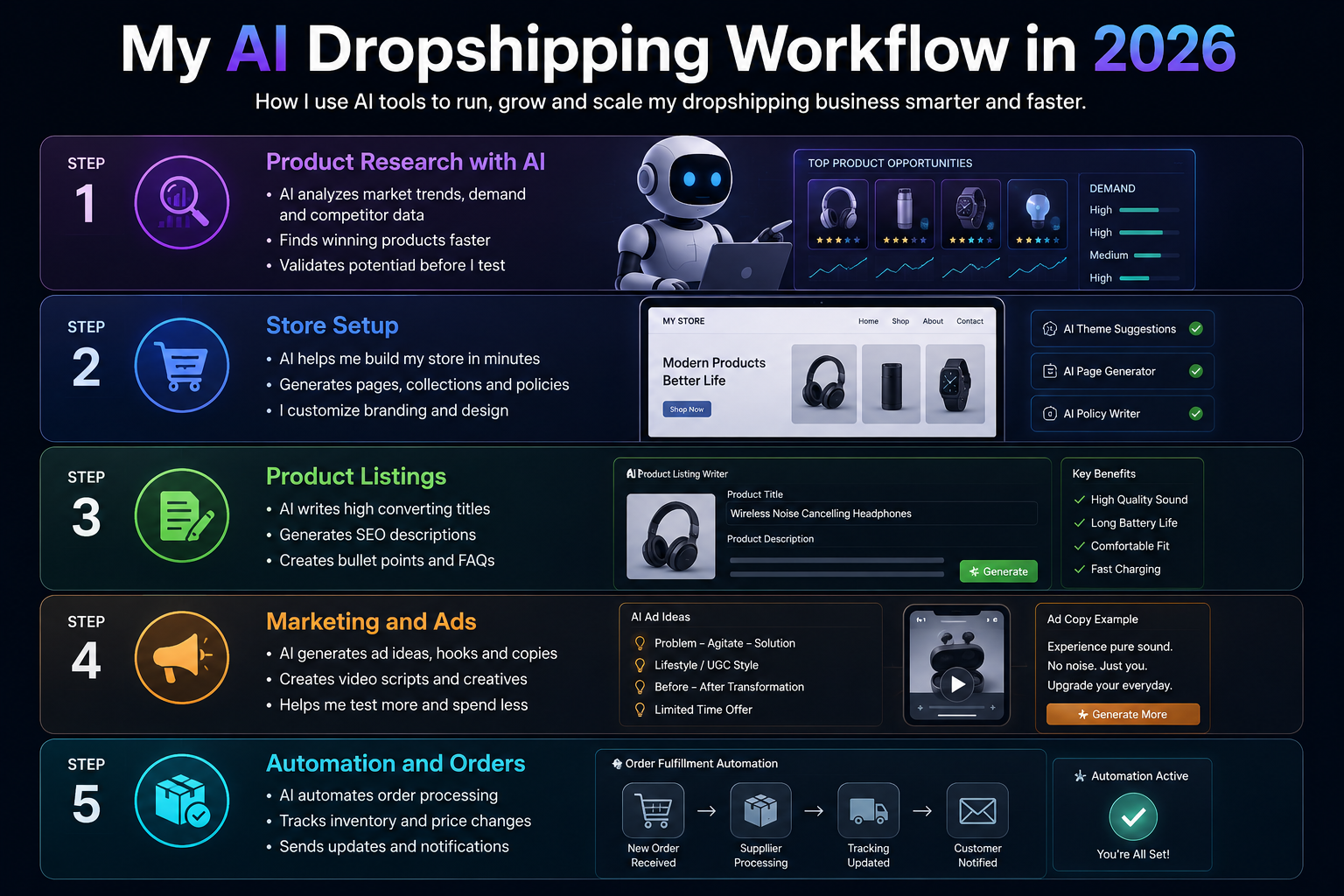
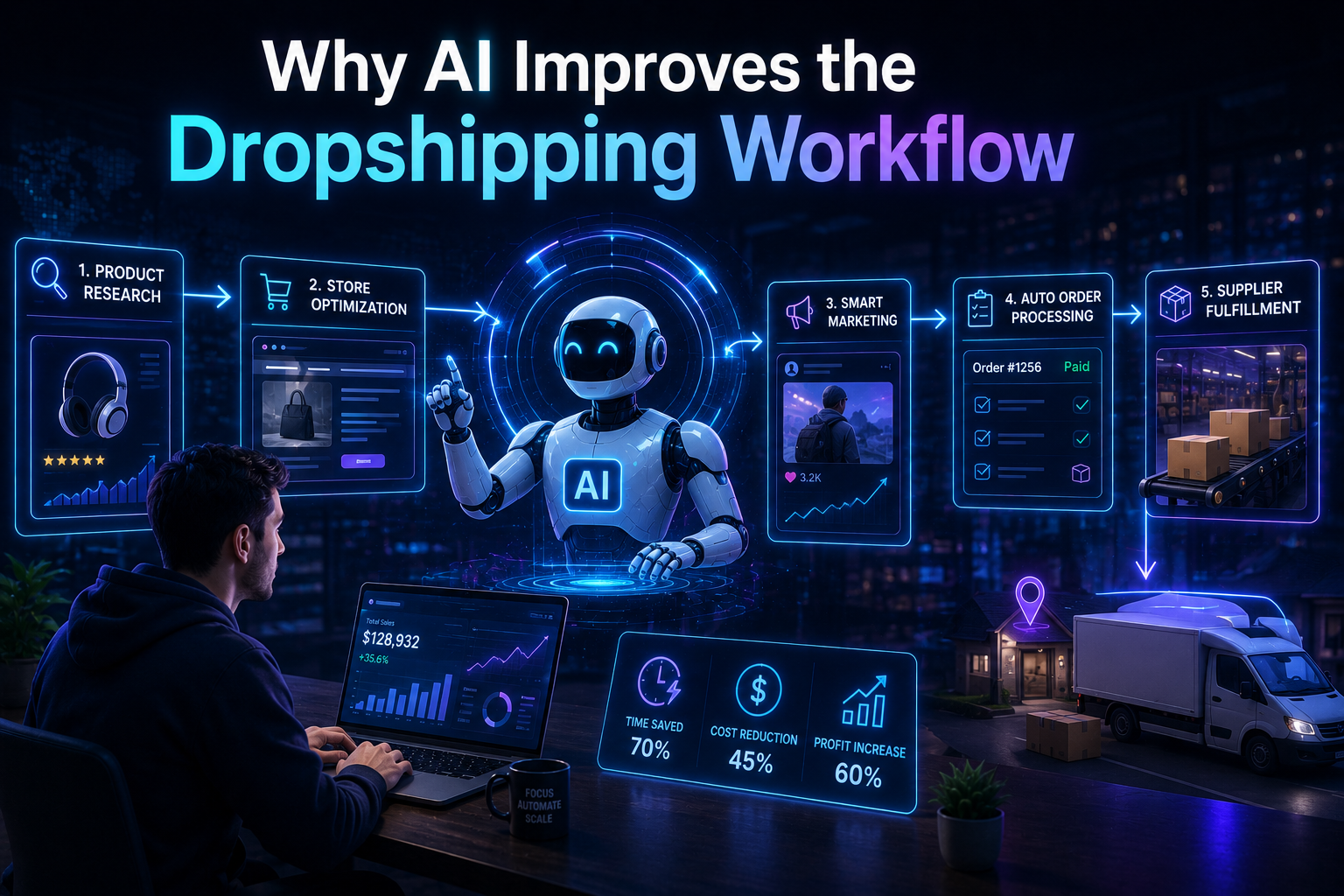
My AI Dropshipping Workflow in 2026

Step 1 — Product Research with AI

I do not search randomly anymore.

AI tools now suggest trending products, rising niches, and seasonal opportunities based on real store data not guesses. Platforms like Dropship.io and Sell The Trend track live sales signals across thousands of Shopify stores, so the suggestions are grounded in actual demand.

But I never skip the manual check. After AI shortlists products, I personally verify:

  1. Supplier reliability and reviews
  2. Realistic shipping times
  3. Actual customer demand beyond the algorithm

    AI builds the shortlist. I make the final call.


Step 2 — Store Setup

Earlier, building a Shopify store took me days choosing themes, setting up collections, organizing structure.

Now AI helps me move through the setup much faster. It suggests store layouts, generates product collection structures, and handles the basic groundwork in a fraction of the time.

That said, I still handle branding myself. AI does not understand my style, my target audience, or the feeling I want the store to create. That part stays human.


Step 3 — Product Listings

This is where AI saves me the most time and where most dropshippers use it wrong.

AI generates product titles, SEO descriptions, and feature bullet points quickly. The raw output is decent. But I always rewrite parts of it to match my tone and make it sound like a real person wrote it not a template.

The listings that convert well are the ones that feel human. AI gets you 70% there. The last 30% is on you


Step 4 — Marketing and Ads

AI is helpful for generating ad hooks, video script ideas, and social media captions. It speeds up the brainstorming phase considerably.

But winning ads still come from real testing. AI gives you starting points. Real campaigns tell you what actually resonates with your audience. I use AI ideas as a first draft, not a final answer.


Step 5 — Automation and Orders

This is the most powerful part of the AI dropshipping workflow.

Automation tools now handle:

  1. Automatic price updates when supplier costs change
  2. Real-time stock monitoring
  3. Faster order processing with fewer manual errors

What used to require constant checking and manual updates now runs in the background. This alone has saved me significant time every week and reduced costly mistakes


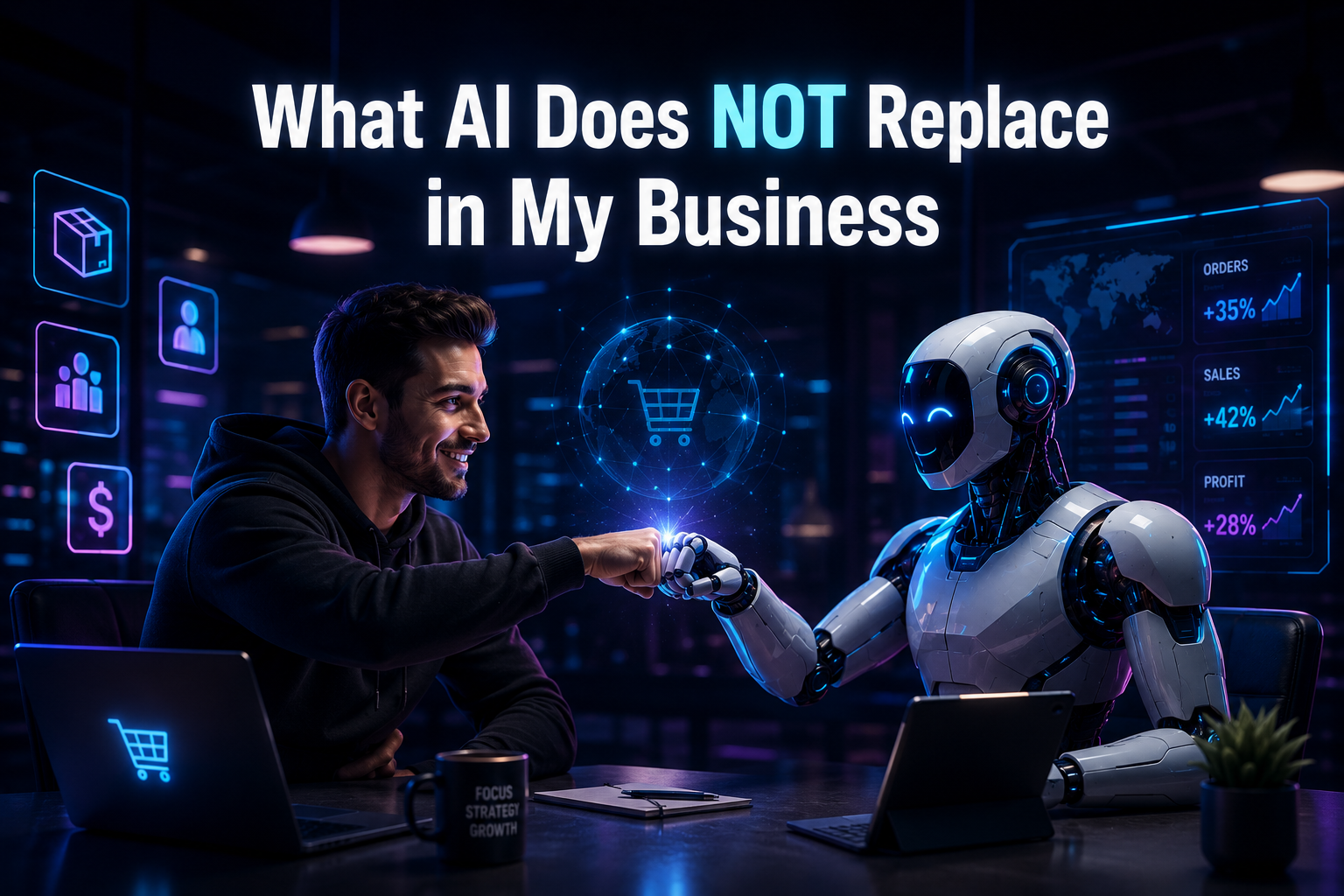
What AI Does NOT Replace in My Business

Even with all the tools available in 2026, there are things AI simply cannot do well:

  1. Choosing the right niche  this requires reading the market, not just the data
  2. Understanding customer psychology  why someone buys is not always visible in trend signals
  3. Building brand identity AI cannot feel what your brand should represent
  4. Evaluating supplier trust a supplier’s reliability shows over time, not in a dashboard


These decisions still need human judgment. And honestly, these are the decisions that determine whether a store succeeds or not


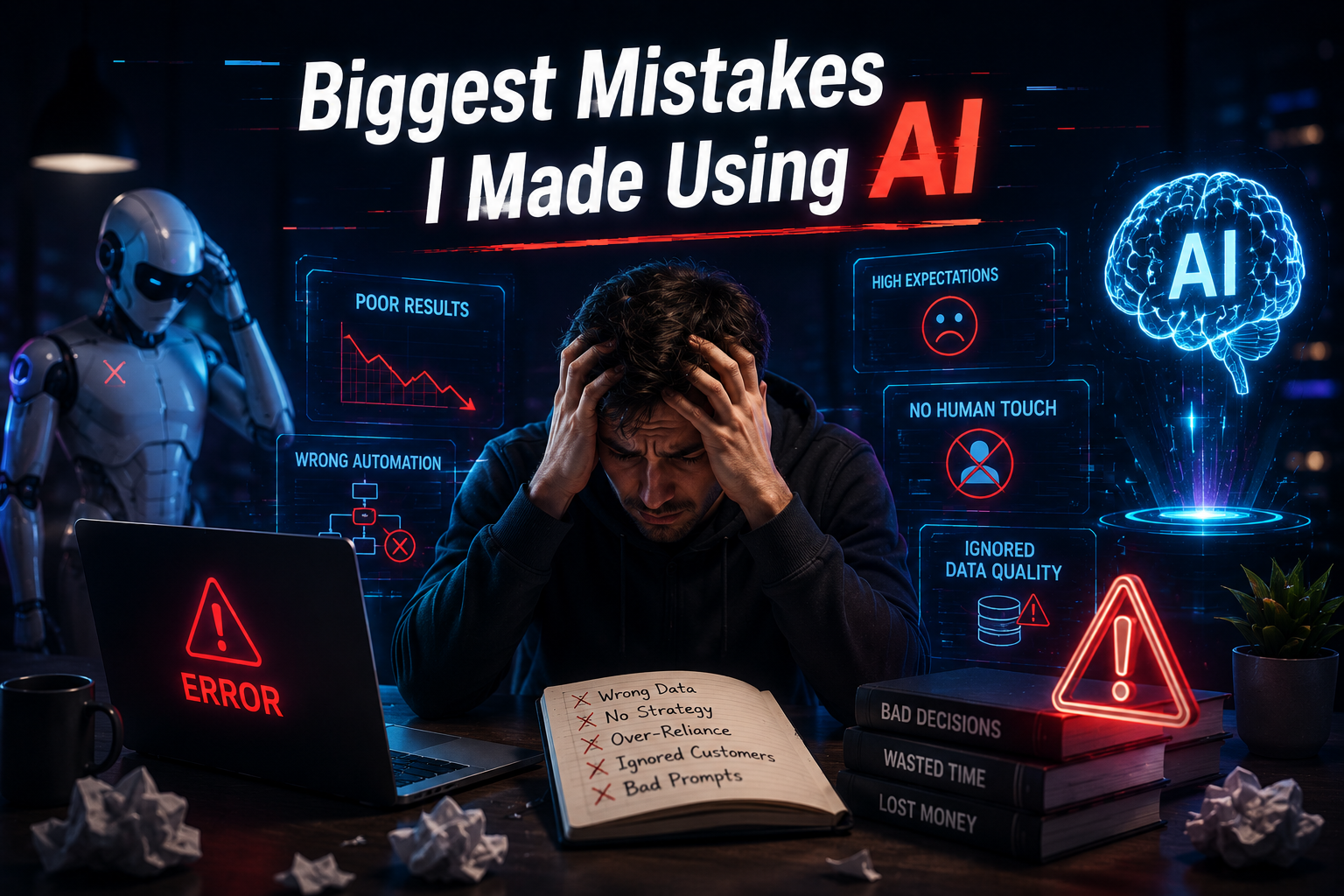
Biggest Mistakes I Made Using AI

When I first started relying on AI tools, I made several costly mistakes:

Trusting product suggestions blindly. AI flagged a product as trending and I ordered inventory before checking the supplier. The shipping times were terrible and the product quality did not match the listing photos.

Ignoring supplier verification. AI cannot assess whether a supplier is reliable. That requires actual communication and sample orders.

Publishing auto-generated listings without editing. Generic AI content performs poorly. Customers can tell when a description was written by a machine, and it damages trust.

Skipping real-world testing. I assumed AI-validated products would sell. They still needed ad testing to confirm actual demand.

AI is powerful  but it is not a substitute for doing the work properly

What Actually Works Best for Me

After testing different approaches, the formula that consistently works is simple:

  1. AI for speed  research, listings, automation, content drafts
  2. Human judgment for strategy  niche selection, branding, supplier decisions, ad direction
  3. Real testing for validation  no product is proven until customers buy it

This combination is what helps me scale without burning through budget on unvalidated ideas


Why AI Improves the Dropshipping Workflow

For anyone still on the fence about using AI tools, here is what the difference looks like in practice:

Faster Product Discovery What used to take hours of manual scrolling now takes minutes with AI trend tools pulling live market data.

Reduced Manual Work  Listing creation, price monitoring, and order processing are largely automated, freeing up time for higher-value decisions.

Better Decision Making  AI surfaces data patterns that are easy to miss manually demand signals, competitor pricing shifts, seasonal trends.

Improved Scalability  Running multiple stores or testing multiple products simultaneously becomes realistic when AI handles the operational load.


Is AI Dropshipping Worth It in 2026?

Yes  but only if you use it correctly.

One independent analysis of nearly 6,000 dropshipping products found that AI was strong at identifying functional, problem solving products but scored zero products perfectly on viral or wow-factor appeal  the quality most linked to breakout success. AI is a powerful filter, not a guarantee.

What AI does is remove the slow, repetitive parts of dropshipping so you can spend your energy on what actually moves the needle  picking the right products, building a brand, and creating experiences that convert.

For me personally, AI has made dropshipping faster, easier to manage, and more scalable. But the results still come from the decisions I make  not the tools I use.


Frequently Asked Questions

What is AI dropshipping?

AI dropshipping means using artificial intelligence tools to assist with product research, listing creation, automation, marketing, and store management making the overall workflow faster and more efficient.

Can AI run a dropshipping business by itself?

No. AI handles many operational tasks effectively, but strategic decisions niche selection, supplier evaluation, brand building still require human judgment and experience.

What is the biggest benefit of AI in dropshipping?

Speed. AI compresses the time needed for product research, listing creation, and order management significantly, allowing you to test more ideas in less time.

Can AI help with product research?

Yes. AI tools analyze real-time trend signals, competitor data, and demand patterns to build a shortlist of viable products. Manual verification is still essential before committing.

Is AI dropshipping beginner-friendly?

It is more accessible than traditional dropshipping, but beginners still need to understand core business fundamentals. AI tools work best when you know what you are trying to achieve.

How to Change my Photo from Admin Dashboard?

Far far away, behind the word mountains, far from the countries Vokalia and Consonantia, there live the blind texts. Separated they live in Bookmarksgrove right at the coast

Will AI replace dropshippers?

No. AI is a tool that compresses repetitive work. The entrepreneurs who build real brands and make smart product decisions will always have an edge over pure automation.

“This blog reflects my personal experience running dropshipping stores in 2026. Results vary based on niche, product selection, and execution.”

Start Your Dropshipping Journey with UZORA

WordPress Speed Optimization 2026 (What Actually Worked)

WordPress Speed Optimization Experiments in 2026 (What Actually Worked)

Intro:

In January 2026, my WordPress site was painfully slow. Mobile visitors bounced instantly. Core Web Vitals were failing. Some pages took over 7 seconds to load.

I kept buying “faster hosting” thinking that was the fix. It wasn’t.

That’s when I stopped following generic checklists and started testing everything manually — one change at a time, with real numbers before and after. Here’s exactly what I found.


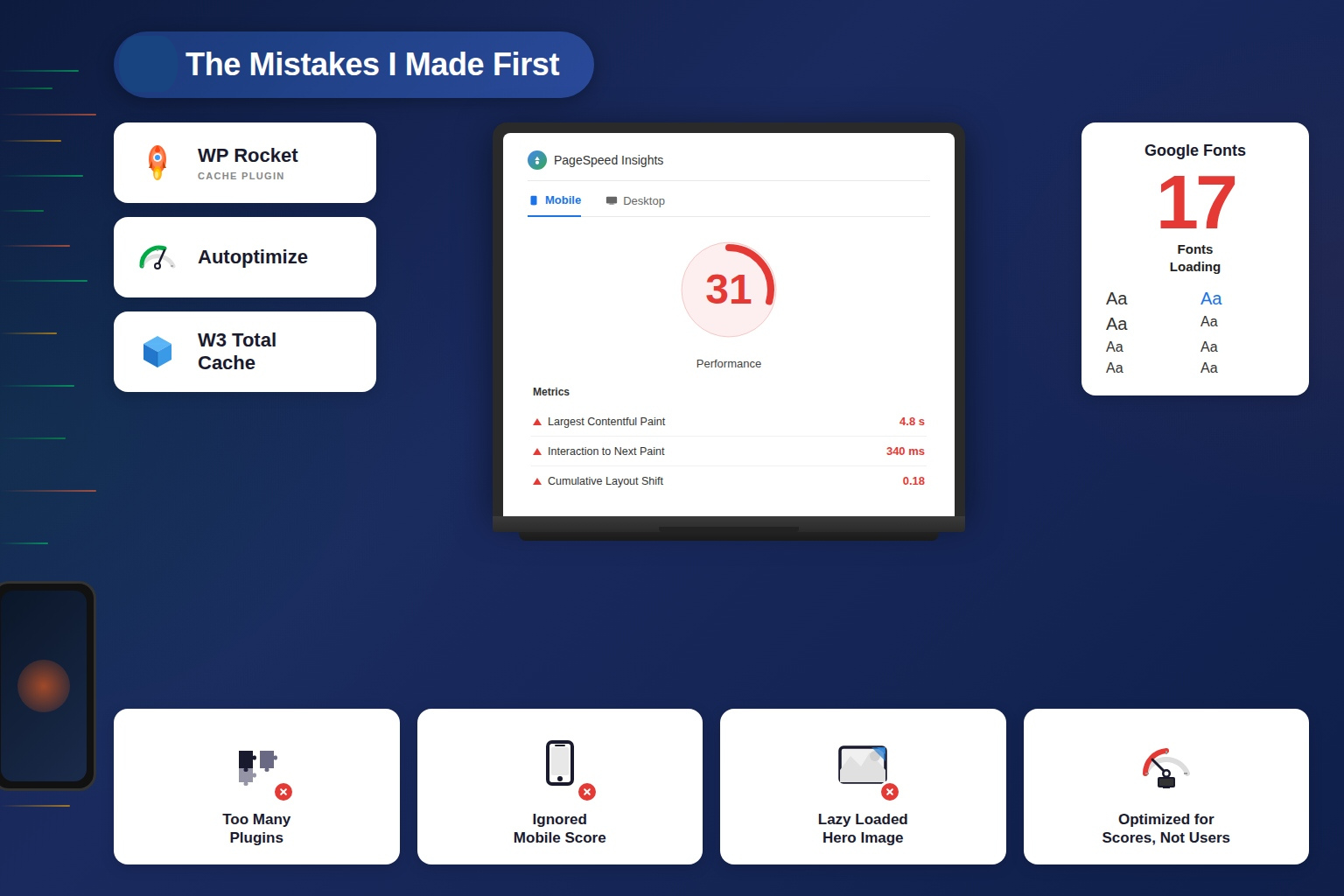
The Mistakes I Made First

Most guides skip this part. I won’t.

  1. I stacked WP Rocket, Autoptimize, and W3 Total Cache together — they conflicted and made things slower
  2. I trusted desktop PageSpeed scores while my mobile score was sitting at 31
  3. I accidentally loaded 17 Google Fonts from leftover theme installs
  4. I lazy loaded my hero image — which is the exact opposite of what you should do
  5. I optimized for PageSpeed score, not real users. They’re not the same thing

What Actually Worked

Removing Plugin Bloat

I installed Perfmatters and audited every script loading on every page.

One form builder plugin was loading 1.4MB of JavaScript on every single page — including pages that had no form on them. That’s how WordPress works by default: plugins load everywhere unless you tell them not to.

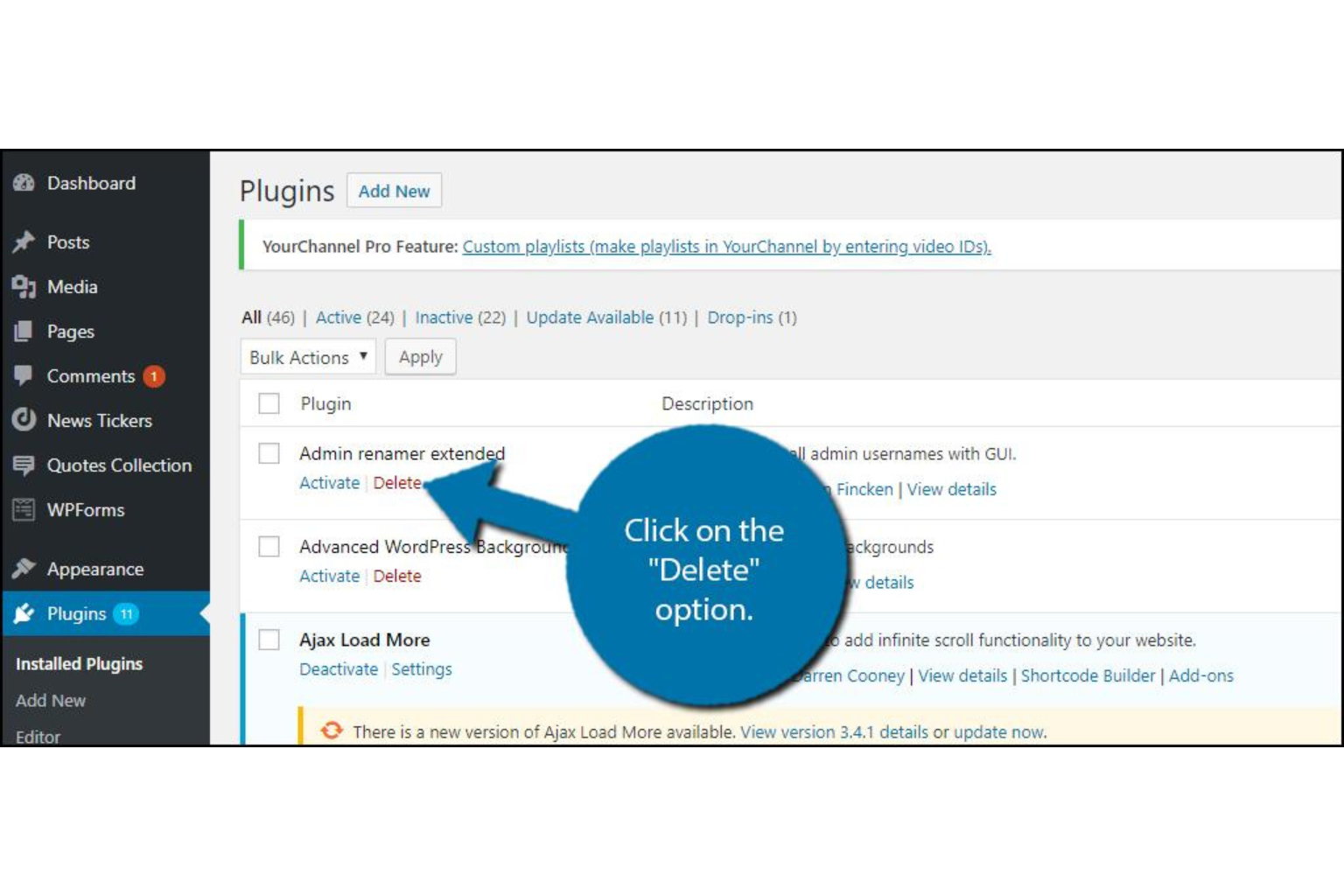
I set conditional loading rules so scripts only load on pages that actually need them. Then I deleted 9 plugins I wasn’t using anymore.

Result: Page requests dropped from 74 to 31. LCP improved from 4.2s to 2.8s on mobile.

What Actually Worked

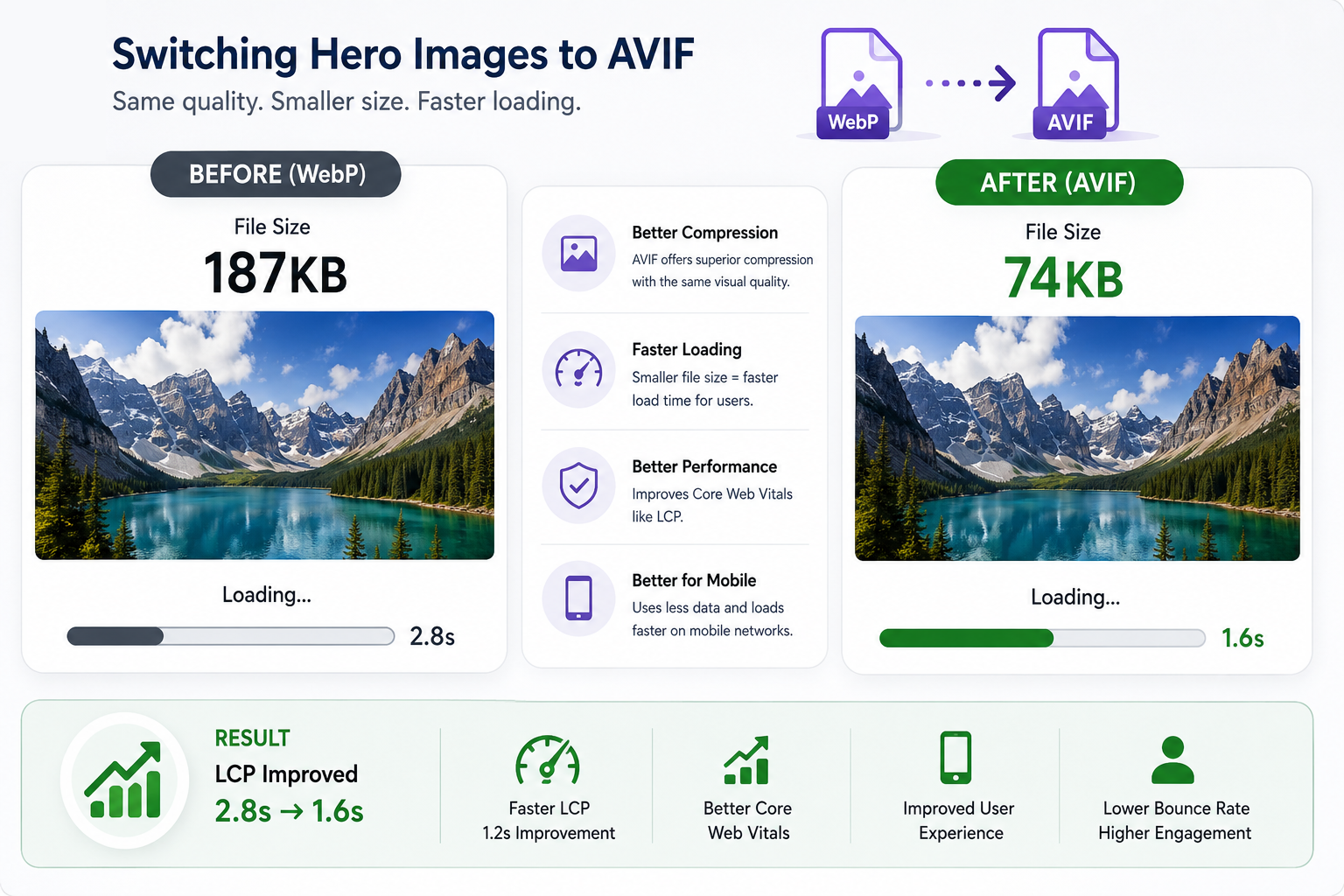
Switching Hero Images to AVIF

I was already using WebP and thought I was fine. Then I tested AVIF.

My hero image dropped from 187KB to 74KB at the same visual quality. That difference is felt immediately on mobile connections.

I also added fetchpriority=”high” to my hero image and preloaded it in the <head>. The browser now knows this is the most important element on the page and loads it first.

Result: LCP dropped from 2.8s to 1.6s.


What Actually Worked

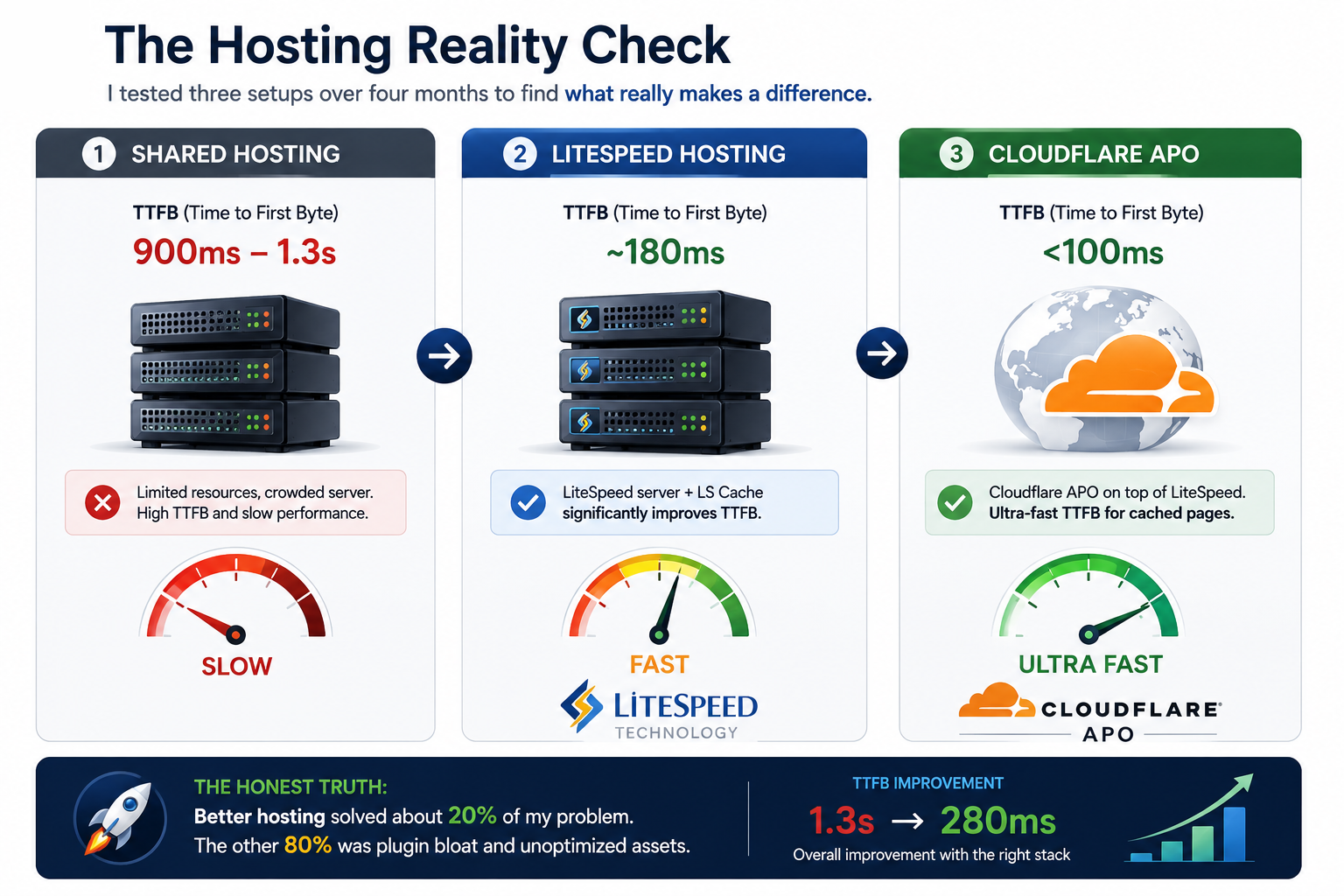
The Hosting Reality Check

I tested three setups over four months:

  1. Shared hosting — TTFB around 900ms–1.3s. No plugin fixes this.
  2. LiteSpeed hosting — TTFB dropped to ~180ms with LiteSpeed Cache.
  3. Cloudflare APO — Added on top. TTFB for cached pages under 100ms.

But here’s the honest truth: better hosting solved about 20% of my problem. The other 80% was plugin bloat and unoptimized assets. Hosting is necessary — just not sufficient.

Result: TTFB dropped from 1.3s to 280ms.

What Actually Worked

Self-Hosting Fonts

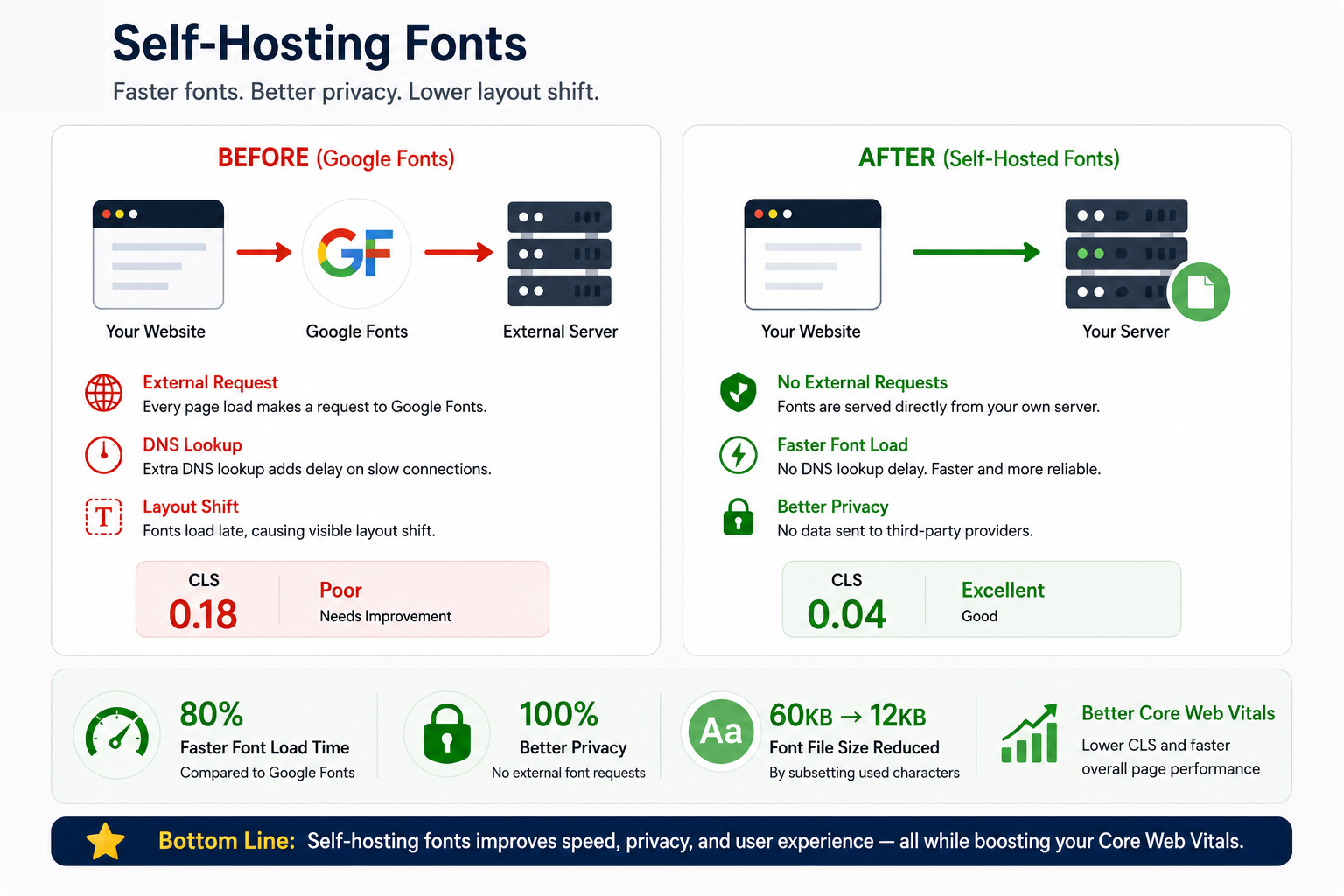
I was loading Google Fonts via an external link — meaning every page visit required a DNS lookup to Google before fonts could load. On slow connections, this caused visible layout shift as fonts swapped in.

I downloaded the font files and loaded them directly from my own server. I also subsetted them  cutting each font from ~60KB to under 12KB by keeping only the characters I actually use.

Result: CLS dropped from 0.18 to 0.04. Font load time cut by 80%.


What Actually Worked

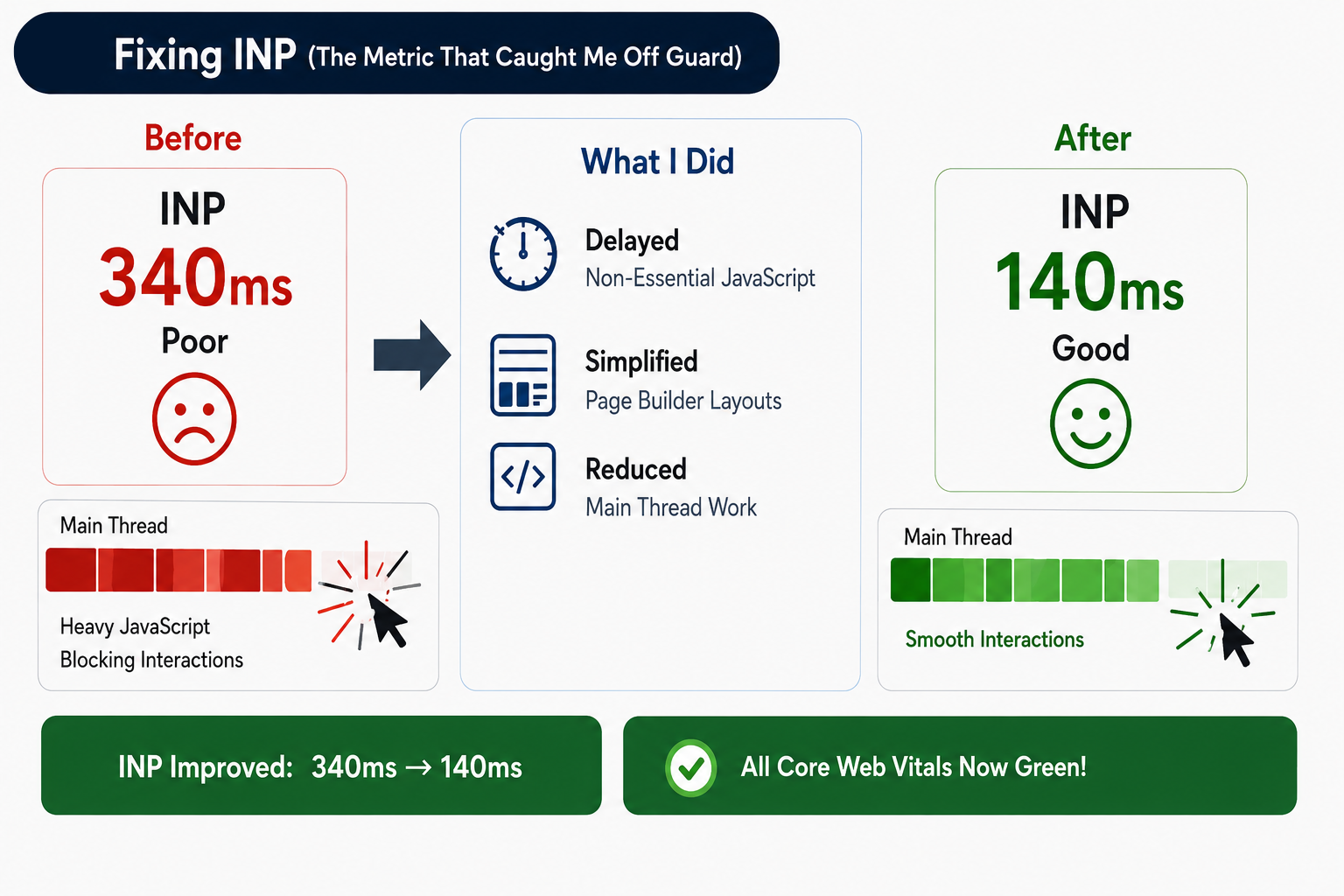
Fixing INP (The Metric That Caught Me Off Guard)

INP replaced FID in March 2024. It measures every interaction on the page, not just the first one. My INP was at 340ms well above the 200ms threshold.

The problem was JavaScript blocking the main thread. I enabled “Delay JavaScript” in WP Rocket, which postpones non-essential scripts until after first user interaction. I also simplified my page builder layouts — a bloated DOM directly hurts INP.

Result: INP dropped from 340ms to 140ms. All three Core Web Vitals now green.


What Wasted My Time

  1. Combining CSS aggressively — broke my layout completely, rolled it back
  2. Removing jQuery blindly — half my plugins stopped working
  3. Lazy loading my logo — caused layout shift above the fold
  4. Cheap CDN ($2/month) — added latency instead of reducing it
  5. AI code snippets from forums — broke my cart page, took 3 hours to debug


Where to Start If You're in the Same Position

  1. Fix hosting first — if TTFB is over 600ms, nothing else matters yet
  2. Audit plugin scripts — use Perfmatters and load conditionally
  3. Convert images to AVIF and preload your hero image
  4. Self-host your fonts
  5. Delay non-essential JavaScript for better INP
  6. Track real user data in Search Console, not just PageSpeed scores

WordPress isn’t slow by nature. What makes it slow is everything we pile on top. Strip it back, test one thing at a time, and the results will follow.


Last updated: May 2026 | Tested on WordPress 6.5 with WP Rocket + Perfmatters + Cloudflare APO + LiteSpeed hosting

Articles You Should Study 

Speed Optimization & Core Web Vitals

Real User Experience & Performance Psychology

Reddit Discussions (Excellent for Real Insights)

  • Reddit – WordPress Speed Optimization Discussions
  • Reddit – Core Web Vitals Discussions


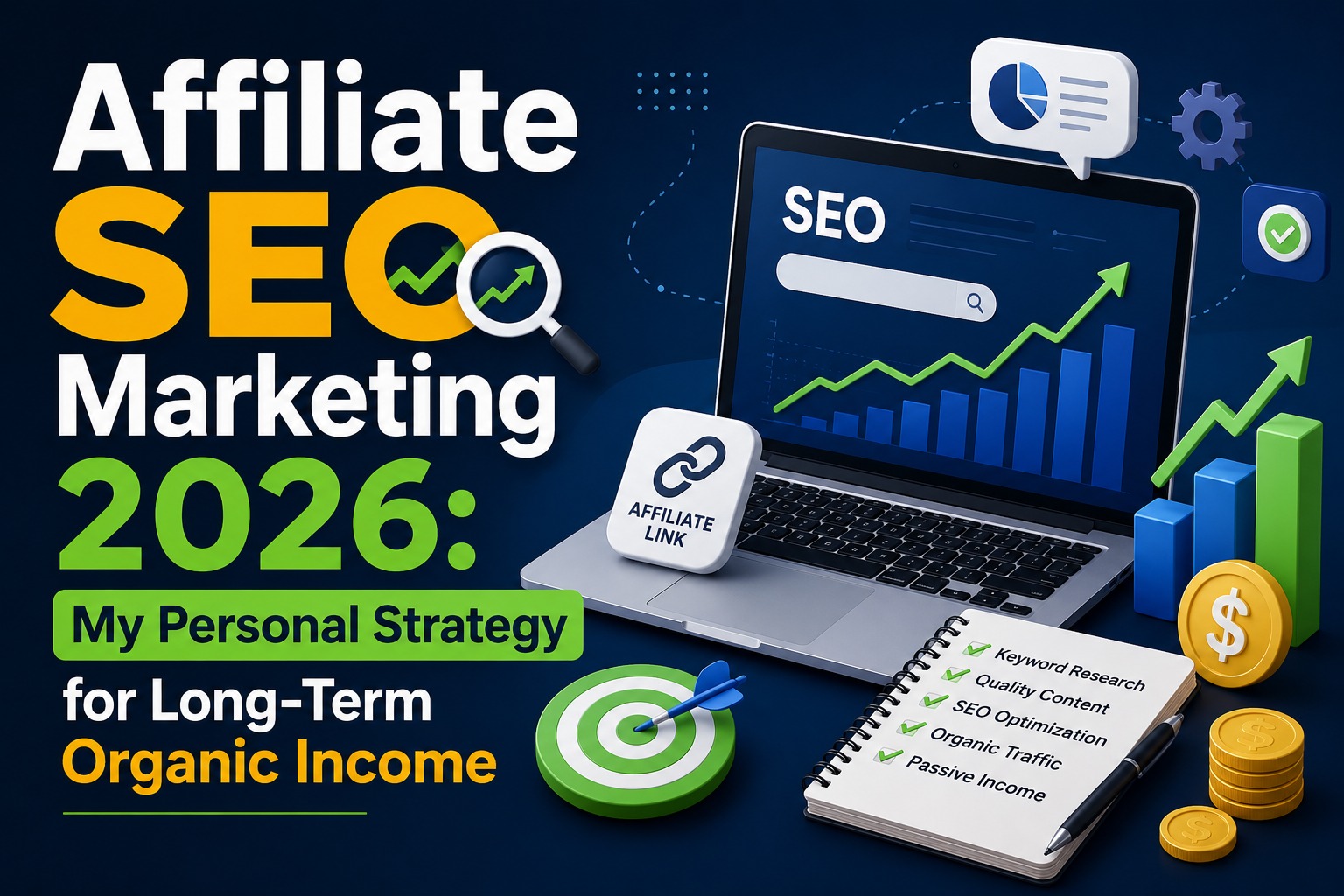
Affiliate SEO Marketing 2026: My Personal Strategy for Long-Term Organic Income

Affiliate SEO Marketing 2026: My Personal Strategy for Long-Term Organic Income

In 2026, I see affiliate SEO marketing as one of the most powerful ways to build a stable online income. I don’t rely only on ads or social media

I focus on Google search traffic because it gives me long-term, predictable results.

When I started affiliate marketing, I learned that success doesn’t come from just placing links. It comes from building trust, solving problems, and ranking content that matches real user intent.

Why I Focus on SEO for Affiliate Marketing

I prefer SEO because:

  1. It brings free and consistent traffic
  2. It builds long-term digital assets
  3. It attracts users who are already ready to buy

Unlike paid ads, SEO keeps working even when I stop actively promoting content.

My Approach to Affiliate SEO in 2026

Let me be straight with you.

I spent months publishing affiliate content that got zero traffic. Not “low traffic” — zero. I was writing product reviews, dropping affiliate links, and telling myself the results would come. They didn’t.

Everything changed when I stopped chasing shortcuts and built a real strategy around SEO affiliate marketing. This post breaks down exactly what that strategy looks like in 2026 — no fluff, just what works.

What I Stopped Doing First

Before the strategy, let’s clear something up. A lot of affiliate bloggers are still making these mistakes:

  1. Writing thin reviews of products they’ve never used
  2. Stuffing keywords into every paragraph hoping to rank
  3. Publishing random posts with zero connection between them

Google’s algorithms in 2026 are smart enough to filter all of this out. Sites without genuine first-hand expertise are being penalized at scale. The sooner you drop these habits, the faster things improve.
Number - 1:

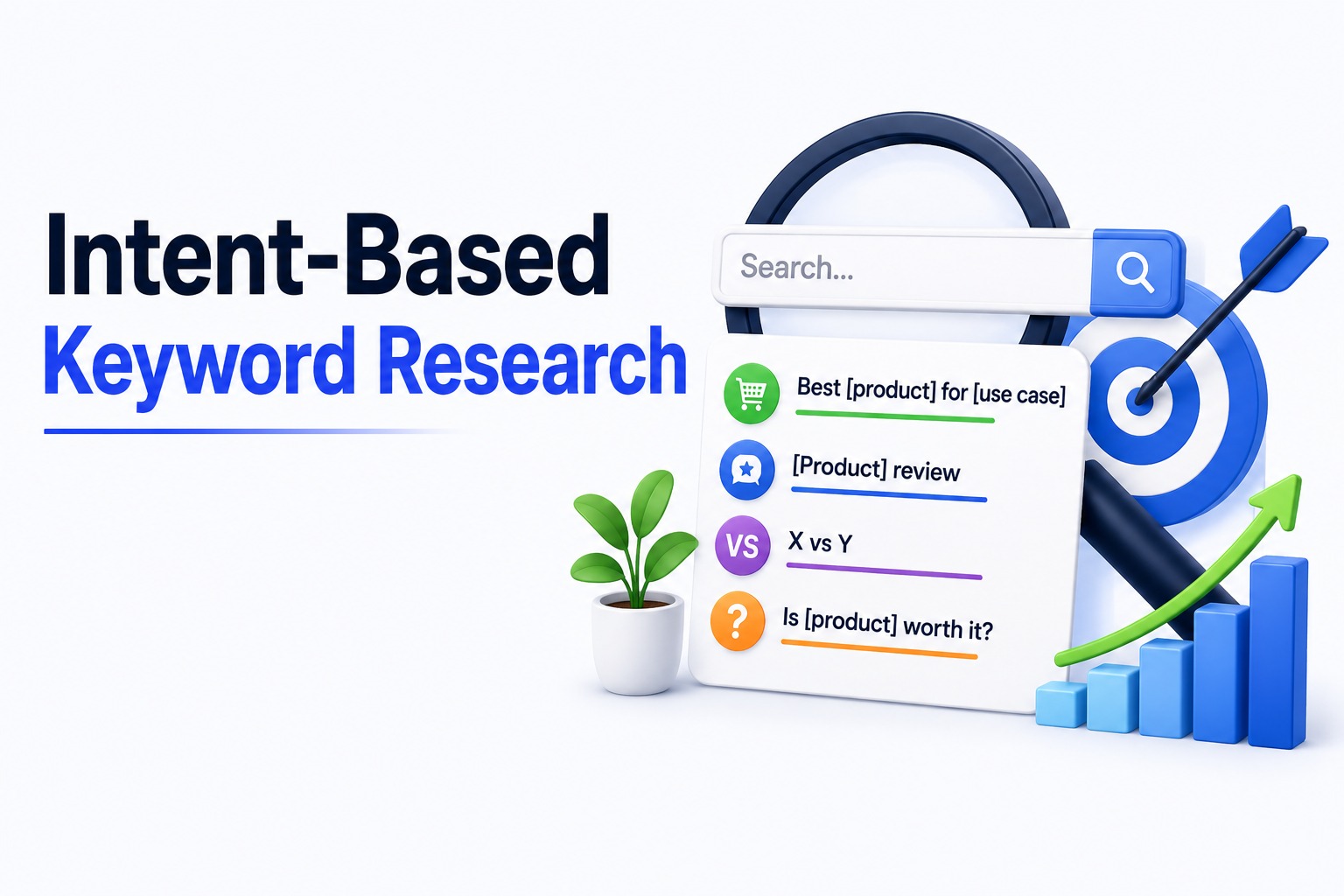
Intent-Based Keyword Research

Not all keywords are equal. The ones that convert in affiliate SEO marketing are the ones where the reader is already in decision mode.

I focus on four keyword types:

  1. “Best [product] for [use case]” — comparison mindset, ready to buy
  2. “[Product] review” — seeking honest opinion before purchasing
  3. “X vs Y” — narrowed it down, needs a final push
  4. “Is [product] worth it?” — high intent, low competition in most niches

I also target long-tail keywords heavily. “Best CRM for freelancers under $30” gets fewer searches than “best CRM” — but the person searching it is far closer to clicking your affiliate link. Less competition, higher conversion. That’s where beginners can actually win.

Number - 2:

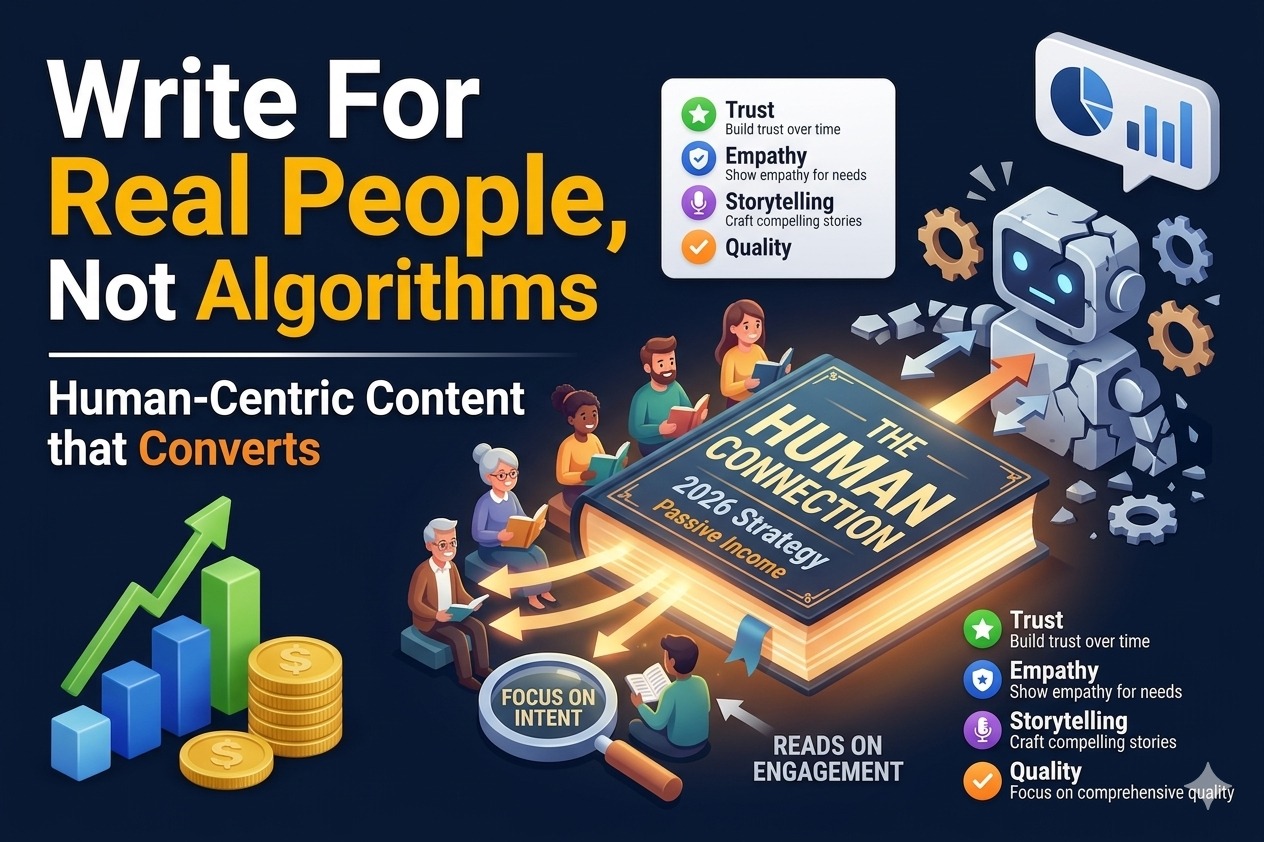
Write For Real People, Not Algorithms

Here’s the mindset shift that changed my content completely: stop asking “how do I rank?” and start asking “how do I genuinely help?”

My content answers the questions people are actually thinking:

  1. Who is this product best for — and who should skip it?
  2. What are the real downsides nobody mentions?
  3. Is there a cheaper alternative that does the same job?

The affiliates winning in 2026 write like they’re giving advice to a friend – honest, direct, including the negatives. Readers can smell fake positivity instantly, and so can Google

Number - 3:

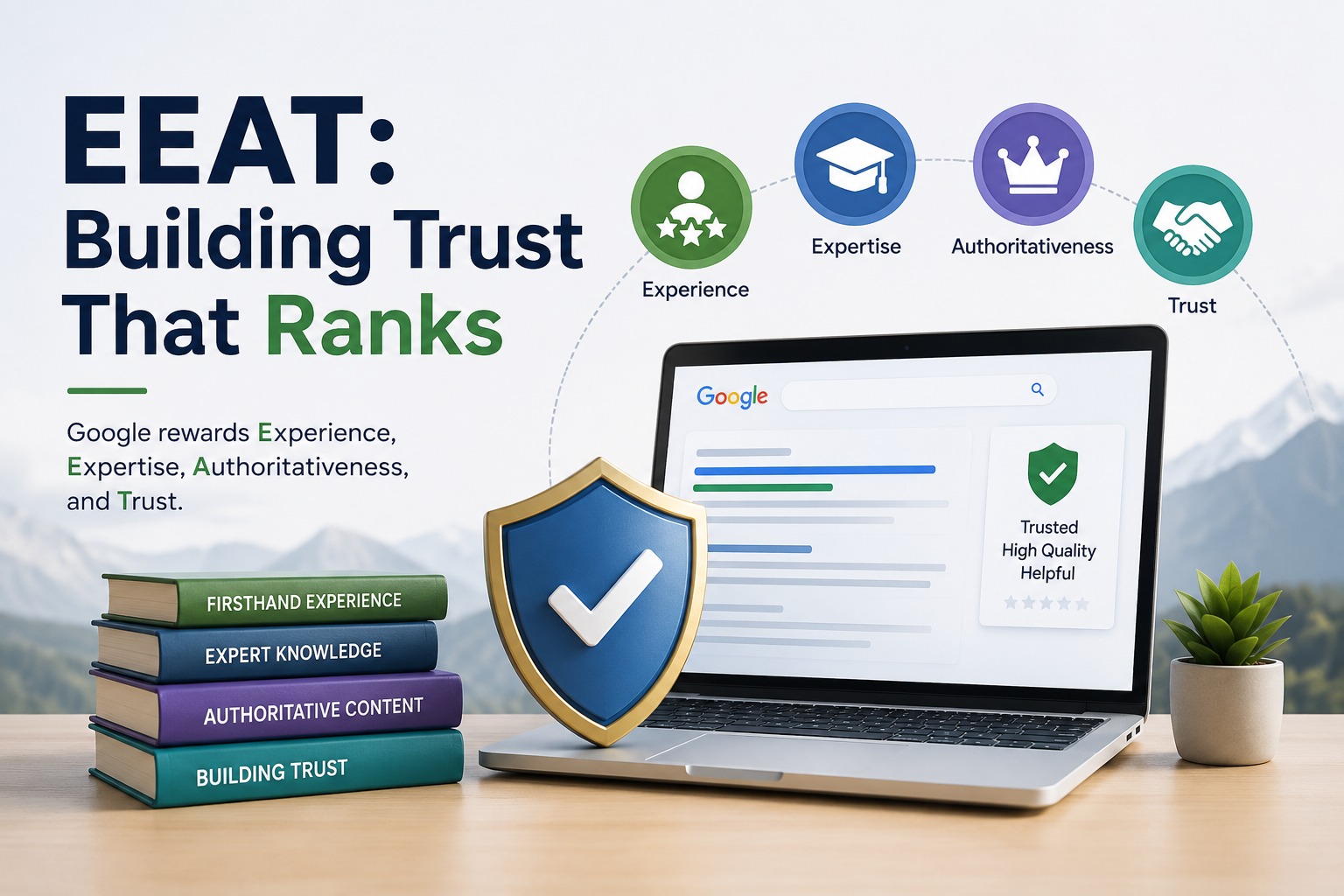
EEAT: Building Trust That Ranks

SEO and affiliate marketing in 2026 live and die by EEAT — Experience, Expertise, Authoritativeness, and Trustworthiness. Trustworthiness is the biggest one. It’s the conversion multiplier most people ignore.

Here’s how I build it practically:

  1. I write from real experience. If I’ve used a tool, I share specific things I noticed — not just a feature list.
  2. I share honest opinions, including what I don’t like about a product I’m promoting.
  3. I never copy or spin existing reviews.
  4. I update content regularly. Outdated pricing or wrong feature descriptions destroy credibility instantly.

One small thing that makes a real difference: add a proper author bio to every post explaining why you’re qualified to write about this topic. It signals credibility to both readers and Google.

Number - 4:

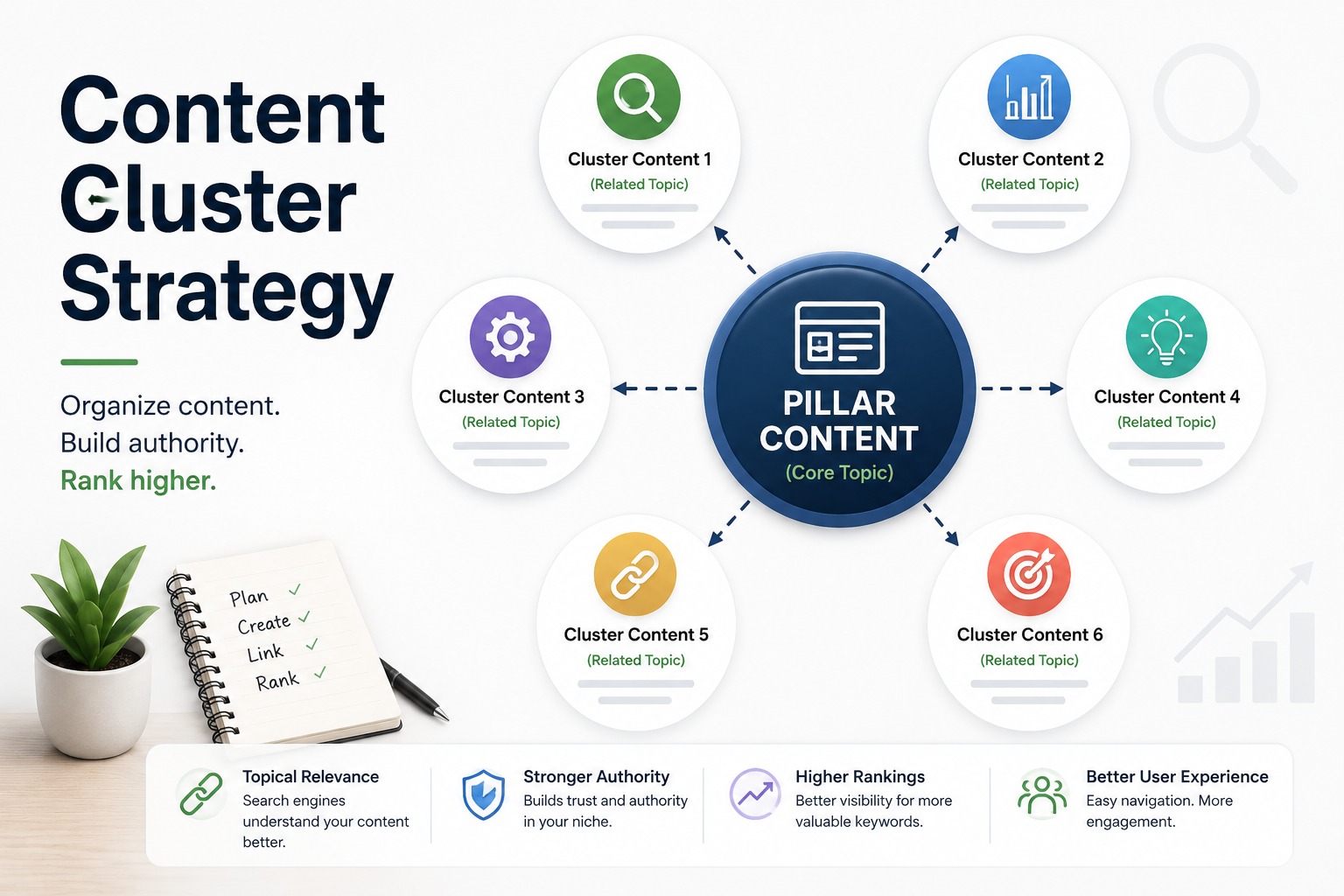
Content Cluster Strategy

This is the single biggest change I made — and it drove the most growth.

Instead of publishing disconnected posts, I build content clusters:

Pillar Page — A comprehensive guide on the main topic. Example: “The Complete Guide to Email Marketing Tools in 2026.”

Supporting Posts — Focused articles that go deep on subtopics and link back to the pillar. Examples:

  1. “Mailchimp vs ConvertKit: Which Is Better for Beginners?”
  2. “Best Email Marketing Tools for eCommerce”

Strong Internal Linking — Every supporting post links to the pillar, and the pillar links back out. This creates a self-reinforcing network that tells Google your site is a genuine authority — not just a random blog with one article on the topic.
Search engines in 2026 reward depth over breadth. One focused niche with connected content beats ten scattered topics every single time.

Number - 5:

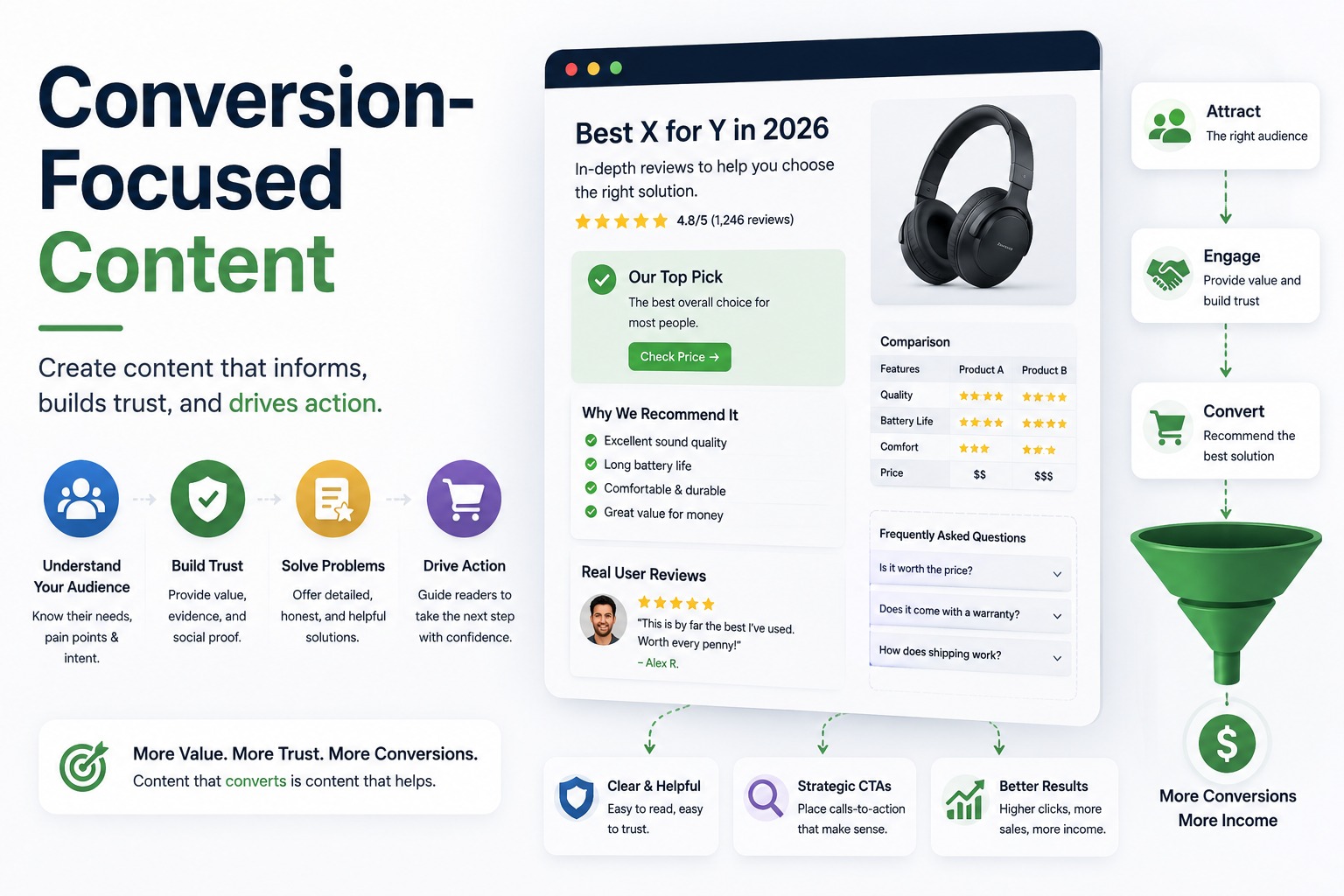
Conversion-Focused Content

Ranking on page one means nothing if nobody clicks your affiliate links. Here’s how I optimize for actual sales, not just traffic:

Smart CTA placement — I place calls-to-action right after answering a key question, when the reader’s confidence is highest. Not everywhere. Just at the right moment.
Comparison tables — Scannable, visual, and conversion gold. They help readers decide faster and keep them on the page longer.

Natural link placement — 2 to 3 affiliate links per article, placed where they make sense. Overloading a post with links makes it look spammy and hurts both trust and rankings.

Handle objections — Before any CTA, I address the main reason someone might hesitate. “Yes, it’s expensive — here’s why it’s still worth it.” Removing doubt converts

Number - 6:

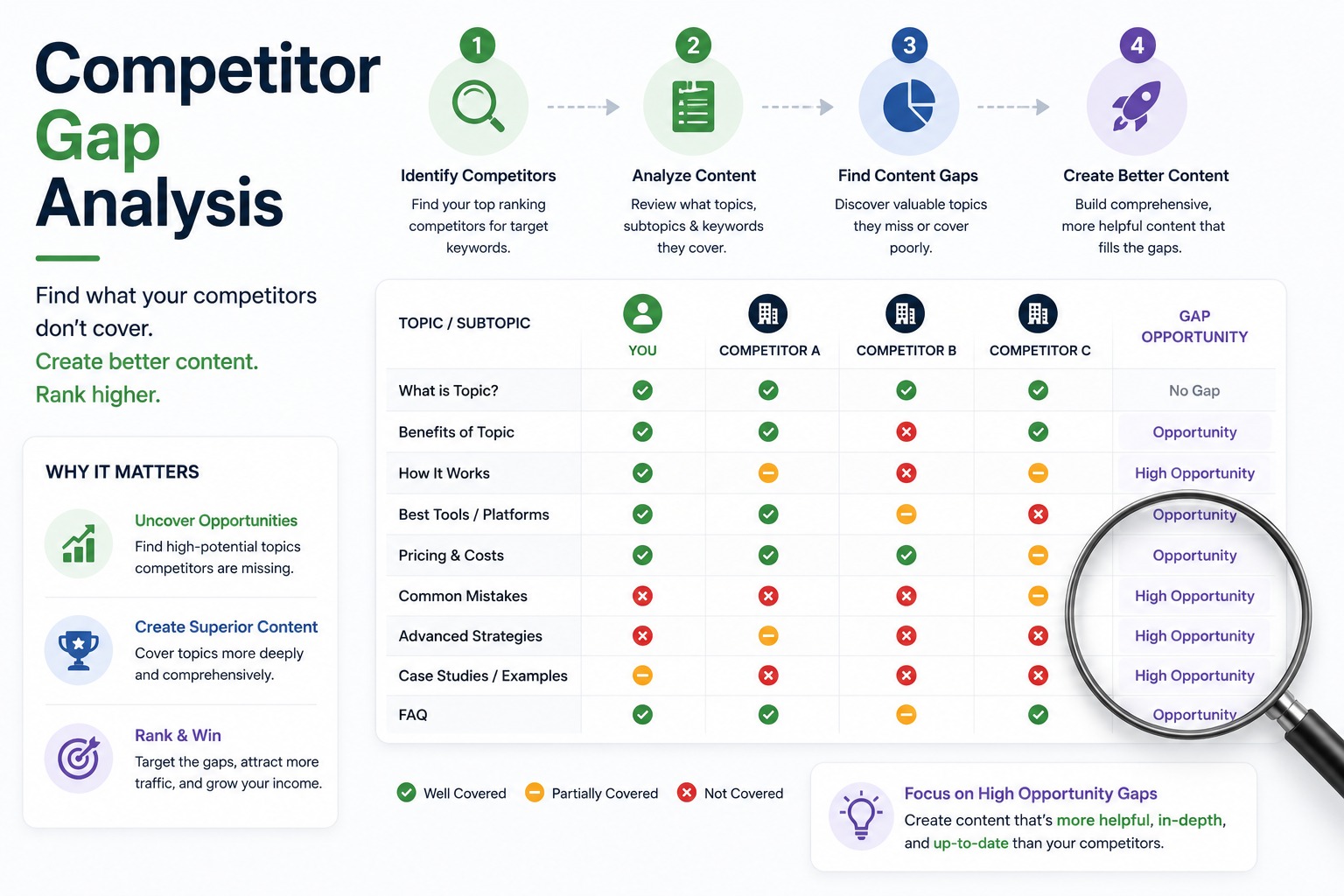
Competitor Gap Analysis

Before writing anything, I study the top 5 ranking pages for my target keyword. I ask three questions:

  1. What topics or questions are they missing?
  2. Is any of their information outdated?
  3. Where are their explanations too shallow?

Then I write the article that fills those gaps. If you’re more helpful than what’s currently on page one, you have a legitimate shot at outranking it — even without a massive domain authority.

Number - 7:

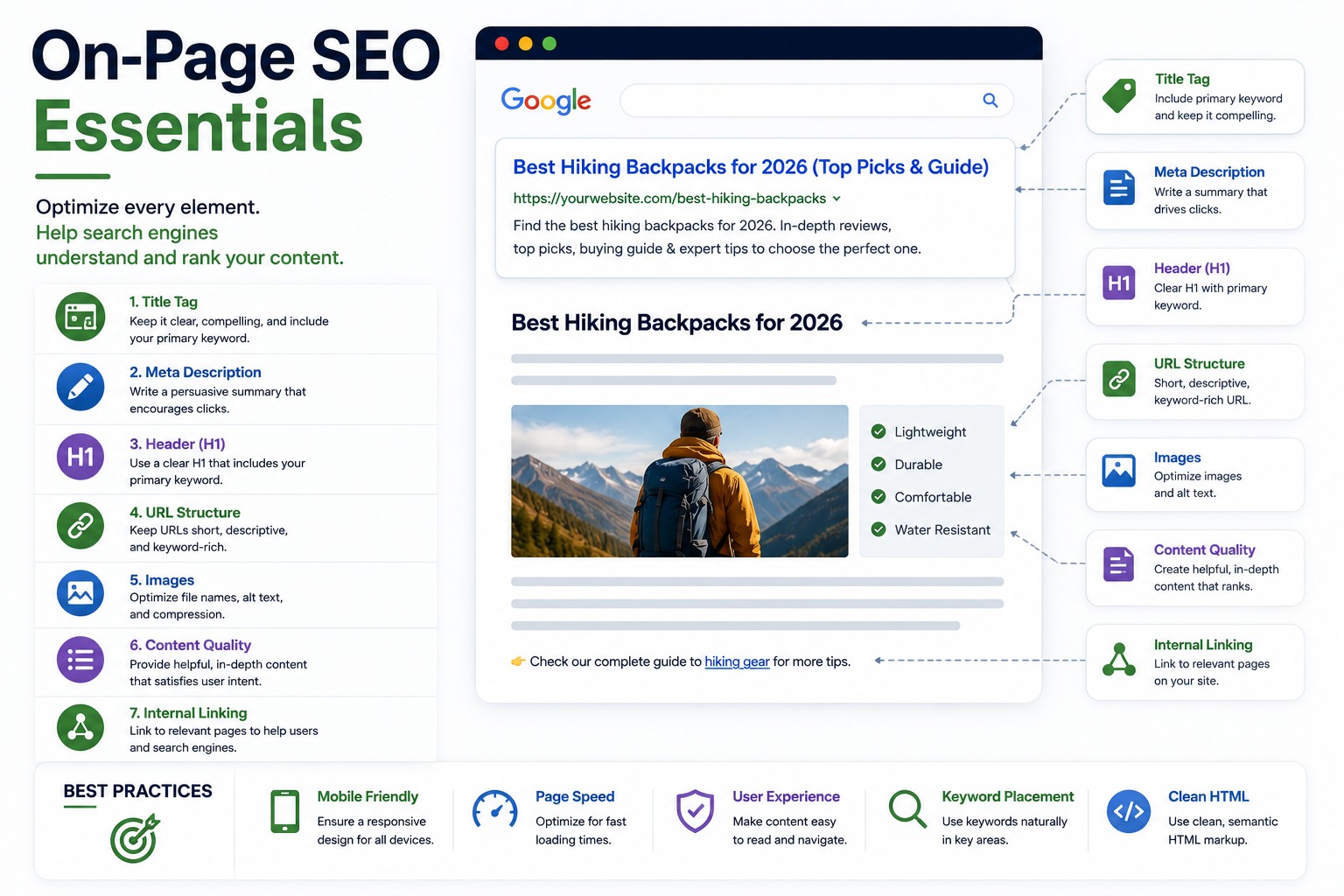
On-Page SEO Essentials

Every article I publish goes through this checklist:

  1. Title — Primary keyword included naturally, with a benefit-driven hook
  2. Meta description — Written to earn clicks, not just stuff keywords
  3. Heading structure — H1 for the title, H2 for main sections, H3 for sub-points
  4. URL — Short, clean, keyword-focused
  5. Image alt text — Descriptive and natural, not stuffed
  6. Schema markup — For reviews and comparisons, this can earn star ratings in search results and dramatically boost click-through rates

None of this is complicated. But skipping half of it is exactly what most affiliate bloggers do.

Number - 8:

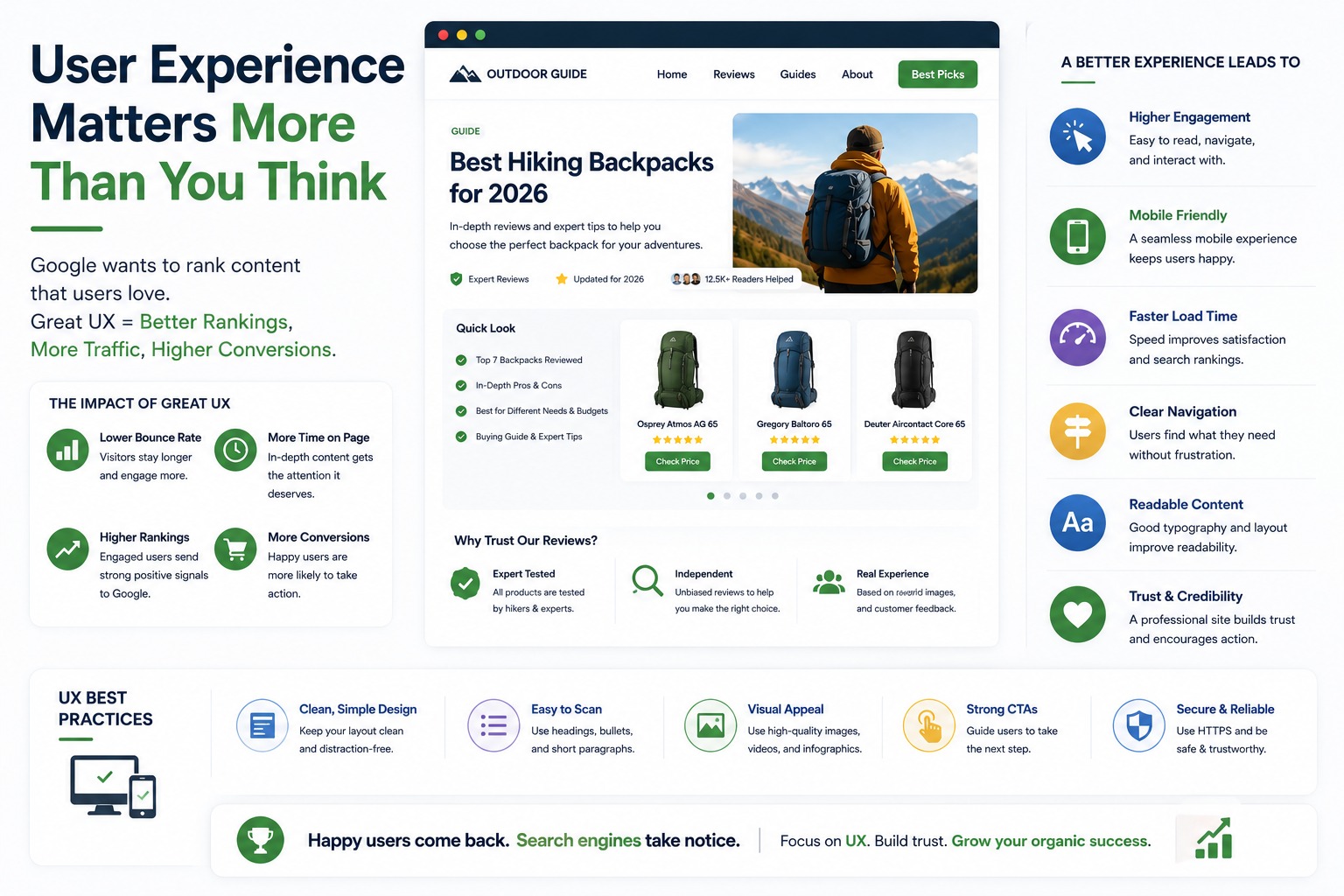
User Experience Matters More Than You Think

Fast-loading pages, mobile-friendly design, and clean formatting directly affect your rankings. Google uses mobile-first indexing — if your site looks broken on a phone, it ranks lower everywhere.

Beyond technical performance, readability matters:

  1. Keep paragraphs to 2-3 sentences maximum
  2. Use bullet points for lists and comparisons
  3. Write at a conversational reading level — clear beats clever every time

A simple test: read your article out loud. If any sentence trips you up, rewrite it.

Number - 9:

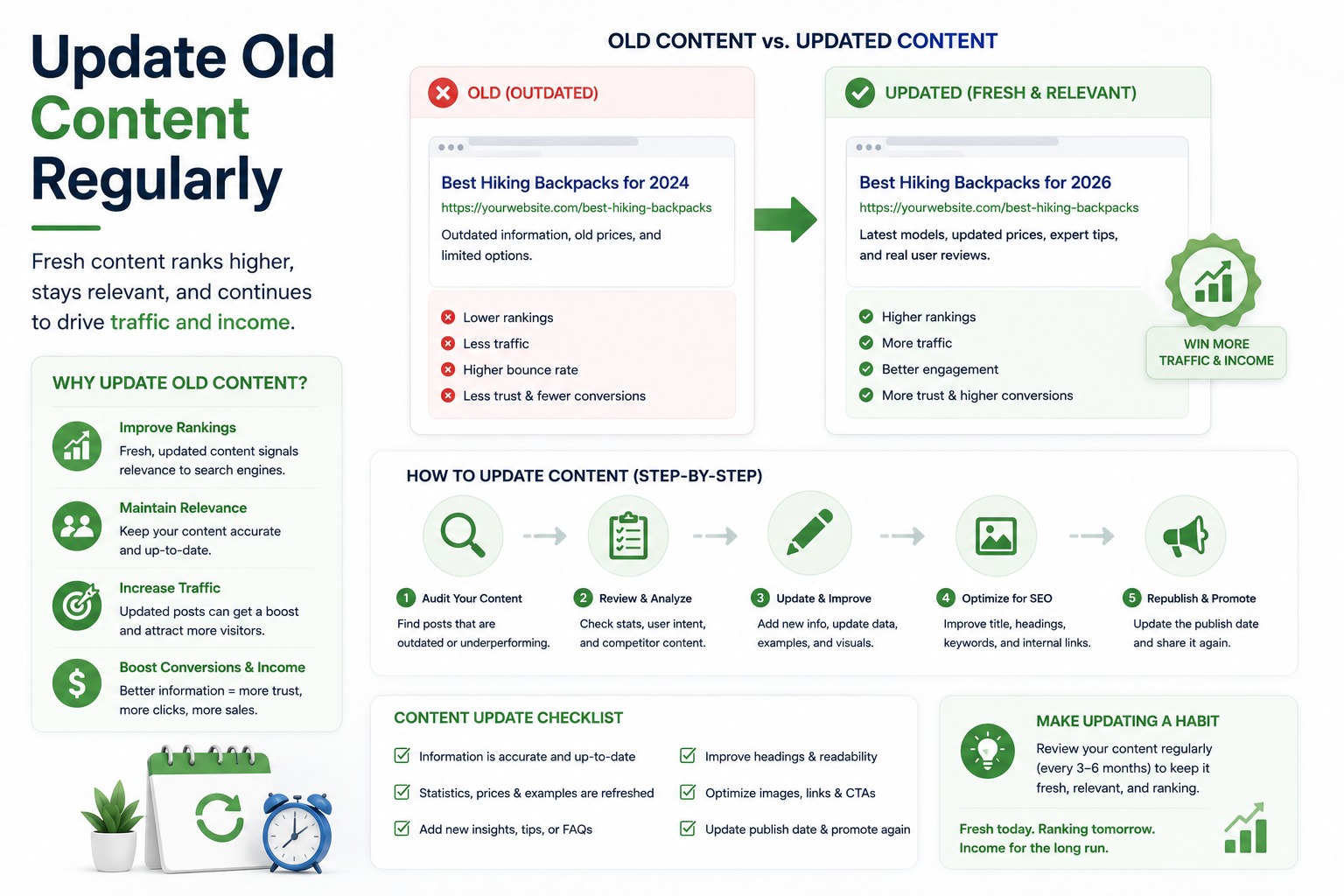
Update Old Content Regularly

Most affiliates publish a post and never touch it again. That’s one of the biggest missed opportunities in affiliate SEO.

Every few months I go back through my top articles and:

  1. Update pricing, features, or product details that have changed
  2. Add new questions I’m seeing people search for
  3. Improve sections that aren’t ranking as well as I’d like

Some of my biggest ranking jumps came from improving existing articles — not from writing new ones. Fresh, accurate content signals to Google that your site is actively maintained, and that matters.

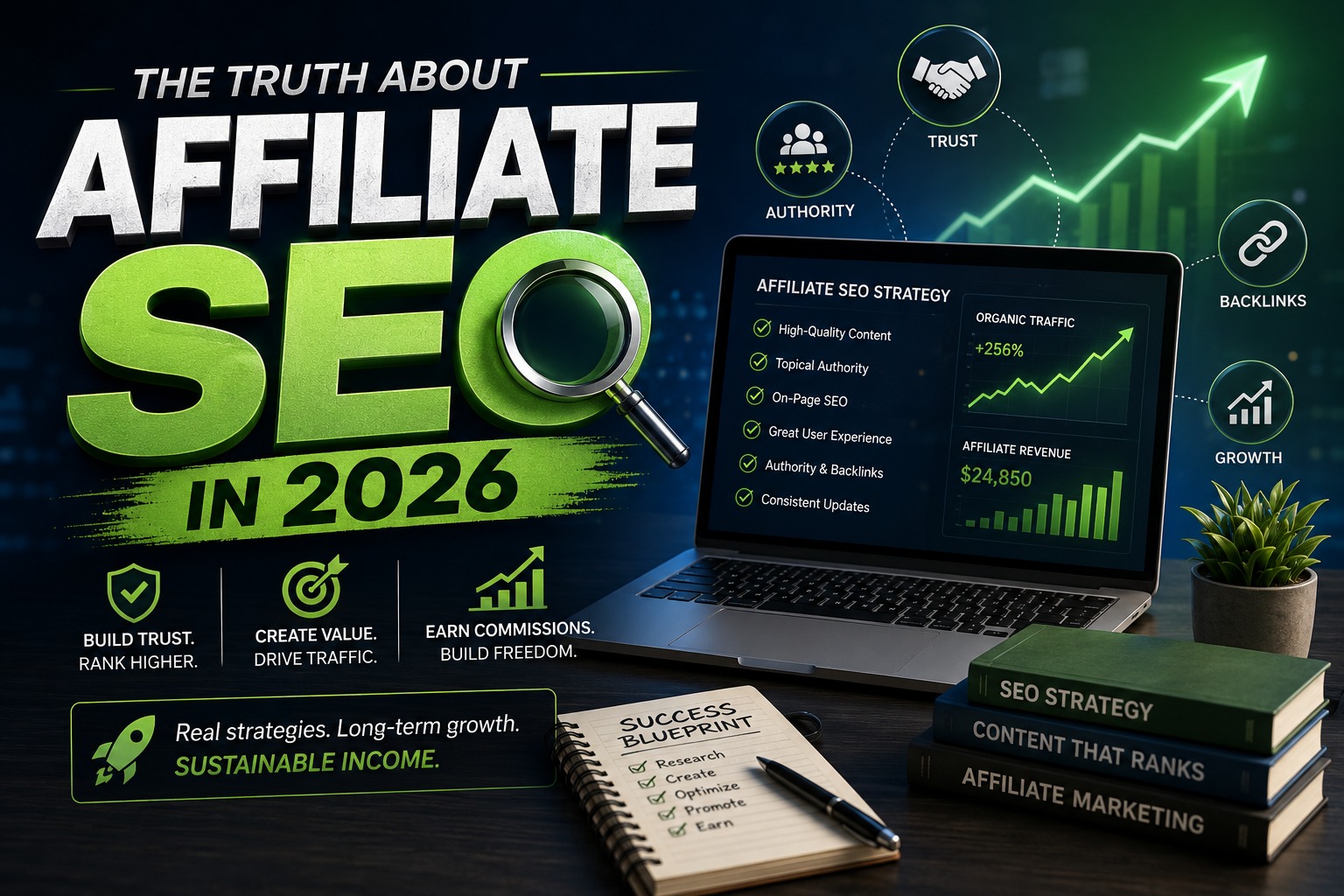
The Truth About Affiliate SEO in 2026

After everything I’ve tested and learned, here’s what I keep coming back to:

Affiliate SEO is not a quick-money strategy. It’s a trust-building business.

The content you optimize today can generate passive traffic and commissions for years — but only if it’s built on genuine value. Those who publish thin, low-effort content stay invisible. Those who consistently help readers make better decisions get rewarded by Google with traffic that compounds over time.

“Helping users better than your competitors do” — that’s the entire strategy, simplified.

If you get that part right, rankings follow. Traffic follows. And income follows the traffic.

If you found this helpful, feel free to share it or drop a comment. And if you’re just starting your affiliate SEO journey, just remember — it takes time, but every great piece of content you publish is an asset that works for you 24/7..

ChatGPT Image May 20, 2026, 10_17_37 PM

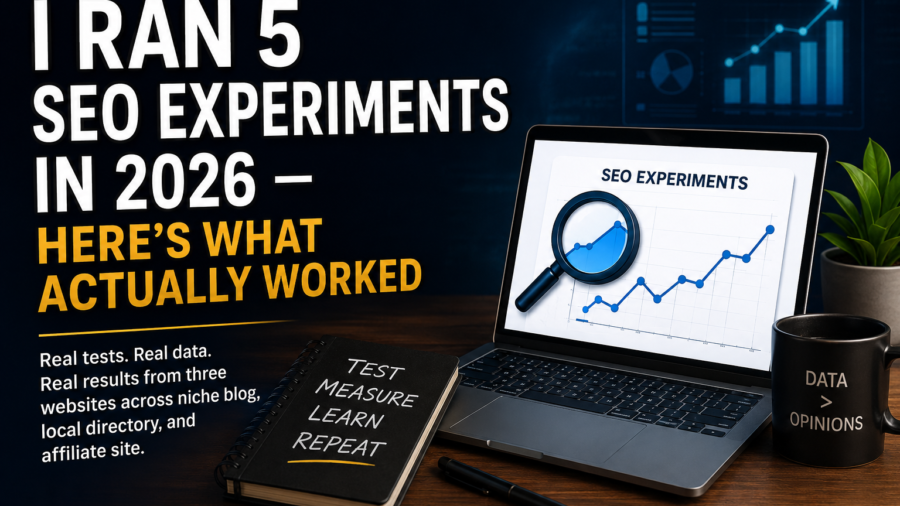
I Ran 5 SEO Experiments in 2026 — Here’s What Actually Worked

I Ran 5 SEO Experiments in 2026 — Here's What Actually Worked

I Was Tired of Generic SEO Advice

In early 2026, I stopped reading most SEO advice.

Not because it was wrong — but because everyone sounded certain while my own data showed chaos.

Pages with terrible UX were ranking. “Perfectly optimized” pages were dying. AI Overviews were destroying click-through rates overnight.

So instead of following best practices blindly, I started running experiments on my own sites — a niche blog, a local directory, and an affiliate site.

Some results surprised me. A few embarrassed me. Here’s the honest breakdown.

Experiment 1:

AI Overview CTR — Can You Still Win Clicks?

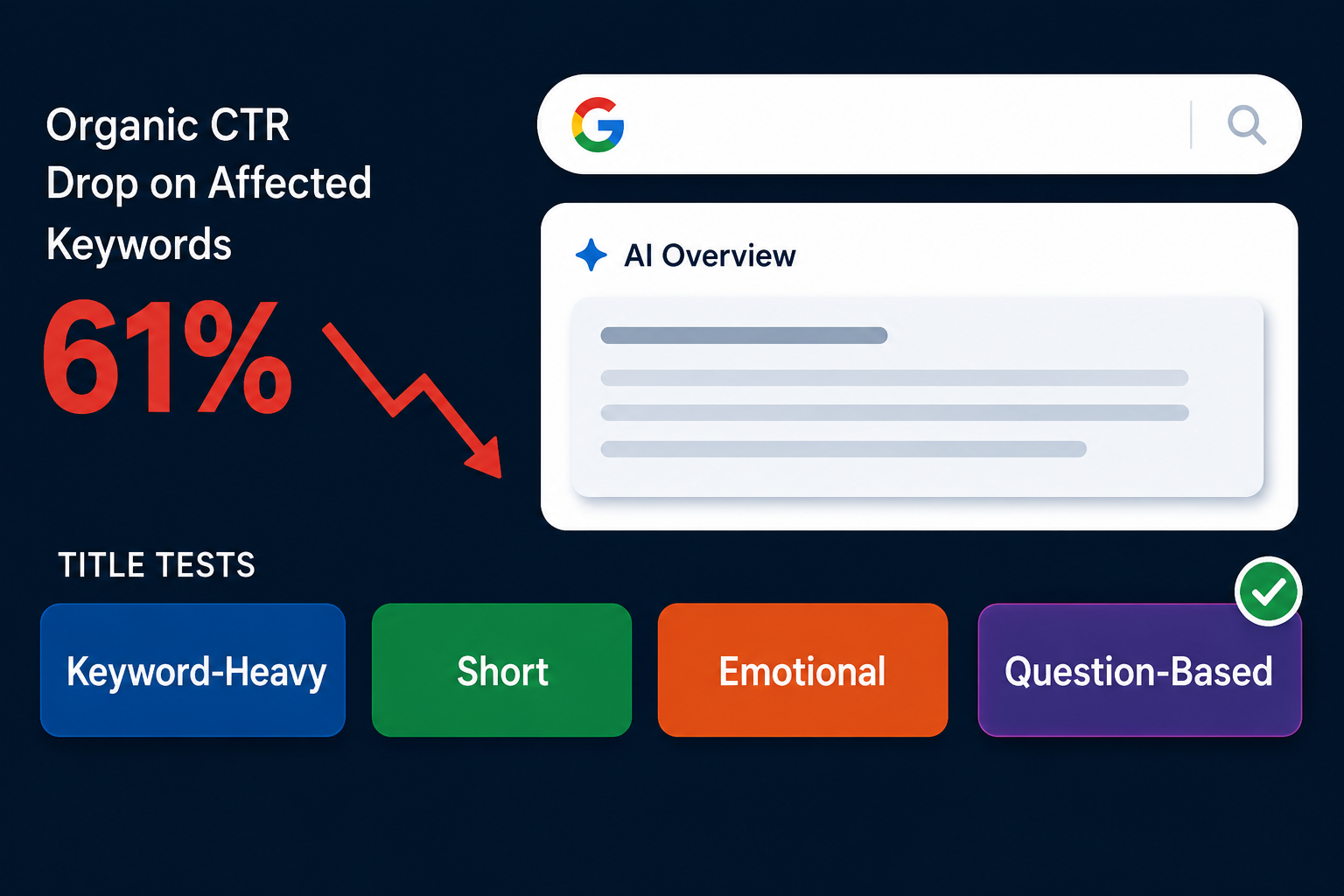
AI Overviews now appear in 13% of Google searches. Studies tracking over 5 million queries found organic CTR dropped 61% on affected keywords. My own impressions were climbing. My clicks were falling.

What I tested: Four title structures — keyword-heavy, short, emotional, and question-based. I also rewrote the first 100 words of 30 pages to sound more conversational.

What worked: Question-based titles performed best on informational pages. Conversational intros reduced bounce rates and improved time-on-page consistently.

What didn’t: Adding summary boxes to “appear in AI Overviews” had zero effect. Google decides who gets cited — no formatting trick changes that.

Takeaway: Stop trying to appear in AI Overviews. Focus on making your page worth clicking after one.


Experiment 2:

Programmatic SEO — The Dream That Nearly Went Wrong

I built 800 template pages for my local directory site. City + service combinations, clean structure, dynamic data.

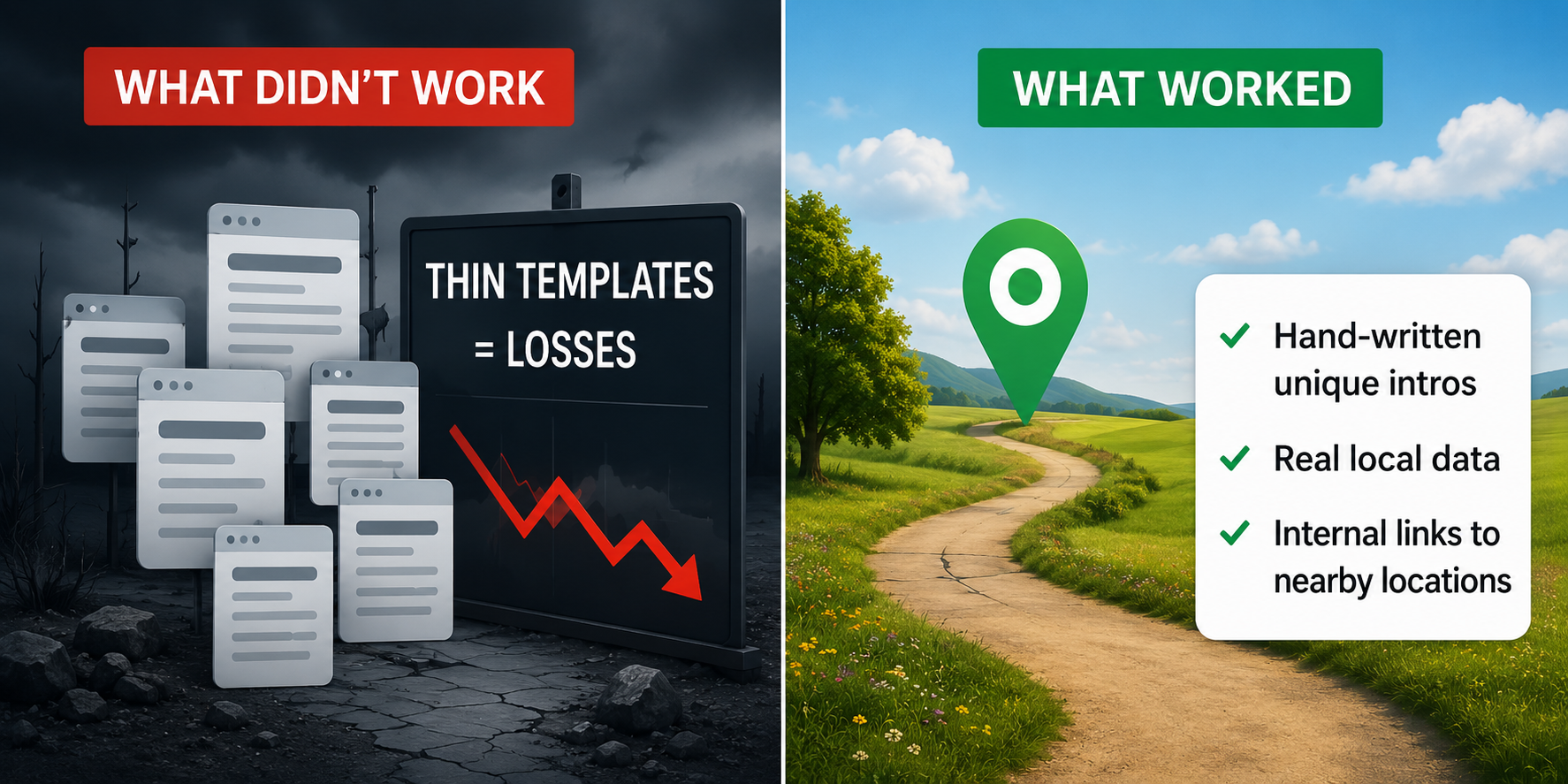
Google crawled fewer than 200 in the first three weeks. Then the March 2026 core update hit — explicitly targeting “scaled content abuse.” Pages with only the city name swapped in took heavy losses. Pages with real local data survived.

What finally worked:

  1. Hand-written unique intros for each location
  2. Real local data, not just name-swapped templates
  3. Internal links to nearby locations and related pages

Takeaway: The “volume at all costs” era of programmatic SEO is dead. Every page needs to answer a question no other page on your site already answers.


Experiment 3:

Internal Linking — The Most Underrated Fix I Found

My affiliate site had 60–80 links per page — sidebars, footers, related post plugins everywhere.

I ran a two-week cleanup:

  • Removed sidebar and footer link clusters
  • Added contextual body links in the top third of each page
  • Rebuilt everything around topic clusters — pillar pages linking to cluster articles, cluster articles linking back

Result: Several pages stuck between positions 8–15 moved to page one within three weeks. Orphan pages I connected to relevant clusters started showing impressions within days.

Takeaway: Fewer, better, more intentional links beat scattering links everywhere. Body links are editorial signals. Footer links are just navigation.


Experiment 4:

EEAT — Does an Author Box Actually Help?

I added author bios, real photos, LinkedIn links, and experience notes to 20 articles. Left 20 similar articles unchanged as a control.

Ranking impact was hard to isolate. But engagement was clear — lower bounce rates and longer sessions on articles with author signals.

Where it mattered most: YMYL-adjacent content (health, finance, purchase decisions). Google’s systems are more sensitive to author credibility on these topics.

What didn’t work: Inflated or vague bios. Google updated its Quality Rater Guidelines in January 2025 specifically to flag fake author profiles.

Takeaway: A genuine bio with real credentials and a LinkedIn link outperforms any generic “SEO expert” label every time.

Experiment 5:

Content Velocity — New Posts vs. Updating Old Ones

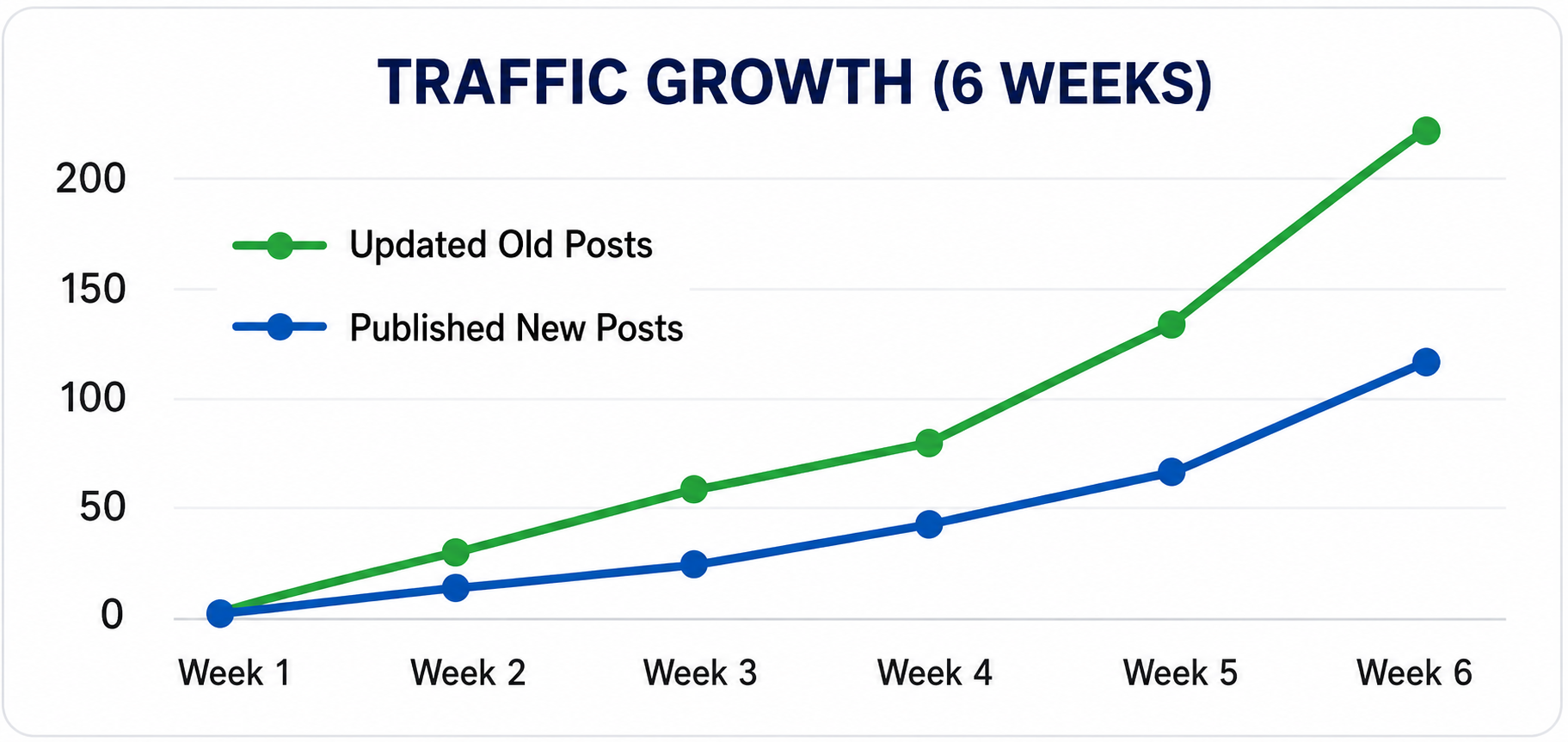
I paused new publishing for six weeks and updated 40 existing posts sitting on pages 2–3. Not just refreshing dates — I rewrote intros, added new data, improved internal links, and trimmed dead weight.

Result: Updating old articles drove more traffic growth in six weeks than three months of fresh publishing had done. Two posts jumped from positions 11–15 straight to page one.

Takeaway: If you have content close to page one, updating it will almost always outperform writing something new for the same keyword.


What Failed — And I Mean Badly

  • AI-written content at scale: Weak engagement, poor rankings, removed most of it after two months.
  • Over-optimized headings: Every H2 became a keyword phrase. Pages read like robot documentation. Bounce rates went up.
  • Excessive schema markup: Added every schema type I could. Google displayed rich results based on its own judgment regardless.
  • Topical map obsession: Comprehensive coverage with thin execution. It diluted authority, not built it.
  • Too many internal links: 20–30 contextual links per article felt like over-optimization. Rankings stabilized after the cleanup.


What 2026 Has Taught Me About Google

  • Uncertainty is the baseline. What you change and what Google does in response is rarely linear.
  • Human signals now outweigh optimization signals. Time on page, low bounce, scroll depth — these matter more than on-page tweaks.
  • AI search changed the rules without asking. Zero-click SEO is not a future problem. It’s the current reality.
  • Retrieval matters as much as ranking. Being cited by AI tools like ChatGPT and Perplexity is becoming as valuable as a page-one ranking. Trust, clarity, and original data drive both.


The SEOs who will survive 2026 are not the ones with the best frameworks. They are the ones willing to test, fail honestly, and adapt without ego.

Experiments were run across three personal websites. Results vary by niche, domain authority, and competitive landscape.


ChatGPT Image May 17, 2026, 12_46_37 PM

Shopify Technical SEO: The Complete Guide(2026)

Shopify Technical SEO: The Complete Guide to Ranking Higher on Google

Most Shopify store owners obsess over product descriptions and ad spend — while their sites quietly bleed rankings due to fixable technical problems. Shopify technical SEO is the foundation everything else sits on, and without it, even the best content strategy will underperform.

This guide covers every critical technical SEO element for Shopify stores: site speed, crawlability, Core Web Vitals, mobile optimisation, and the common fixes that actually move the needle. If you want your store to rank on page one, this is where you start.


What Is Shopify Technical SEO (and Why It Matters More Than You Think)

Shopify technical SEO is the process of optimising your store’s underlying infrastructure so search engines can efficiently crawl, index, and rank your pages — while simultaneously delivering a fast, frictionless experience to real users.

It’s distinct from on-page SEO (keywords, content) and off-page SEO (backlinks). Technical SEO is about what happens under the hood: server response times, URL structures, canonical tags, sitemap health, and structured data. Get these wrong, and Google either can’t read your store properly or penalises it for poor user experience signals.

Here’s why this matters at scale: according to Google’s own data, 53% of mobile users abandon a site that takes longer than three seconds to load. For a Shopify store running dozens of apps, uncompressed images, and render-blocking scripts, that threshold is dangerously easy to breach.

The mistake most store owners make is treating technical SEO as a one-time setup task. In practice, it’s an ongoing discipline — because every new app you install, every product you add, and every theme update you push can introduce new issues.

Site Speed: The Shopify Ranking Factor You Can't Afford to Ignore

Site speed is not a secondary concern — it is a direct Google ranking signal, confirmed as part of the Page Experience update. Slow Shopify stores lose rankings and conversions simultaneously.

A one-second delay in page load time reduces conversions by 7%, according to research from Akamai. For a store doing £10,000 per month, that’s £700 in lost revenue — from a single second of lag.

How to Improve Shopify Store Speed

Focus on these high-impact actions first:

  1. Compress and convert images — Use WebP format instead of JPEG or PNG. Shopify natively supports WebP for most themes, but you need to verify your image pipeline is actually serving it.
  2. Audit your installed apps — Every Shopify app injects code into your storefront. Run a speed test in GTmetrix before and after installing any app. Many stores carry 15–20 apps when five would do the same job.
  3. Minimise render-blocking JavaScript — Defer non-critical scripts so the browser loads visible content first. This directly improves your Largest Contentful Paint (LCP) score.
  4. Leverage Shopify’s CDN — Shopify hosts all store assets through Fastly’s content delivery network by default. Make sure you’re routing all media through this CDN rather than external hosts.
  5. Reduce theme bloat — Many popular Shopify themes ship with features you’ll never use. A developer can strip unused CSS and JavaScript, often cutting page weight by 30–40%.

What actually works here is prioritising ruthlessly. Don’t try to fix everything at once — run Google PageSpeed Insights, identify your three worst-scoring issues, fix those first, then re-test.


Core Web Vitals: Shopify's Most Misunderstood Technical SEO Challenge

Core Web Vitals are Google’s three primary user experience metrics, and they carry direct ranking weight since the 2021 Page Experience update.

The Three Metrics That Matter

  1. Largest Contentful Paint (LCP) — Measures how fast your main content loads. Target: under 2.5 seconds. For Shopify stores, the hero image or product image is typically the LCP element. Compressing and preloading this asset is the single fastest win.
  2. Cumulative Layout Shift (CLS) — Measures how much the page visually jumps around as it loads. Target: under 0.1. Common culprits on Shopify are lazy-loaded images without defined dimensions and banners injected by third-party apps.
  3. Interaction to Next Paint (INP) — Google’s newest metric, replacing First Input Delay. It measures responsiveness across all interactions. Target: under 200ms. Heavy JavaScript from review apps and chat widgets is a frequent offender.

In practice, most Shopify stores struggle most with LCP and CLS. Start there. Use Google Search Console’s Core Web Vitals report to see which URLs are failing — it segments by mobile and desktop separately, and mobile scores are typically worse.


Crawlability and Indexing: Technical SEO Fundamentals for Shopify Stores

Search engines can only rank pages they can find and understand. Crawlability and indexing issues are silent killers — your pages exist, but Google has effectively ignored them.

Sitemap and Robots.txt

Shopify automatically generates an XML sitemap at yourstore.com/sitemap.xml. This is useful, but not perfect. By default, it includes every page Shopify creates — including pages you may not want indexed, like internal search results or duplicate collection/tag pages.

Here’s what to do:

  1. Submit your sitemap to Google Search Console and monitor it regularly for errors.
  2. Check your robots.txt file at yourstore.com/robots.txt. Shopify’s default blocks certain paths, but you may need to customise this — particularly if you’re running international stores or staging environments.
  3. Monitor crawl coverage in Google Search Console monthly. The Coverage report tells you which pages are indexed, which are excluded, and why.

Canonical Tags and Duplicate Content

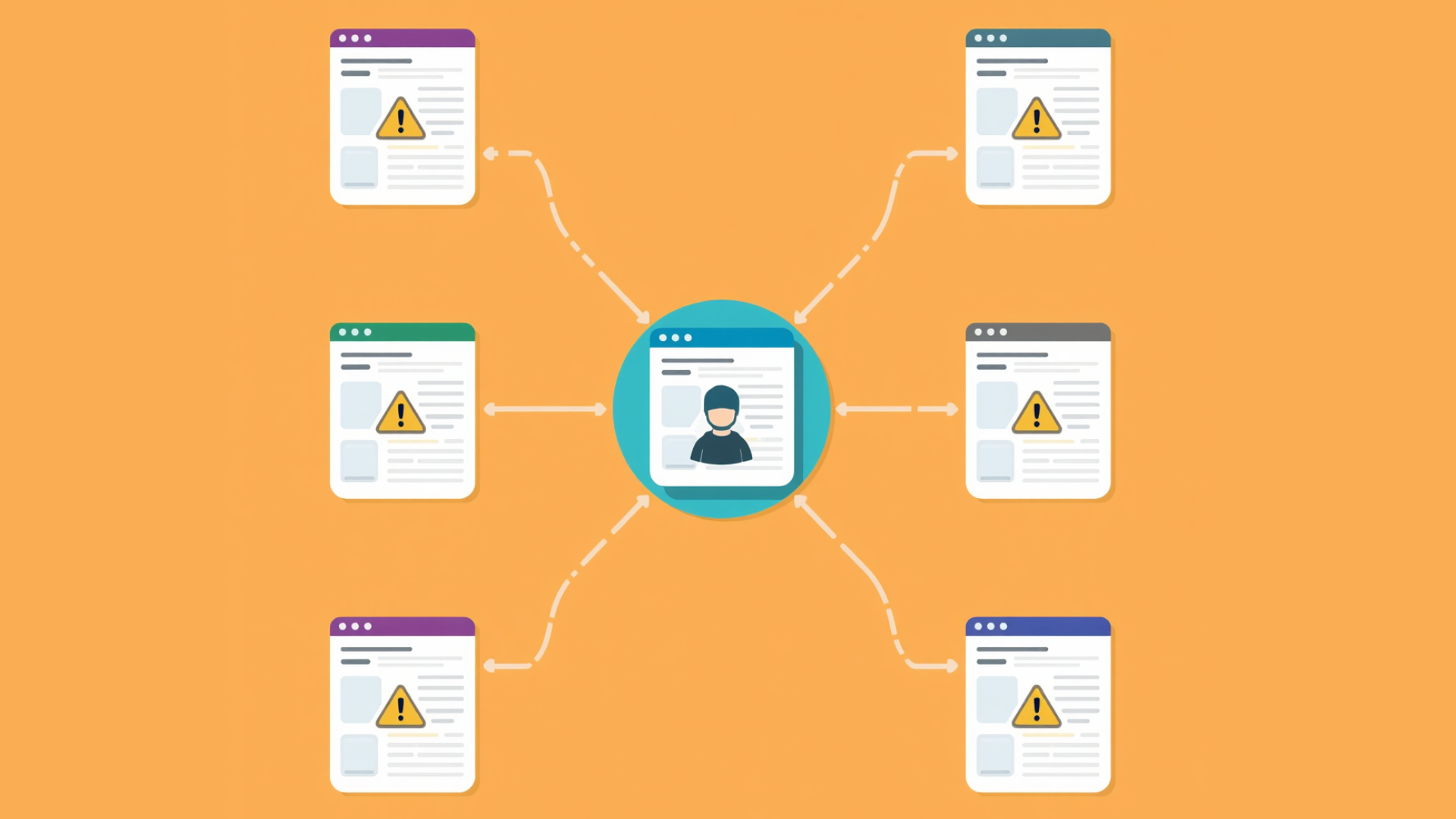
Shopify has a well-documented duplicate content issue. When a product appears in multiple collections, Shopify generates multiple URLs for it:

  1. /products/blue-trainers
  2. /collections/mens/products/blue-trainers
  3. /collections/sale/products/blue-trainers

Shopify adds canonical tags to point all variants to the primary /products/ URL — but this only works if your theme is properly configured. Audit your canonical tags using Screaming Frog or Ahrefs Site Audit to confirm they’re pointing where you expect.

That said, canonical tags are a signal, not a directive. If Google sees too much duplicated content across your collection URLs, it may still crawl budget on pages you don’t want prioritised.


URL Structure and Site Architecture for Shopify SEO

A clean URL structure helps both users and search engines understand how your store is organised. Shopify imposes some structural constraints — all products live under /products/, all collections under /collections/ — but within those constraints, you have control over slugs.

Best practices for Shopify URL optimisation:

  1. Keep URLs short and descriptive — /products/mens-leather-oxford-shoes beats /products/product-1234-variant-b
  2. Use hyphens, not underscores — Google treats hyphens as word separators; underscores are read as one string
  3. Avoid unnecessary parameters — Filter and sort parameters (e.g., ?sort_by=price) can create crawl waste if not handled correctly
  4. Don’t change URLs unnecessarily — If you must change a URL, implement a 301 redirect immediately. Shopify makes this straightforward via the admin panel under Navigation → URL Redirects

Site architecture matters too. Your most important category pages should be reachable within two clicks from the homepage. The deeper a page is buried, the less crawl priority Google assigns it.

Shopify Technical Fixes: Resolving the Issues That Kill Rankings

Regular technical audits catch problems before they compound. Here are the most common Shopify-specific technical SEO issues — and how to fix them.

Broken Links and Redirect Chains

Broken internal links (404 errors) waste crawl budget and damage user experience. After any product or page deletion, set up a 301 redirect immediately. Use Screaming Frog to crawl your site monthly and export all 4xx errors.

Redirect chains — where URL A redirects to URL B, which redirects to URL C — slow down both users and crawlers. Clean these up by pointing directly to the final destination URL.

Missing or Duplicate Meta Tags

Every product and collection page needs a unique, keyword-relevant title tag and meta description. Shopify themes pull these from your product titles by default, which often creates duplicate or keyword-poor meta tags across similar products.

Audit your meta tags with any SEO crawler and prioritise fixing:

  1. Pages with duplicate title tags
  2. Pages with title tags over 60 characters (truncated in SERPs)
  3. Collection pages with no unique meta description


Mobile Optimisation: Non-Negotiable for Shopify Technical SEO

Google uses mobile-first indexing — meaning it crawls and ranks your site based on the mobile version. If your mobile experience is broken, your rankings are broken.

All current Shopify themes are responsive by default, which solves the basic problem. But responsive doesn’t automatically mean optimised. Test your store on real devices, not just browser emulators. Pay specific attention to:

  1. Tap target sizes (buttons and links should be at least 44×44px)
  2. Font readability without zooming
  3. How your navigation collapses on small screens
  4. Load speed on a throttled 4G connection (simulated in Chrome DevTools)


Key Takeaways

  1. Shopify technical SEO is ongoing, not a one-time fix — new apps, products, and theme changes introduce new issues regularly
  2. Site speed and Core Web Vitals carry direct ranking weight — target LCP under 2.5s, CLS under 0.1, and INP under 200ms
  3. Duplicate content from collection URLs is a Shopify-specific problem — audit your canonical tags to ensure Google indexes the right version of each product page
  4. Crawlability depends on a healthy sitemap, a clean robots.txt, and regular Search Console monitoring — don’t set and forget
  5. Mobile-first indexing means your mobile experience determines your rankings — test on real devices, not just desktop emulators


Frequently Asked Questions

How is Shopify technical SEO different from regular SEO?

Shopify technical SEO addresses platform-specific issues that general SEO advice doesn't cover — like Shopify's automatic duplicate URLs for products in multiple collections, its default robots.txt configuration, and the performance impact of third-party apps. While the core principles apply everywhere, you need to understand Shopify's architecture to fix issues correctly rather than applying generic solutions that don't fit.

How do I check if my Shopify store has technical SEO problems?

Start with three free tools: Google Search Console (for indexing issues, Core Web Vitals data, and crawl errors), Google PageSpeed Insights (for speed and CWV scores on specific URLs), and Screaming Frog's free tier (for crawling up to 500 URLs to find broken links, duplicate meta tags, and missing alt text). Run all three and prioritise the issues flagging as errors before addressing warnings.

Does Shopify handle technical SEO automatically?

Shopify handles some technical SEO out of the box — it generates sitemaps, adds canonical tags, provides SSL, and serves assets through a CDN. But it doesn't optimise itself. You still need to manage image compression, app bloat, URL structures, meta tags, redirect maintenance, and Core Web Vitals scores. Shopify gives you a solid foundation; technical SEO discipline is what builds on top of it.